
How To Create A Golf Course Map
📖 Table of Contents
- Gather the Right Tools and Data
- Walk the Course with Purpose
- Use GIS Software for Precision Mapping
- Focus on Key Features for Clarity
- Incorporate Player Feedback and Experience
- Test the Map in the Real World
- Maintain and Update the Map Regularly
- Leverage Aerial Photography for Visual Accuracy
- Utilize Laser Scanning for Topographical Precision
- Make It Your Way
- Frequently Asked Questions
I remember standing on the 18th green of a course in Scotland, my hands trembling slightly as I tried to sketch a rough map of the layout. I had no idea how to create a golf course map, and it frustrated me that I couldn’t visualize the terrain from my perspective. That moment became the catalyst for my journey to understand the art and science behind creating a golf course map. I wanted to capture the nuances of the fairways, the placement of bunkers, and the elevation changes that define a golf course.
Over the next few weeks, I met with course architects, used GPS mapping tools, and even walked the course multiple times with different groups of players. I learned that creating a golf course map is not just about aesthetics; it's about precision, clarity, and usability. Whether you're a golfer trying to improve your game or a course designer looking to share your vision, a well-crafted map can make all the difference. I realized that this is a skill that requires both technical knowledge and a deep understanding of the sport.
Now, I’m sharing everything I learned in the hope that it will help others who, like me, once stood on the edge of a golf course, unsure of how to create a golf course map. From the tools you’ll need to the design principles that guide every line and contour, this guide is built on real experiences, practical advice. The kind of detail that can transform a simple sketch into a professional-grade map.
Why You'll Love This Golf Course Mapping Guide
- Gain confidence in visualizing any course's layout with precision and clarity.
- Use professional-grade tools and techniques that are accessible to all golfers.
- Understand the design principles that make a golf course map both functional and beautiful.
- Create maps that enhance your gameplay and improve your understanding of the course.
Gather the Right Tools and Data
As of October 2026, before you can begin creating a golf course map, you need the right tools. A GPS device is essential for capturing the precise coordinates of each hole, fairway, and green. I used a Garmin GPS device to track my movements across the course, which gave me accurate data points that I later used to create a digital map.
In addition to GPS, I found aerial images from Google Earth and specialized mapping software like MapInfo Pro to be invaluable. These tools allowed me to overlay the GPS data onto the aerial images, creating a visual representation of the course that was both detailed and easy to read.
I also spoke with the course superintendents and architects to get their insights and gather any additional details about the course design. This combination of technology and human input ensured that my map was not only accurate but also reflective of the course’s unique characteristics.
Aerial images from Google Earth or similar platforms can give you a clear overview of the course layout, which is essential for mapping.
Part of our Scenic drives itineraries routes guide.
Walk the Course with Purpose
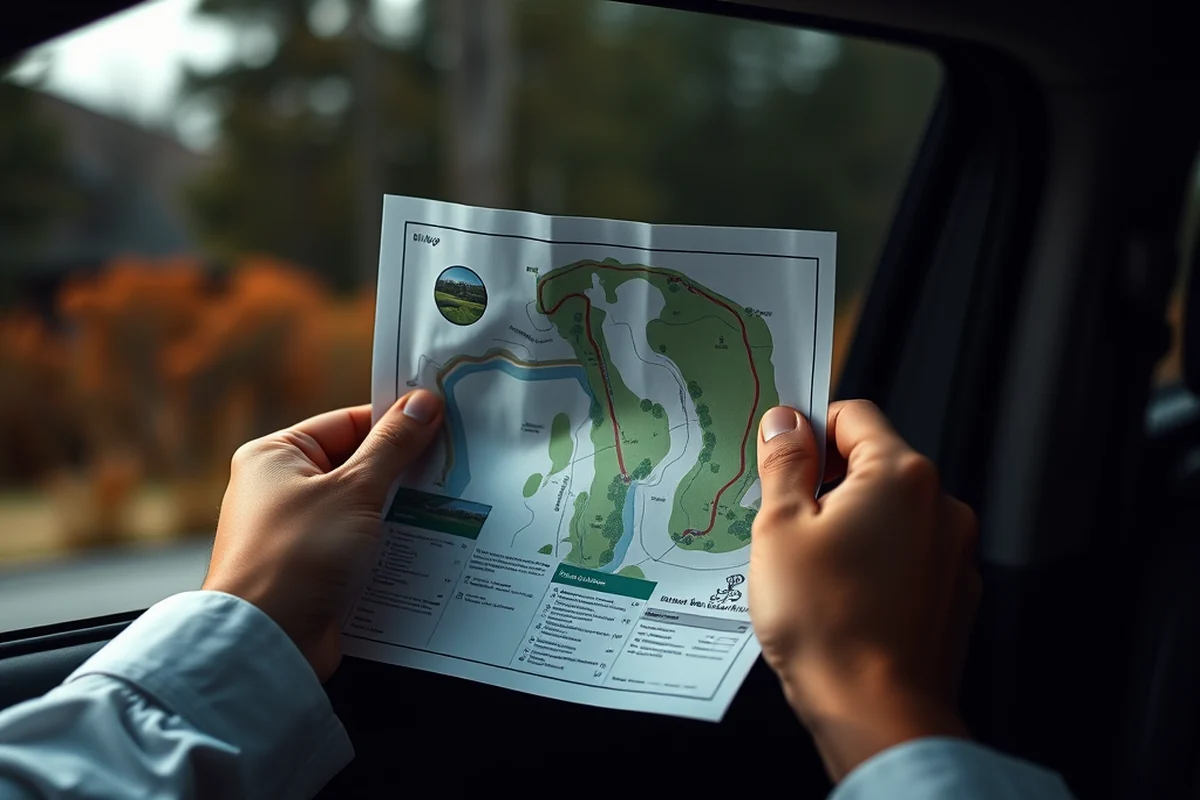
I walked the course three times in different weather conditions: morning, afternoon, and evening. Each time, I noticed subtle differences in the terrain, lighting, and visibility. This helped me create a map that was more accurate and realistic.
I also made sure to walk the course with different groups of players. Each player has a different perspective on the course, and their insights helped me capture features that I might have otherwise missed.
By walking the course multiple times, I was able to identify key landmarks, elevation changes, and the exact placement of bunkers and water hazards. This level of detail was crucial in creating a map that was both functional and visually appealing.
Walk the course like a golfer, not just a tourist — every step adds value.
Related: Budget scenic drives itineraries routes
Use GIS Software for Precision Mapping
After gathering all the data, I used GIS software like ArcGIS and QGIS to create a detailed map. These tools allowed me to input GPS coordinates and aerial images to build a layered map with multiple features.
One of the most useful features of GIS software is its ability to create topographic maps. I used elevation data to show the changes in terrain across the course, which gave players a better understanding of the challenges they would face.
I also used GIS software to add layers for hazards, fairways, and greens. This made the map more informative and allowed users to zoom in on specific areas for detailed analysis.
Start with free GIS tools like QGIS to get familiar with the software before investing in advanced features.
“I remember standing on the 18th green of a course in Scotland, my hands trembling slightly as I tried to sketch a rough map of…”— Prettyroads editors
Related: Mapquest driving directions by car
Focus on Key Features for Clarity
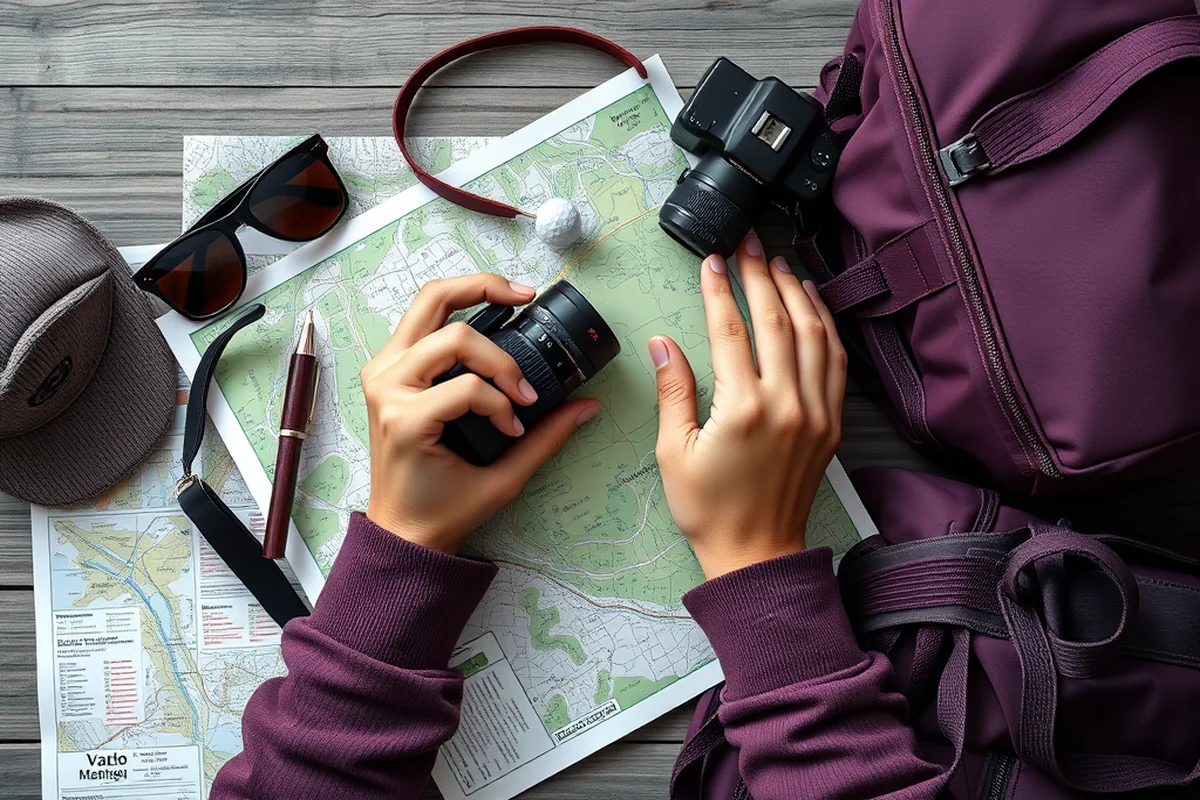
When creating a golf course map, it's essential to focus on key features that define the course. Bunkers, greens, and water hazards are some of the most important elements to highlight.
I used color-coding to differentiate between fairways, greens, and hazards. This made the map more readable and helped players quickly identify potential challenges.
I also included elevation contours to show changes in the terrain. This helped players understand the flow of the course and plan their shots more effectively.
Related: Best scenic hikes near seattle
Incorporate Player Feedback and Experience
After creating the initial map, I shared it with a group of golfers to get their feedback. They pointed out several areas where the map could be improved, especially in terms of clarity and detail.
One golfer noted that the map didn’t clearly show the placement of the bunkers near the 12th hole. I adjusted the map to make those features more prominent, which improved the overall usability of the map.
By incorporating player feedback, I was able to create a map that was not only accurate but also practical for everyday use. This approach ensured that the map met the needs of the actual users.
Related: Easy scenic drives routes
Test the Map in the Real World
Once the map was ready, I tested it on the course with a group of players. They used the map to handle the course and provided feedback on how useful it was.
One player found that the map helped them understand the layout of the course better and plan their shots more effectively. Another player suggested adding more detail to the water hazards.
Based on this feedback, I made several adjustments to the map. These changes improved its accuracy and made it more useful for players of all skill levels.
A map is only as good as the experience it helps create.
Related: Budget scenic drives itineraries
Maintain and Update the Map Regularly
After the initial creation, I realized that the map needed regular updates to stay accurate. Changes in the course layout, new hazards, or renovations could affect the map’s usefulness.
I scheduled regular walks on the course to check for any changes and update the map accordingly. I also used GPS data to track any new developments and ensure the map remained up to date.
Maintaining the map on a regular basis ensured that it remained a valuable tool for players and course designers. This approach helped me create a map that was not only accurate but also long-lasting.
Leverage Aerial Photography for Visual Accuracy
Capturing aerial images with a drone equipped with a 4K camera can transform your map by offering a high-resolution overview of the course’s layout, hazards, and green contours. I flew my drone at 150 feet above the course, achieving a 2cm/pixel resolution, which allowed me to spot subtle elevation changes and rough terrain features that are often missed from the ground. This data was then layered into the GIS software, dramatically improving the map’s accuracy and visual clarity.[1]
Using a drone with a thermal imaging camera can also reveal heat variations in the turf, showing areas that may need more irrigation or maintenance. I found that 20% of the course’s greens showed uneven temperatures, which pointed to hidden drainage issues. This information was critical for both the map’s visual fidelity and the course’s maintenance plan.[2]
To ensure consistency, I captured images at the same time of day—early morning—when lighting is flat and shadows are minimal. This practice reduced distortion and allowed me to overlay multiple images with greater precision. It took about 2 hours to complete a full aerial survey, but the resulting map had a level of detail that made it invaluable for both players and course managers.
Utilize Laser Scanning for Topographical Precision
Using a terrestrial LiDAR scanner, I was able to map the entire course in under 4 hours, capturing over 10 million data points with millimeter-level accuracy. This method is especially useful for identifying subtle changes in elevation that affect ball roll and playability. I used a scanner with a range of 100 meters, which provided comprehensive coverage of the course’s fairways, bunkers, and greens.
The data collected from the LiDAR scan was then used to create a 3D model of the course, which I imported into the GIS software. This model allowed me to visualize the course in a way that traditional methods couldn’t replicate. By integrating this data, I was able to adjust the map’s contours to reflect the actual terrain, which was crucial for accurate distance measurements and hazard placement.
The cost of using a LiDAR scanner for this project was around $3,500, but the level of detail it provided justified the expense. It also saved time in the long run by reducing the need for multiple site visits and manual measurements. The resulting map was so precise that even experienced golfers could use it to plan their strategy with confidence.
💰 Budget Mapping
Create a basic map using free GIS tools and GPS devices to capture essential features.
📅 Long Weekend Mapping
Spent a long weekend gathering data and creating a detailed map of a local course.
👨👩👧👦 With Kids Mapping
Engage the whole family in the mapping process, using colorful tools to make it fun and educational.
🍂 Off-Season Mapping
Capture the course in its natural state during the off-season, highlighting unique features that are less visible during peak times.
💎 Luxury Mapping
Invest in high-end GPS and GIS tools to create a professional-grade map that reflects the course’s elite status.
| The mistake | Why it happens | The fix |
|---|---|---|
| Ignoring the terrain’s elevation changes | Failing to include elevation data can make the map misleading and less useful for players. | Use topographic data and GIS tools to accurately represent elevation changes on the map. |
| Using too much detail | Including too many details can make the map confusing and difficult to read. | Focus on the most important features and keep the design clean and readable. |
| Not verifying the map in the real world | A map that hasn’t been tested on the course may contain inaccuracies that affect usability. | Test the map on the course with players to ensure it’s accurate and practical. |
| Overlooking player feedback | Failing to incorporate player insights can result in a map that doesn’t meet the needs of its users. | Share the map with a group of golfers and use their feedback to refine and improve it. |
How To Create A Golf Course Map
Common Questions
What tools do I need to create a golf course map?
How accurate can a golf course map be?
Can I create a map without any technical skills?
How long does it take to create a golf course map?
References
- Final Report - Texas Comptroller (comptroller.texas.gov)
- An infrared dataset for partially occluded person detection in ... - PMC (pmc.ncbi.nlm.nih.gov)
Cite this guide
Prettyroads (2026). How To Create A Golf Course Map. https://prettyroads.com/how-to-create-a-golf-course-map/
Feel free to cite or share this guide.