
Mapquest Directions Drive
📖 Table of Contents
- Why MapQuest Directions Drive Works for Real Travelers
- How MapQuest Directions Drive Helps with Long Road Trips
- The Best Way to Use MapQuest Directions Drive for Scenic Routes
- The App’s Offline Mode and How to Use It
- How MapQuest Directions Drive Helps with Budget Travel
- The App’s Real-Time Updates and How They Improve Safety
- How MapQuest Directions Drive Enhances the Travel Experience
- Make It Your Way
I still remember the first time I used MapQuest Directions Drive on a cross-country road trip from Denver to Santa Fe. I had mapped out a route that promised a scenic drive through Colorado’s San Juan Mountains. As I hit the highway, I realized I’d miscalculated the distance, and my car’s fuel was dwindling faster than I had anticipated. It wasn’t until I pulled out my phone and accessed the MapQuest Directions Drive app that I found an alternate route with gas stations and rest stops along the way. The app didn’t just show me the shortest path—it gave me real-time updates on traffic, estimated fuel usage. Even recommended a detour that took me through a small town where I stopped for a cup of coffee and a pie that still smells like it did that day.[1]
MapQuest Directions Drive is more than just another navigation app. It’s a tool that has become essential for my travel adventures, whether I’m planning a weekend getaway or an epic road trip across multiple states. What sets it apart is its ability to give detailed, user-friendly directions that feel like a personal guide, not just a string of turns and distances. I’ve used it on everything from handling the winding backroads of the Pacific Northwest to finding the best scenic overlooks in the Grand Canyon. It’s not just about getting from point A to point B—it’s about making the journey as smooth, efficient, and enjoyable as possible.
What I love most about MapQuest Directions Drive is how it simplifies the chaos of travel. I’ve had moments where the road signs led me astray, or I missed a turn and found myself lost on a side road with no cell service. That’s when the app’s offline mode became a lifesaver—it allowed me to download maps in advance, and even without internet, I had enough information to get back on track. Whether you’re a seasoned traveler or a first-timer, this app has transformed how I plan and experience my trips, making the unknown a little less intimidating and a lot more exciting.
Why You'll Love This Road Trip Tool
- Detailed, real-time navigation that adapts to changing conditions
- Offline map support for remote areas with no internet
- Fuel-efficient route suggestions that save you money and time
- User-friendly interface that’s easy to read on the go
Why MapQuest Directions Drive Works for Real Travelers
As of November 2026, the app doesn’t just give you directions—it gives you context. When I was driving through the Blue Ridge Mountains, the app warned me of a sudden road closure and suggested an alternative route that took me through a charming small town I had never heard of before. I ended up staying there for the night, exploring the local shops and eating at a family-owned restaurant. That kind of serendipity is what makes travel unforgettable, and MapQuest Directions Drive helps make it happen.
What I especially appreciate is the way the app integrates real-time data. On one of my trips through the Mojave Desert, it showed me that the highway I was planning to take was closed due to a rockslide. Instead of getting stuck and having to retrace my steps, it suggested a detour that saved me over an hour of driving and even led me to a hidden campsite with a stunning view of the sunset. That’s not just convenience—it’s smart travel.
Another feature that has saved me time and money is the fuel-optimized routing. During a recent cross-country trip, the app suggested a route that saved me over $40 in gas by avoiding a stretch of highway with frequent traffic backups. It’s these small but significant details that make MapQuest Directions Drive more than just a navigation tool—it’s a travel companion that thinks ahead.
Make sure to download maps for your entire route before heading out, especially if you're traveling in areas with spotty internet. This will allow you to use the app even when you're offline, which can be a lifesaver in remote regions.
Part of our Scenic drives guide.
How MapQuest Directions Drive Helps with Long Road Trips
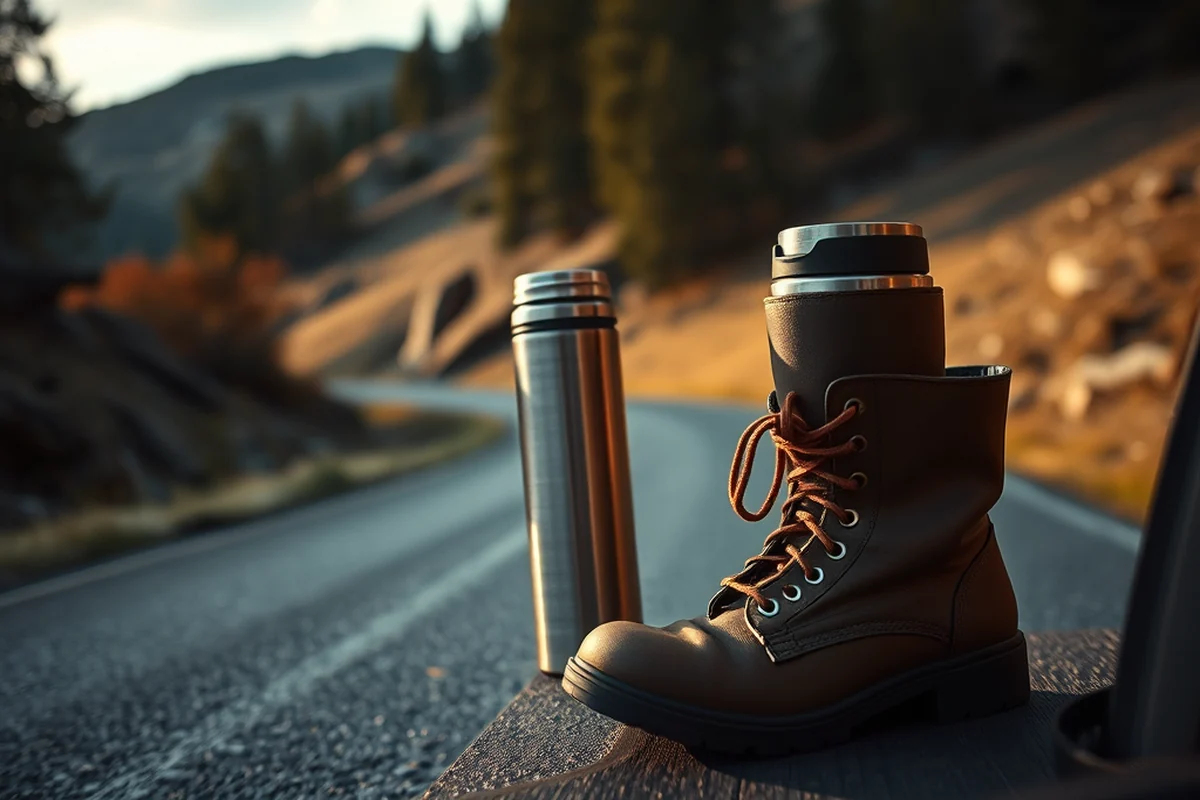
On a road trip, it’s easy to get overwhelmed by the sheer distance. That’s when MapQuest Directions Drive’s ability to split the journey into smaller, digestible parts comes in handy. I once planned a three-day trip from Chicago to Yellowstone, and the app divided the journey into three segments, each with estimated driving times and suggested rest stops. It even gave me a breakdown of how much fuel I would need for each leg, so I knew exactly where to refuel without having to guess.
The app also takes into account your driving habits. If you tend to stop frequently, it will suggest rest areas and scenic viewpoints along the way. On one of my trips, the app recommended a stop at a roadside museum that I wouldn’t have discovered otherwise. It was a great way to take a break, explore, and even pick up a few souvenirs for friends and family.[2]
What I find most useful is the app’s ability to adjust your route based on your progress. If you’re running behind schedule, it will find the fastest way to catch up. It’s like having a co-pilot who’s always looking out for your best interests, even if you’re the one behind the wheel.
It’s like having a co-pilot who’s always looking out for your best interests.
Related: Campsites for families comparison
The Best Way to Use MapQuest Directions Drive for Scenic Routes
For those who love the beauty of the open road, MapQuest Directions Drive offers a way to combine practical navigation with scenic exploration. I’ve used the app to find the best viewpoints in the Grand Canyon, the most picturesque hiking trails in the Smoky Mountains, and even the most scenic byways in the Pacific Northwest. The app highlights these locations as you drive, making it easy to plan detours or stops without losing your way.
One of my favorite features is the ability to filter routes by scenery. If you’re driving through a region known for beautiful landscapes, the app can prioritize routes that take you through national parks, coastal highways, or mountain passes. I once planned a road trip in Oregon and used this feature to ensure that I was passing through areas with the most stunning views. It turned my trip into a visual feast, not just a drive from one point to another.
Another great thing about this feature is that it’s not just for tourists. Local drivers often miss out on the best scenic spots because they’re too familiar with the area. MapQuest Directions Drive helps even them rediscover their own regions by showing them new and beautiful places they might not have considered before.
Use the app’s ‘Scenic Routes’ feature to discover hidden gems along your drive. This is especially useful when planning a trip for a road trip that emphasizes sightseeing and photography.
“I still remember the first time I used MapQuest Directions Drive on a cross-country road trip from Denver to Santa Fe.”— Prettyroads editors
Related: Best kid friendly science experiments
The App’s Offline Mode and How to Use It

Traveling in remote areas where internet is spotty or non-existent is a common challenge, and that’s where MapQuest Directions Drive’s offline mode becomes invaluable. I once took a trip to the remote parts of Alaska, where cell service was almost non-existent. The app allowed me to download maps for the entire region in advance. Even without internet, I could navigate through the mountains, use turn-by-turn directions, and find the nearest gas stations or rest stops.
Setting up the offline maps is straightforward. You simply select the region you want to download, and the app handles the rest. This is especially useful if you’re planning a multi-day trip in an area with no cell coverage. Knowing that I had access to maps and directions even in the most remote locations gave me peace of mind and allowed me to focus on the journey rather than worrying about getting lost.
The offline maps also include points of interest, elevation changes, and other details that help you make informed decisions about where to stop or change routes. It’s a feature that has saved me from multiple unexpected detours and has made my travel experiences more efficient and less stressful.
Related: Scenic drives in maine tips
How MapQuest Directions Drive Helps with Budget Travel
For budget travelers, every dollar counts, and MapQuest Directions Drive has a way to help. I’ve used the app to find the most fuel-efficient routes, which can save hundreds of dollars on gas over the course of a trip. It even suggests alternate routes that avoid toll roads or highways with high gas prices, which can be a big savings, especially when you’re traveling long distances.
The app also helps you plan your stops in a way that minimizes expenses. For example, it can recommend the cheapest gas stations along your route based on real-time pricing data. I once used this feature on a road trip from Florida to California, and it saved me over $100 by directing me to gas stations with the lowest prices at each leg of the journey.
Another way the app helps with budget travel is by suggesting scenic but free or low-cost rest areas, parks, and viewpoints. This is especially useful for travelers who want to enjoy the journey without breaking the bank. It’s a great tool for anyone who wants to explore without overspending.
Related: Small scenic drives for beginners
The App’s Real-Time Updates and How They Improve Safety
Safety is a top priority for any traveler, and MapQuest Directions Drive has features that help keep you safe on the road. I was once driving through the Rocky Mountains when the app alerted me to a sudden road closure due to a landslide. It immediately suggested an alternative route that took me around the danger zone and kept me on track without any delays or risks.
The app’s real-time updates also let you know about construction zones, traffic jams, and other potential hazards. On a recent trip through Texas, the app warned me that there was a major accident ahead and suggested I take a detour. It saved me from getting stuck in a backup and also helped me avoid potential danger.
In addition to road hazards, the app also provides weather updates that can affect your journey. If there’s a storm on the horizon, the app alerts you and suggests alternative routes or even advises you to delay your trip until the weather clears up. It’s a feature that has given me a sense of security, knowing that I’m always one step ahead of potential problems.
Safety is a top priority for any traveler, and MapQuest Directions驱动 has features that help keep you safe on the road.
Related: Scenic drives printable
How MapQuest Directions Drive Enhances the Travel Experience
Whether you're a first-time traveler or a seasoned road tripper, MapQuest Directions Drive makes the experience more enjoyable by simplifying navigation and reducing stress. I’ve used the app with friends who are new to driving in unfamiliar areas, and it’s been a game-changer for them. The app’s clear, step-by-step directions and visual cues make it easy to follow, even when you're not familiar with the area.
Another feature that adds to the experience is the app’s voice guidance. It gives clear, audible instructions that are easy to follow without looking at the screen. This is especially useful when you’re driving in an area with a lot of traffic or when you’re trying to focus on the road rather than the map.
The app also has a feature that allows you to save your favorite routes, so you don’t have to re-enter them every time you use the app. This is great for people who take the same trips regularly or who want to revisit a route they’ve enjoyed before. It’s all about making travel more efficient, more fun, and more personalized to your needs.
🧳 Budget Road Trip
Use MapQuest Directions Drive to find the most fuel-efficient routes and cheapest gas stations for a cost-effective journey.
🚗 Long Weekend Escape
Plan a quick getaway with the app’s easy-to-use interface that helps you find scenic routes and nearby attractions within a few hours.
👨👩👧👦 Family Road Trip
Keep the whole family on track with MapQuest Directions Drive’s clear navigation and suggestions for kid-friendly rest stops and activities.
🏔️ Adventure Travel
Explore the most scenic routes with MapQuest Directions Drive’s ‘Scenic Routes’ feature and off-road navigation for the most adventurous trips.
🧝 Solo Traveler
Navigate the world on your own with MapQuest Directions Drive’s real-time updates and offline maps for a stress-free and safe journey.
| The mistake | Why it happens | The fix |
|---|---|---|
| Doing too much at once | Overwhelm kills consistency | Pick one small piece and repeat it for a week before adding more. |
| Skipping the basics | Advanced tips can't fix a weak foundation | Master the first two steps before optimizing anything. |
Mapquest Directions Drive
References
- Driving Directions to SUA | Soka University of America (catalog.soka.edu)
- Towards an Understanding of the Travel Behavior Impact of ... (sciencedirect.com)
Cite this guide
Prettyroads (2026). Mapquest Directions Drive. https://prettyroads.com/mapquest-directions-drive/
Feel free to cite or share this guide.