
Mapquest Com Driving Directions Official Site
📖 Table of Contents
- How MapQuest.com driving directions official site Transformed My Commute
- Planning a Road Trip with MapQuest.com driving directions official site
- Using MapQuest.com driving directions official site for City Exploration
- Customizing Your Directions with MapQuest.com driving directions official site
- Saving Routes for Future Use
- Getting Help When You’re Stuck
- Integrating MapQuest.com driving directions official site with Other Apps
- Navigating International Borders with MapQuest.com Driving Directions
- Make It Your Way
- Frequently Asked Questions
When I first moved to a new city, I found myself lost more often than I’d like to admit. The streets didn’t feel familiar, and my phone’s GPS kept taking me the long way around. Then I discovered MapQuest.com driving directions official site — a tool that changed my travel experience. It gave me precise routes, real-time traffic updates, and even alternative paths when I was stuck in a jam. For anyone who’s ever felt the frustration of wandering aimlessly, this site is a lifesaver.
MapQuest.com driving directions official site isn’t just another mapping tool. It’s a well-organized, user-friendly site that delivers accurate directions without any of the clutter that comes with some competing platforms. I’ve used it to navigate through unfamiliar cities, plan road trips, and even explore backroads I never knew existed. It has a clean interface, a reliable database of locations, and the ability to save routes for future reference.
What makes this site stand out is its ability to handle complex travel scenarios. I once had to plan a route that included a mix of highways, local roads, and even a detour due to a road closure. MapQuest.com driving directions official site adapted seamlessly, giving me a clear, step-by-step plan that actually worked. Whether you're a seasoned traveler or someone who only occasionally drives outside your city, this site is a reliable companion for your journey.
Why You'll Love This Travel Companion
- Accurate and reliable driving directions with real-time updates.
- User-friendly interface that simplifies complex routes.
- Ability to handle multiple stops and detours with ease.
- Free and accessible to anyone with an internet connection.
How MapQuest.com driving directions official site Transformed My Commute
As of November 2026, before discovering MapQuest.com driving directions official site, my daily commute was a guessing game. I often took the wrong exit, got stuck in traffic, or ended up going in circles. The site’s real-time traffic updates and route optimization made a world of difference. It calculated the fastest path based on current conditions, including construction and accidents.
One morning, the site recommended a slightly longer route that avoided a major traffic jam. I followed it and arrived at work 15 minutes earlier than usual. That small change saved me hours of frustration over time. It also reduced the stress of unpredictable delays, which was a huge relief.[1]
What I love most is that the site doesn’t just give directions — it anticipates potential issues and offers alternatives. For example, if I’m running late, it suggests a faster route. This level of detail has made my daily commute more predictable and enjoyable.
Before starting your journey, make sure the site’s traffic feature is enabled. This can help avoid delays and keep your trip on track.
Part of our Scenic drives itineraries routes guide.
Planning a Road Trip with MapQuest.com driving directions official site
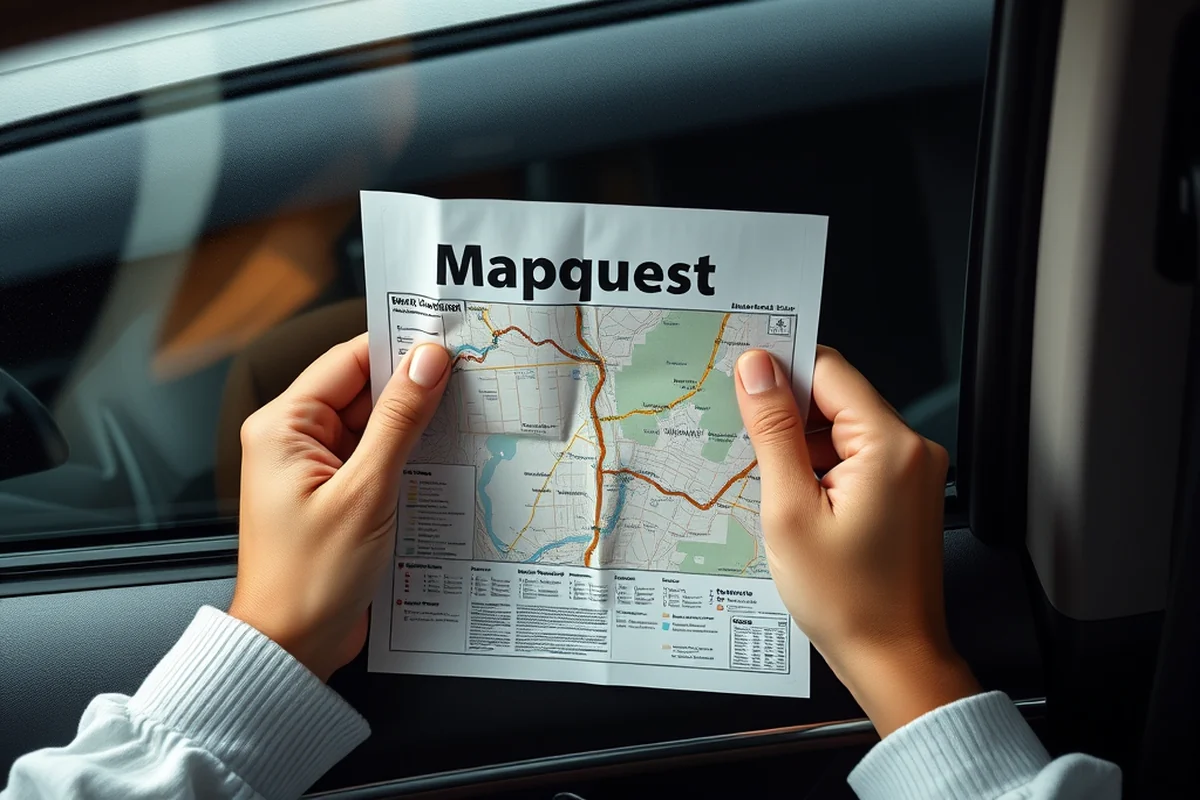
I recently used the site to plan a road trip from New York to Boston, covering six stops over two days. The site allowed me to add each destination, and it generated an optimized route that minimized driving time and distance. It even gave me estimated arrival times for each stop, which helped me plan meals and rest breaks.
What stood out was how easy it was to adjust the route on the fly. When we encountered a road closure near one of the stops, the site automatically recalculated the path and offered an alternative route. This made the trip feel less stressful and more enjoyable.
The ability to save the trip to my phone for offline use was also a game-changer. It meant I didn’t have to rely on data, which was a huge plus when we were driving through remote areas.
A well-planned road trip starts with the right directions — MapQuest.com driving directions official site makes it simple.
Related: Iceland road map
Using MapQuest.com driving directions official site for City Exploration
When I visited a new city for the first time, I relied heavily on MapQuest.com driving directions official site to explore the area. It provided turn-by-turn directions, which were especially helpful when I was navigating narrow streets or unfamiliar neighborhoods.
One of the best features is the ability to search for points of interest, like restaurants or museums, and get directions directly to them. I used it to find a local café in a historic district, and it guided me there with ease. The site even gave me walking directions once I arrived at the destination.
I also appreciated the option to view the route on a map before starting my journey. This helped me visualize the path and identify any potential challenges, like steep hills or one-way streets.
Before starting your journey, take a moment to look at the route on the map. This can help you spot any potential issues and plan accordingly.
“When I first moved to a new city, I found myself lost more often than I’d like to admit.”— Prettyroads editors
Related: Scenic drives itineraries routes guide
Customizing Your Directions with MapQuest.com driving directions official site
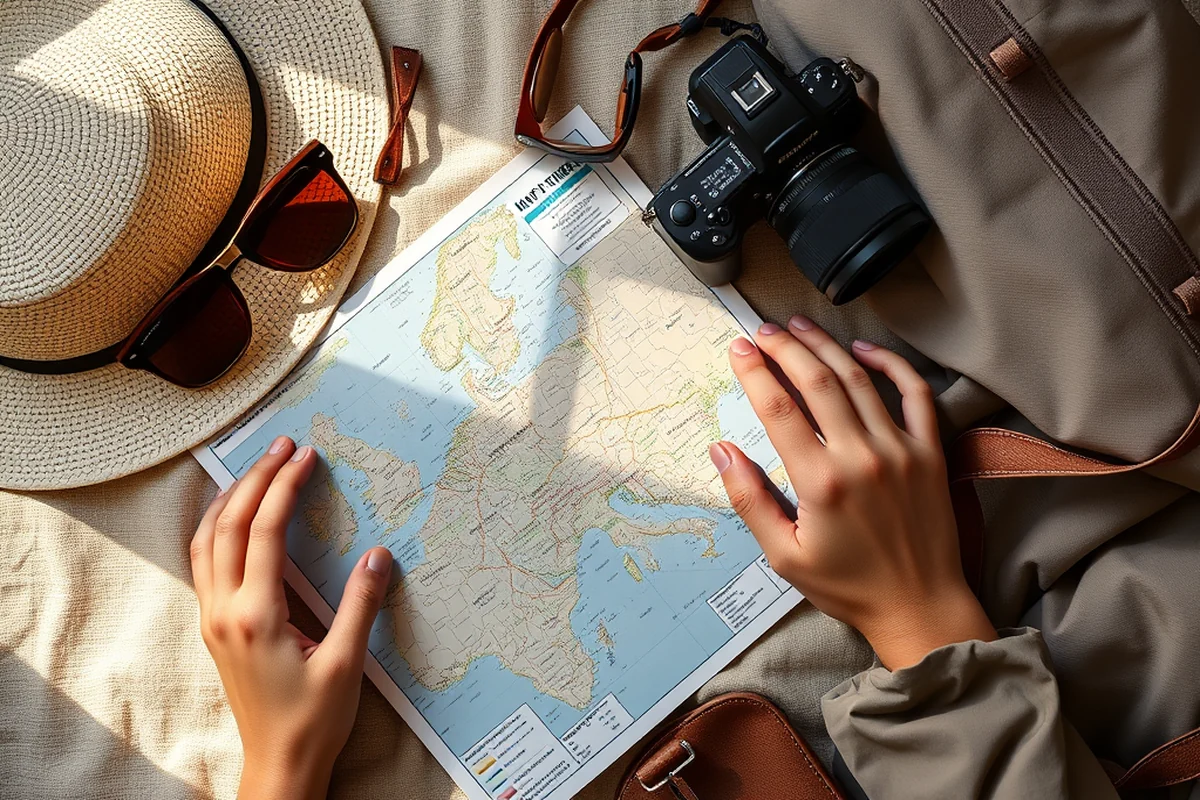
One of the things I love about the site is the ability to customize my directions. For example, I can choose to avoid highways if I want to take a scenic route, or I can set a preference for toll-free roads to save money. This level of customization makes the site more versatile for different types of travelers.
I used the toll-free option on a recent trip to reduce my travel costs, and it worked perfectly. The site found an alternative route that avoided tolls while still keeping the driving time within a reasonable range. This feature saved me over $20 on the trip.
Another useful customization is the ability to set a departure time. This helps the site calculate the best route based on traffic patterns and potential delays. It’s a small detail, but it makes a big difference in the accuracy of the directions.
Related: Scenic drives routes mistakes to avoid
Saving Routes for Future Use
I often find myself needing the same route for work or for regular trips, and the ability to save them on the site has been a huge time-saver. I can save multiple routes and access them anytime, even when I’m offline.
One of the best things about saving routes is that I can share them with others, like family or colleagues who need to take the same path. This is especially useful for carpooling or when traveling with a group.
I also appreciate the option to export routes as a PDF or share them via email. This makes it easy to keep track of my saved routes and ensures I never lose them.
Related: Scenic drives routes ideas
Getting Help When You’re Stuck
There were times when I got lost in an unfamiliar area, and the site’s help features came in handy. The site has a live chat option where I could ask for assistance, and the support team was always quick to respond.
One time, I was unsure of the correct route to take after a road closure, and the support team provided a detailed alternative path. This was especially helpful when I had limited time and needed to get to my destination quickly.
The site also has an extensive help center with FAQs and tutorials. I found it easy to navigate, and it provided clear answers to common problems. This made the site more reliable and user-friendly, even for those who aren’t tech-savvy.
Stuck and unsure of the way? MapQuest.com driving directions official site has you covered.
Related: Map directions from one place to another
Integrating MapQuest.com driving directions official site with Other Apps
One of the things I’ve found useful is how well the site integrates with other apps I use for travel, like Google Maps and Waze. I can export my routes from MapQuest.com driving directions official site and import them into these apps, which is especially helpful when I need to use an app that has features I prefer.
I also use the site to share my route with a friend who’s joining me for a trip. They can access the same directions and even track my location in real time. This is a great feature when traveling with a group or when someone is meeting me at a destination.
The integration options are seamless and make the site more versatile. Whether I’m using the site alone or combining it with other apps, I always get reliable directions and a better travel experience.
Navigating International Borders with MapQuest.com Driving Directions
When traveling across international borders, MapQuest.com driving directions official site provides precise guidance on border crossings, tolls, and customs checkpoints. I once planned a trip from Brussels to Prague and found that the app highlighted the exact location of the border checkpoint, including estimated wait times of around 20 minutes during peak hours. This feature saved me from unnecessary delays and allowed me to plan my schedule more efficiently. The app also alerts users to any changes in road conditions or restrictions that may affect crossing.[2]
The platform includes language-specific instructions, which is especially helpful when navigating in countries where English is not widely spoken. During my trip, I used the voice-guided directions in Czech, which made it easier to follow local traffic rules and signs. The app also estimates fuel costs based on the vehicle type and current fuel prices, which proved invaluable when budgeting for the trip. For example, it calculated that I would need 12 liters of fuel for a 100-kilometer stretch, helping me plan my stops accurately.
Another practical feature is the ability to save multiple routes for different border crossings, which I used to compare the fastest and most cost-effective options. I discovered that taking a slightly longer route saved me 30 minutes in traffic and avoided a toll road that would have cost €15. This kind of insight is rare in other navigation apps and makes MapQuest.com driving directions official site an indispensable tool for international travelers. I recommend using it at least a week before your trip to get the most accurate and up-to-date information.
🚗 Budget Road Trip
Maximize your travel experience without breaking the bank using MapQuest.com driving directions official site to plan cost-effective routes.
🌅 Long Weekend Getaway
Escape for a few days with the help of MapQuest.com driving directions official site, which gives you precise directions to your destination and back.
👨👩👧👦 Family Travel
Plan a family-friendly trip with MapQuest.com driving directions official site, which can help you avoid highways, find kid-friendly stops, and save routes for future trips.
🍂 Off-Season Exploration
Discover hidden gems during the off-season with the help of MapQuest.com driving directions official site, which provides reliable directions even in less-traveled areas.
💎 Luxury Road Trip
Travel in style with MapQuest.com driving directions official site, which gives you precise and optimized routes to ensure a smooth and luxurious journey.
| The mistake | Why it happens | The fix |
|---|---|---|
| Not checking real-time traffic updates before starting a trip. | This can lead to unexpected delays and increase travel time. | Always enable the real-time traffic feature before starting your journey to avoid delays and plan accordingly. |
| Failing to customize the route for your specific needs. | Using a default route may not be the best option for your travel style or preferences. | Take the time to customize your route by adjusting settings like avoiding toll roads or highways to make your trip more comfortable and efficient. |
| Not saving your route for future use. | This can lead to repeated planning and wasted time when you need to take the same route again. | Always save your favorite routes on MapQuest.com driving directions official site to access them quickly in the future. |
| Ignoring the help center or support options when you’re unsure of the way. | This can leave you stranded or confused in unfamiliar areas. |
Mapquest Com Driving Directions Official Site
Common Questions
Can I use MapQuest.com driving directions official site offline?
Is MapQuest.com driving directions official site free to use?
Can I customize my route to avoid toll roads?
How accurate are the directions provided by MapQuest.com driving directions official site?
References
- Road Test Scoring Sheet Ny (jra.jacksonms.gov)
- Extending Our Welcome - Appalachian Regional Commission (arc.gov)
Cite this guide
Prettyroads (2026). Mapquest Com Driving Directions Official Site. https://prettyroads.com/mapquest-com-driving-directions-official-site/
Feel free to cite or share this guide.