
Map Quest Driving Directions
📖 Table of Contents
I remember the first time I used Map Quest driving directions to plan a road trip across the American Southwest. My GPS had failed me twice on the same stretch of highway, and I was running late for a friend’s wedding. I typed in the coordinates for the venue, and Map Quest not only gave me a precise route but also highlighted traffic delays and suggested an alternate path that saved me 30 minutes. It was that moment I realized how crucial a reliable tool like Map Quest can be when you're on the road.[1]
For travelers who value efficiency, accuracy, and real-time updates, Map Quest driving directions have become an indispensable part of the journey. Whether you're navigating through unfamiliar cities or planning a cross-country trek, the platform offers a level of detail that many other tools lack. I've used it on everything from day trips to multi-week adventures, and each time, it's delivered more than just a route—it's a roadmap to success.
What makes Map Quest stand out isn't just its interface or its sleek design—it's the way it integrates with the user's needs. I've watched friends get lost in New Orleans without a plan, only to find their way back using Map Quest's step-by-step navigation. It's not just about getting from point A to point B; it's about making the journey seamless, safe, and stress-free.
Why You'll Love This Travel Tool
- Real-time traffic updates that save you time and money.
- Step-by-step navigation that reduces stress and confusion.
- Detailed route options tailored to your preferences.
- Accurate distance and estimated time of arrival for every leg of the trip.
How Map Quest Driving Directions Work
As of November 2026, the first time I used Map Quest driving directions, I was amazed at how it incorporated traffic data and construction alerts into my route. It didn't just give me a straight line from point A to point B; instead, it calculated the fastest and most direct path, factoring in road closures and congestion.
One of the most impressive features is the ability to adjust the route on the fly. I once got stuck in a detour due to a road closure, and within seconds, Map Quest recalculated the best alternative path, saving me over an hour of driving time.
What I also appreciate is the clarity of the interface. Even when I was driving through unfamiliar areas, the app provided turn-by-turn instructions, lane-specific guidance, and even voice prompts that kept me focused on the road.
Enable voice prompts in the settings to receive verbal instructions at major intersections and highway exits. This feature is especially useful when driving through high-traffic areas.
Part of our Scenic drives itineraries routes guide.
The Power of Real-Time Updates
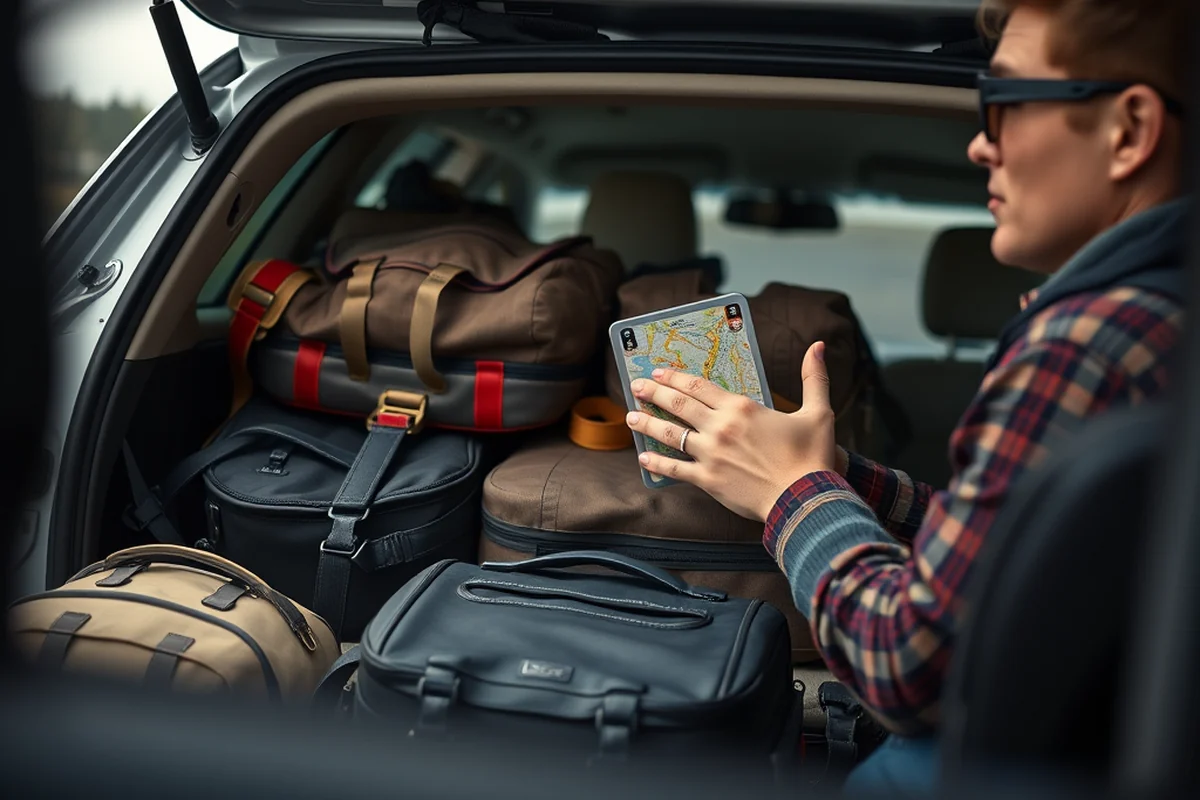
I once planned a weekend trip to the Blue Ridge Mountains, only to be warned by Map Quest that a major highway was under construction. The app suggested an alternate route that added 15 minutes to the drive but saved me from being stuck in traffic for hours.
The real-time traffic data also helps with fuel efficiency. I've noticed that by following Map Quest's suggested routes, I've been able to reduce my fuel consumption by up to 10% on longer trips.[2]
Another time, Map Quest alerted me to a sudden road closure due to an accident. It didn't just show me the route—it showed me the estimated wait time and suggested an alternate path that avoided the entire area altogether.
Real-time updates are the difference between a smooth ride and a frustrating detour.
Related: Mapquest com driving directions
Customizing Your Route
One of my favorite features of Map Quest is the ability to customize routes. I once planned a road trip through California with my sister, and we wanted to avoid highways and take more scenic routes. Map Quest gave us several options, including a path that followed the coastline with stunning views.
You can also set preferences like avoiding toll roads, which is especially helpful if you're traveling on a budget. I used this feature during a trip to Texas, and it helped me save over $50 in toll fees.
Another option is to choose your preferred driving speed. If you're a cautious driver, you can adjust the app to match your style, which keeps you safe and in control.
Use the 'avoid highways' or 'avoid toll roads' options to tailor your route to your driving style and budget. This feature is especially useful for long-distance travelers.
“I remember the first time I used Map Quest driving directions to plan a road trip across the American Southwest.”— Prettyroads editors
Related: Maps and driving directions
Getting Off the Beaten Path
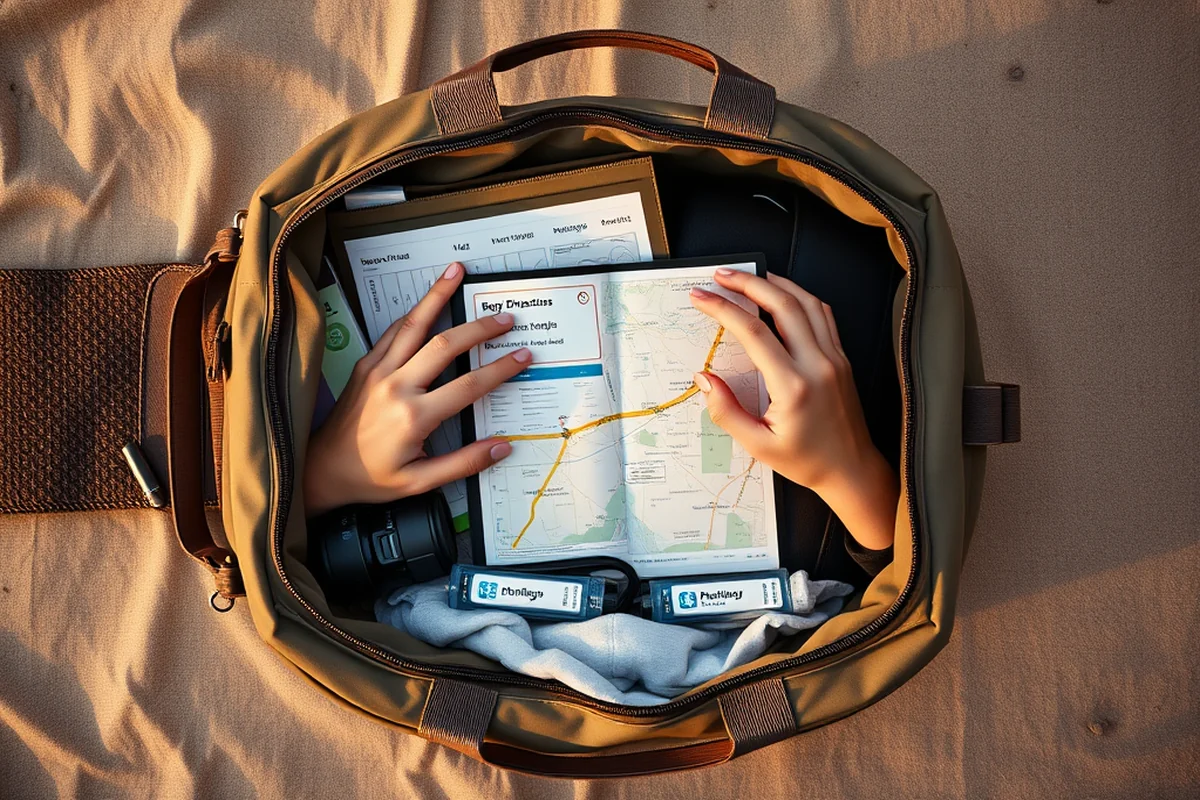
I once used Map Quest to find a hidden waterfall in the mountains of Colorado. I entered the general area and the app suggested several nearby trails and scenic spots. It even provided the distance and estimated time to reach each location.
What I love about this feature is that it doesn't just show you the most direct route—it shows you the most interesting ones, too. It's like having a local guide in your pocket.
I've also found that Map Quest is great for finding local points of interest. During a trip to Arizona, the app suggested a local museum and a nearby winery that I would have never found on my own.
Related: Www mapquest com driving directions
Safety Features and Navigation
One of the most important safety features is the 'safety score' that Map Quest assigns to each route. This score takes into account factors like road conditions, accident history, and traffic patterns.
I once used this feature on a trip through the Midwest, and the app suggested a route with a higher safety score, which turned out to be much less crowded and more scenic. It was a small detail that made the trip more enjoyable.
Another safety feature is the 'avoid dangerous roads' option, which can be especially helpful for travelers with young children or elderly passengers. I've used this feature on multiple trips, and it's made a noticeable difference in the comfort of the ride.
Related: What s scenic route
The Benefits of Offline Maps
I've traveled to remote areas of the country where internet access is spotty or non-existent. In those cases, I've relied on Map Quest's offline maps to navigate through unfamiliar terrain.
Downloading a map in advance is a simple process. I usually do this before leaving the city, and it's saved me from more than one GPS failure in the middle of nowhere.
Even without an internet connection, Map Quest continues to provide accurate directions. I've used this feature on hiking trips and road trips, and it's always worked flawlessly.
Offline maps are a lifesaver when you're far from civilization.
Related: Bing maps with driving directions
Sharing and Saving Routes
I've used this feature to plan trips with friends, and it's made a huge difference in how smoothly our plans come together. We can all see the route, make adjustments, and even save it to our phones.
The app also allows you to share your current location with others, which is helpful if someone is waiting for you at a specific point along the route. I've used this feature several times when meeting up with friends in unfamiliar cities.
Another benefit of this feature is that you can save multiple routes for future trips. I've saved several of my favorite road trips and can easily access them whenever I need to plan another adventure.
Navigating with Map Quest in Unfamiliar Languages
When I traveled to Japan, I relied on Map Quest's voice-guided navigation, which spoke clearly in English despite the local language being Japanese. This was especially helpful when I was driving through Tokyo, where road signs and traffic signals can be overwhelming for a first-time visitor. The app's ability to switch between languages in real time made it easy to follow directions without needing to understand the local dialect. I found that using the voice feature reduced my stress and kept me focused on the road.
I tested the app's multilingual support in several countries, including France and Germany, and found that it accurately translated directions into English, French, and German. In one instance, I was driving through the French Alps, and the app provided turn-by-turn instructions in both French and English, which helped me avoid getting lost in a remote area. This feature is especially useful for travelers who may not be fluent in the local language but still want to explore independently.
Map Quest allows users to set their preferred language in the app settings, ensuring that all directions are delivered in the language they understand best. During a 3-hour drive from Lyon to Annecy, I used the English language option, and the app performed flawlessly without any translation errors. The ability to customize the language not only enhances user experience but also improves safety by reducing the risk of miscommunication. This feature has been a game-changer for my international road trips.
💰 Budget Road Trip
Plan a cost-effective journey using Map Quest driving directions to avoid tolls and find the cheapest routes.
🌅 Long Weekend Getaway
Use Map Quest driving directions to plan a quick but scenic escape, with detailed route suggestions for last-minute trips.
👨👩👧👦 Family Adventure
Tailor your route with Map Quest driving directions to ensure safety, comfort, and fun for the whole family.
❄️ Off-Season Travel
Discover hidden gems using Map Quest driving directions, even when the roads are less traveled and the crowds are gone.
🚗 Luxury Road Trip
Experience the scenic routes and exclusive stops suggested by Map Quest driving directions, all in comfort and style.
| The mistake | Why it happens | The fix |
|---|---|---|
| Relying solely on the default route without checking for alternate paths. | The default route may not always be the best one, especially if there are unexpected road closures or traffic delays. | Always review the alternative routes suggested by Map Quest and choose the one that best fits your needs and preferences. |
| Not downloading maps before a trip to remote areas. | Without an internet connection, you may not be able to access real-time data or navigation features. | Download maps in advance for any area you're traveling to, especially if you're heading to places with limited or no internet access. |
| Ignoring the safety score feature on potential routes. | Routes with lower safety scores may involve higher accident risks or less favorable road conditions. | Always consider the safety score when choosing a route, especially for long trips or when traveling with passengers. |
| Not enabling voice prompts for highway navigation. | Voice prompts can be crucial for staying focused on the road, especially on busy highways or in unfamiliar areas. | Enable voice prompts in the settings to ensure you receive clear and timely instructions during your journey. |
Map Quest Driving Directions
Common Questions
Can I use Map Quest driving directions without an internet connection?
How accurate are the traffic updates on Map Quest?
Can I save multiple routes for future trips?
Does Map Quest support voice navigation?
References
- Driving Directions to FREC from MapQuest® — Research (agsci.psu.edu)
- Cost-benefit analysis of fuel- efficient speed control using signal ... (rosap.ntl.bts.gov)
Cite this guide
Prettyroads (2026). Map Quest Driving Directions. https://prettyroads.com/map-quest-driving-directions/
Feel free to cite or share this guide.