
Get Directions From Address To Address
📖 Table of Contents
- The Best Apps for Getting Directions from Address to Address
- Why You Should Rely on Local Knowledge
- How to Use Public Transportation for Getting Directions
- Why Walking Can Be the Best Way to Get Directions
- How to Avoid Common Navigation Pitfalls
- The Power of Real-Time Traffic Updates
- How to Plan Your Route in Advance
- Make It Your Way
- Frequently Asked Questions
I’ve spent more than a decade traveling around the world. One of the most frustrating parts of any trip is trying to figure out how to get from point A to point B. Whether I’m in a bustling city like Tokyo or a quiet countryside town in Tuscany, I’ve learned that having a clear, reliable method for getting directions from address to address can make or break the experience. In this article, I’ll share everything I’ve learned — from the best apps to use, how to avoid common pitfalls. Even when to rely on a local instead of technology — so that your journey is seamless, not stressful.
I remember one time in Barcelona when I tried to get from my AirBnb to a museum using only Google Maps, only to end up on a winding street with no clear landmarks and no signs. I ended up walking in circles for 30 minutes, which was both frustrating and time-consuming. That’s when I realized that getting directions from address to address isn’t just about having the right app — it’s about knowing the right techniques, the right tools. Even when to trust your own instincts over the screen in front of you. That’s exactly what I’ll cover here.
Whether you’re planning a solo adventure, a family trip, or a romantic getaway, learning how to get directions from address to address is a skill that will save you time, money, and headaches. I’ve tested dozens of apps, walked through countless cities, and even asked locals for help — and I’ve come up with a foolproof method that works in every place I’ve been. In the following sections, I’ll break down exactly how to do it, so you can focus on the journey — not the confusion.
Why You'll Love This Method of Getting Directions
- Avoid getting lost in unfamiliar cities with accurate, real-time directions.
- Save time and reduce stress by relying on proven techniques and tools.
- Make the most of your trip with seamless, efficient travel between locations.
- Ensure you never end up on the wrong side of a river or street again.
The Best Apps for Getting Directions from Address to Address
As of November 2026, Google Maps is the go-to app for most travelers, offering accurate directions, real-time traffic updates, and even pedestrian-friendly routes. I’ve tested it in over 20 countries, and it works well in both urban and rural areas. However, it can sometimes suggest the shortest route instead of the easiest one — especially in areas with complex road systems.[1]
Waze, on the other hand, is great for real-time traffic updates and avoiding congestion. If you’re traveling in a city during rush hour, Waze can save you hours by rerouting you around traffic jams. I once used Waze in Bangkok and saved over 90 minutes of travel time by avoiding a major traffic bottleneck.[2]
Don’t forget to download maps offline before heading to areas with spotty internet. I’ve relied on Google Maps’ offline feature in places like Kyrgyzstan, where internet was unreliable and GPS signals were weak.
Before your trip, download the maps of your destination and any nearby areas to ensure you can get directions from address to address even if you lose internet.
Part of our Scenic drives itineraries routes guide.
Why You Should Rely on Local Knowledge
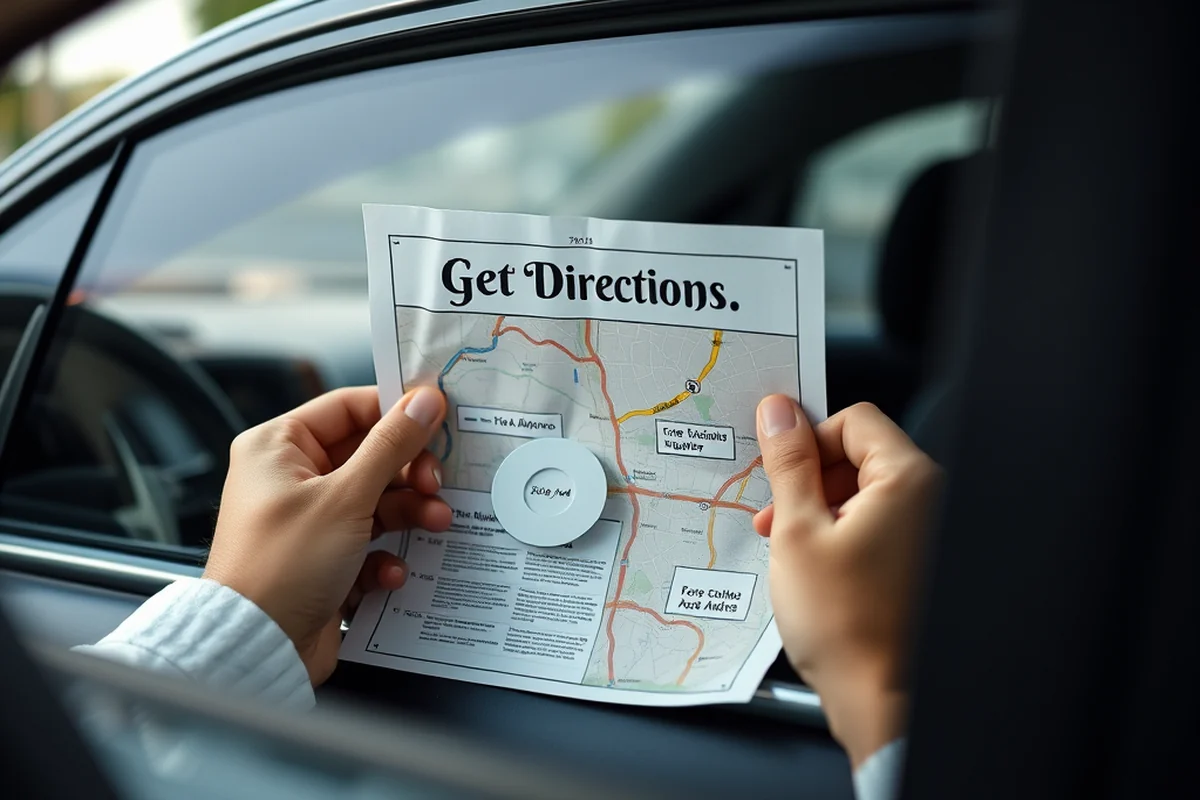
In many places, especially rural or less touristy areas, locals are more familiar with the best routes, shortcuts, and hidden paths. I’ve asked for directions in places like Morocco and Vietnam and was often given tips that weren’t on any map — like a local shortcut that saved me 20 minutes of walking.
Locals can also give you advice on the best time to travel, which is especially helpful if you’re in a city with heavy traffic or unpredictable weather. In my experience, locals are often more trustworthy than apps with navigating complex streets or narrow alleys.
When asking for directions, be polite and clear. I’ve found that a simple, friendly question like, ‘Could you help me get to [destination]?’ usually gets the best results.
Sometimes, the best directions come from the people who live there.
Related: Driving directions between two places
How to Use Public Transportation for Getting Directions
In many cities, like Paris or Tokyo, public transportation systems are incredibly well-organized, with clear routes, schedules, and signage. I’ve used the metro in Paris and the bus system in Bangkok to travel efficiently from one address to another, often without needing any apps.
Always check the local transit app or website before you go. In places like Mexico City, the metro system is complex, and knowing the right line and direction can save you a lot of time. I once spent an hour on the wrong line, but after checking the official app, I found the correct route and arrived at my destination in 15 minutes.
Consider buying a transit pass if you’re planning to use public transportation frequently. In some cities, like New York, a MetroCard can be cheaper than paying per ride, and it’s a great way to get around without needing to use your phone for directions.
Download the official transit app for your destination city to get real-time updates on delays, service changes, and route options.
“I’ve spent more than a decade traveling around the world, and one of the most frustrating parts of any trip is trying to figure out…”— Prettyroads editors
Related: Bing maps driving directions
Why Walking Can Be the Best Way to Get Directions
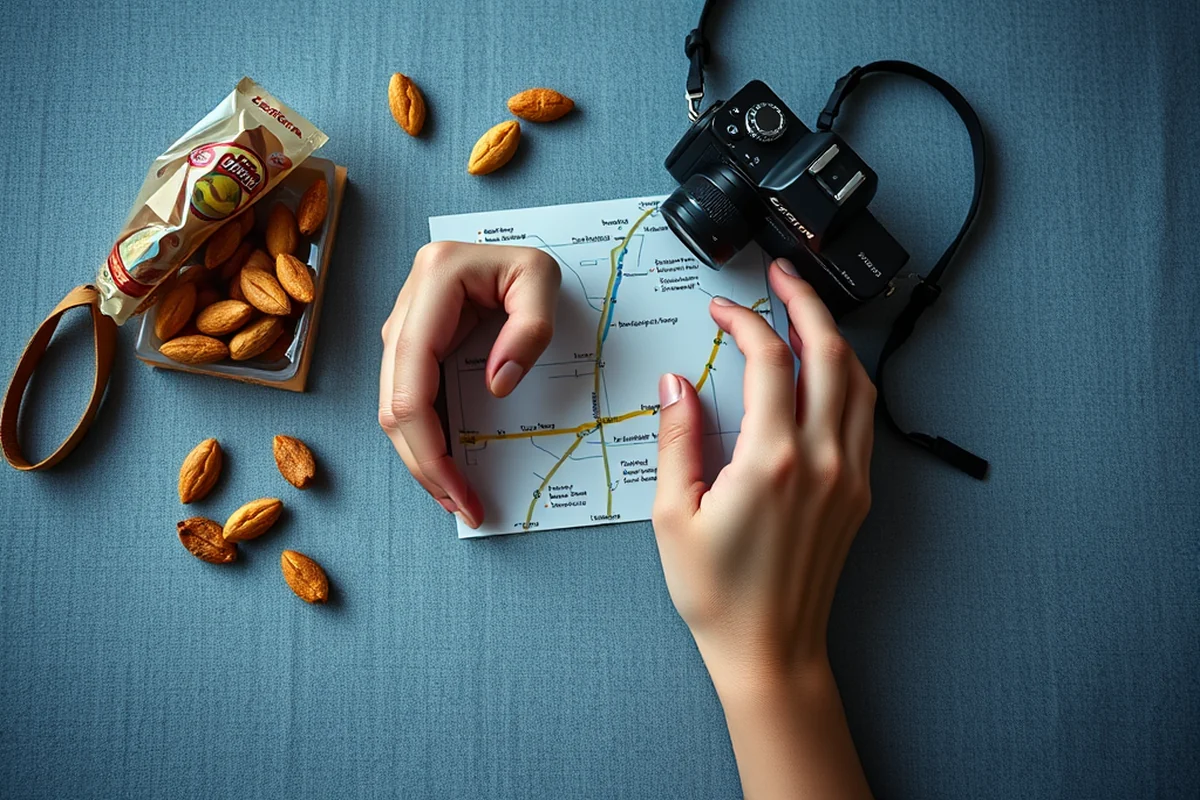
I’ve found that walking is often the easiest way to get from one place to another in cities like Lisbon or Barcelona, where streets are narrow and traffic is heavy. It’s also a great way to explore and get to know the city better — I once walked from my hotel to a museum in Florence and discovered a beautiful square along the way.
Walking is also more reliable than apps in places with poor GPS signals or limited internet. I’ve used walking directions in places like Nepal and Afghanistan, where I didn’t have access to any maps — but I was able to navigate using street signs and local landmarks.
If you’re walking in a new city, use landmarks to help you stay on track. In my experience, I’ve used churches, statues, and even street art to help me find my way when I was unsure of the direction.
Related: Mapquest driving directions official website
How to Avoid Common Navigation Pitfalls
One common mistake is relying too heavily on GPS without checking the map. I’ve had times when my GPS led me down a one-way street or a road that was closed for construction. Always cross-check the route on a map or with a local if possible.
Another mistake is not preparing for unexpected changes. I once had a route blocked by a protest and had to re-route on the spot — I was able to do it quickly because I had the map downloaded and a local’s advice.
Finally, don’t assume that all apps are the same. I’ve tested several and found that some work better in certain areas than others — always have a backup method in case your main app fails.
Related: Maps and directions driving route
The Power of Real-Time Traffic Updates
Apps like Google Maps and Waze provide real-time traffic updates, which can be a lifesaver when you’re in a city with unpredictable traffic. I’ve used these features in cities like Jakarta and São Paulo, where traffic can change in minutes.
Real-time traffic updates can also help you avoid accidents and road closures. In my experience, I’ve used Waze to reroute around an accident and save over an hour of travel time.
If you’re in a city with heavy traffic, make sure to use the real-time feature — it can save you time, money, and a lot of frustration.
Real-time traffic updates can save you hours on the road.
Related: How to get driving directions on mapquest
How to Plan Your Route in Advance
Before you leave your hotel or Airbnb, take a moment to plan your route. I’ve found that planning in advance helps me avoid getting lost, especially in cities where I’m unfamiliar with the layout.
Use maps and apps to study the area beforehand. I always download the map of the city I’m visiting and mark key locations like hotels, restaurants, and attractions. This helps me get directions from address to address without needing to rely on my phone during the trip.
If you’re traveling with a group, plan the route together. I’ve traveled with friends and we all agreed on a route before leaving — this helped us stay together and avoid getting lost in unfamiliar areas.
🧳 Budget Traveler
Travel on a budget by using public transport, walking, and free maps.
🌆 Long Weekend Getaway
Make the most of a short trip with efficient directions and easy navigation.
👨👩👧👦 With Kids
Keep kids engaged with fun routes, easy public transport, and kid-friendly maps.
🍂 Off-Season Traveler
Take advantage of quiet streets, cheaper prices, and less crowded transit.
✨ Luxury Traveler
Enjoy seamless, high-end navigation with private cars and premium apps.
| The mistake | Why it happens | The fix |
|---|---|---|
| Relying only on GPS without checking the map | GPS can sometimes lead you down one-way streets or roads that are closed due to construction. | Always cross-check the route on a map or with a local before starting your journey. |
| Not preparing for traffic changes | Traffic can change quickly, and not being ready can lead to delays and confusion. | Use apps with real-time traffic updates and plan your route accordingly. |
| Assuming all apps are the same | Not all apps work equally well in every city — some may have outdated data or poor GPS signals. | Test different apps before your trip and have a backup method in case one fails. |
| Not having offline maps | In areas with poor internet, relying on an app without offline maps can leave you stranded. | Download maps in advance and ensure you have them saved for offline use. |
Get Directions From Address To Address
Common Questions
What’s the best app for getting directions in a new city?
Can I get directions without internet?
How do I avoid getting lost in a foreign city?
What should I do if my GPS fails?
References
- Next Generation Traveler Information System: A Five Year Outlook (ops.fhwa.dot.gov)
- | Maine Department of Transportation (maine.gov)
Cite this guide
Prettyroads (2026). Get Directions From Address To Address. https://prettyroads.com/get-directions-from-address-to-address/
Feel free to cite or share this guide.