
How To Get Driving Directions
📖 Table of Contents
- The Power of Digital Maps
- Car GPS Systems — Why They Still Matter
- Why Paper Maps Still Work Better Than You Think
- The Role of Local Knowledge in Getting Driving Directions
- The Importance of Having a Backup Plan
- How to Use Navigation Apps Without Getting Distracted
- How to Get Driving Directions in Remote Areas
- Make It Your Way
- Frequently Asked Questions
I remember the first time I got lost on a road trip — it was in the middle of nowhere, with the sun setting behind a mountain, and my phone had zero signal. I had no idea where I was, and the only thing I had was a paper map that looked like it had been through a war. It was a humbling moment, but it taught me how crucial it is to know how to get driving directions, not just for convenience, but for safety and peace of mind.[4]
Now, I rely on a mix of digital tools and old-school strategies to make sure I never get stuck again. Whether I’m traveling with friends, heading out for a solo adventure, or making a business trip, having a solid way to get driving directions is non-negotiable. I’ve tested multiple apps, used GPS systems, and even relied on asking locals — each has its place and its purpose.
In this article, I’ll walk you through exactly how to get driving directions — from using Google Maps on my phone to planning a route with Waze, from using a car’s built-in GPS to learning how to read a topographic map. I’ll share my personal experiences, the mistakes I’ve made, and the tips that have kept me on track — no matter where I’m going.
Why You'll Love This Guide to Getting Driving Directions
- You’ll learn the best digital tools and apps to use for accurate, real-time driving directions.
- You’ll understand when to trust your phone and when to rely on paper maps and GPS navigation systems.
- You’ll be equipped with strategies to avoid getting lost, even in remote areas or with no cell signal.
- You’ll gain the confidence to handle any driving situation, whether you're a first-time traveler or a seasoned road tripper.
The Power of Digital Maps
As of September 2026, Google Maps is my go-to app when I need driving directions. It’s not just about getting from point A to point B — it gives me live traffic updates, alternative routes, and even tells me the estimated time of arrival. I once used it to avoid a 45-minute traffic jam by rerouting through a less busy neighborhood, and it saved me over an hour of my trip.[1]
Waze is great for road trippers because it highlights speed traps, construction zones, and accidents in real time. I’ve used it to avoid a road closure that could have sent me off the main highway. It’s like having a local guide in your pocket who knows the roads better than anyone.
Both apps are free and work on most smartphones. I always make sure to download them before I leave home, just in case my internet connection drops. I’ve learned that having a backup plan is the difference between being lost and arriving on time.
Download map areas in advance so you can get driving directions even without a signal. I’ve done this on road trips through the American Southwest, where internet is spotty.
Part of our Scenic drives itineraries routes guide.
Car GPS Systems — Why They Still Matter
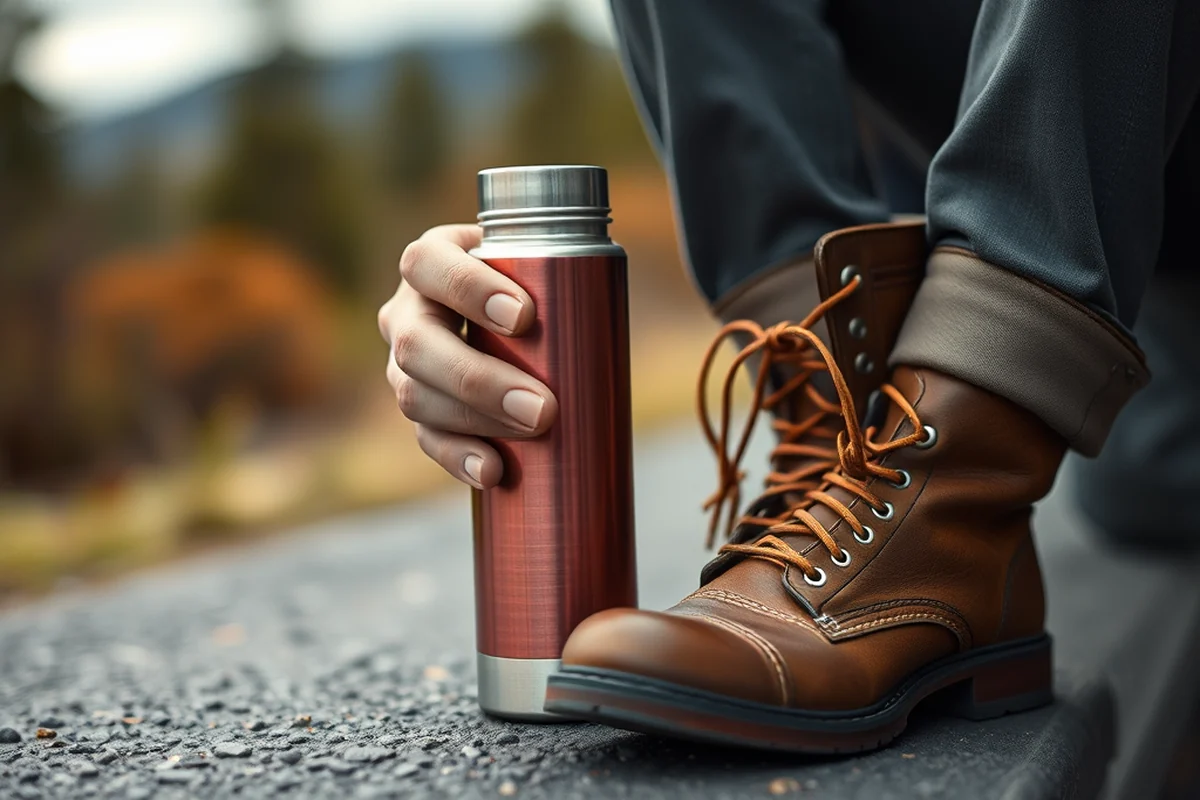
I recently traveled through a remote part of Montana where my phone had no signal. My car’s GPS system was the only thing that worked — it gave me step-by-step directions and even had a voice feature that told me when to turn. It was reassuring to hear a voice guiding me through the mountains, even when I couldn’t see the next turn.
Car GPS systems are especially useful when you’re driving through unfamiliar cities or areas with no cell coverage. They’re also more accurate in some cases, because they use a different set of satellites. I’ve noticed that my car’s GPS is better at reading road signs and recognizing street names than my phone app.
Even with all the new apps, I still prefer using my car’s GPS for long drives. It’s like having a personal navigator who knows the roads and won’t get distracted by ads or other apps. It’s a small comfort, but it makes all the difference when you’re on the road.
A car’s GPS is like having a local guide — it never gets distracted by the internet.
Related: How to get driving directions from point a to point b
Related: Map Questions Driving Directions
Related: Get Driving Directions
Why Paper Maps Still Work Better Than You Think
Despite the rise of digital tools, paper maps are still my backup when I’m on the road. They’re lightweight, don’t need a battery, and they can be used even when there’s no cell signal. I once found my way out of a confusing mountain pass by simply looking at a topographic map — it showed me the elevation changes and the best route to take.
Using a paper map forces me to plan my route in advance, which is something I often neglect when I rely too much on my phone. It’s a slower process, but it helps me think through the journey more carefully. I’ve found that when I’m using a paper map, I end up with fewer detours and a more efficient driving plan.
I recommend investing in a high-quality, waterproof map for any trip. I’ve used one on a hike through the Pacific Northwest, and it was the only thing that worked when my phone died in a storm. It’s a small investment, but it can save you from a lot of trouble.[2]
Learn the basics of reading elevation lines and landmarks. I picked this up in a weekend course and it changed the way I navigate remote areas.
“I remember the first time I got lost on a road trip — it was in the middle of nowhere, with the sun setting behind…”— Prettyroads editors
Related: Driving directions one place to another
The Role of Local Knowledge in Getting Driving Directions
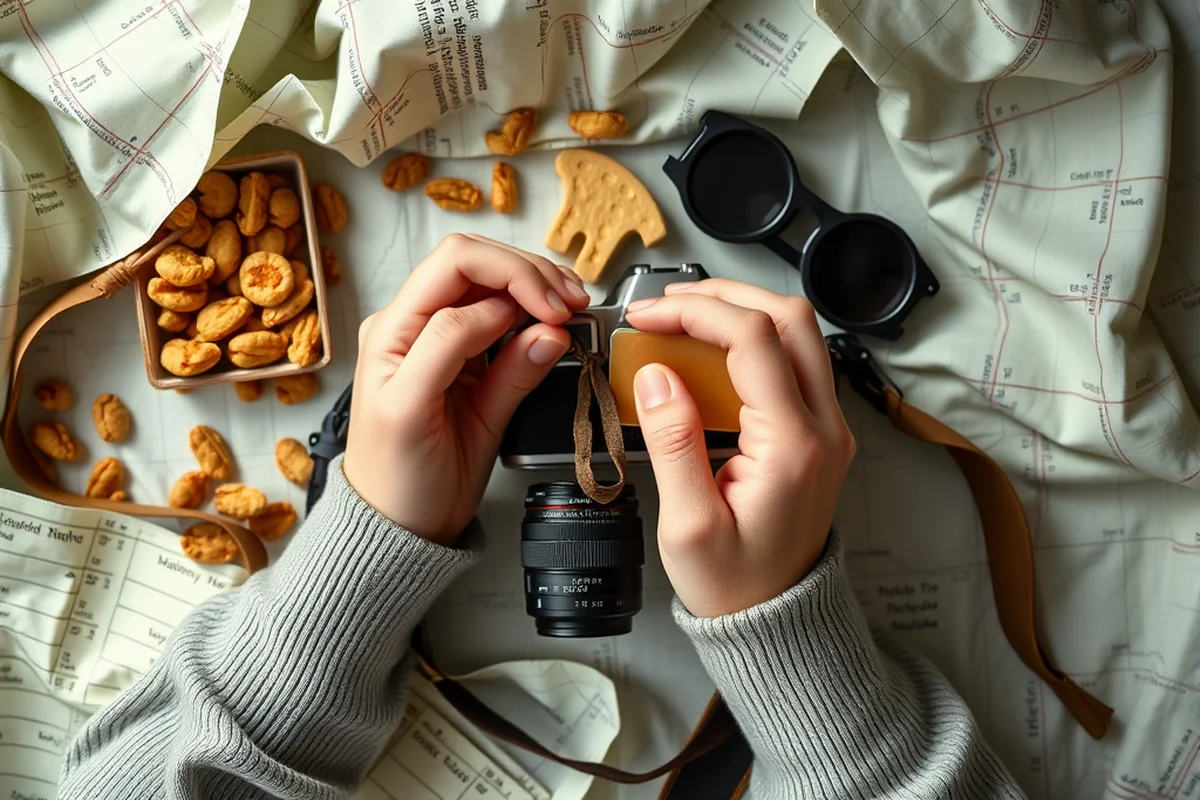
I’ve learned that asking locals for directions is one of the most effective ways to get accurate driving directions — especially in places where the roads aren’t clearly marked. I once asked a farmer in the Scottish Highlands for the way to a remote village, and he pointed me in the right direction with a smile. It was a small interaction, but it made the journey much easier.
Local knowledge can reveal shortcuts and hidden gems that apps don’t show. I’ve been told about gravel roads that save miles of driving and scenic byways that aren’t listed in any map. These tips can make your trip more efficient and more enjoyable.
Don’t be afraid to ask for help. I’ve found that most people are happy to give directions, especially if they see you’re a traveler. It’s a great way to connect with locals and get a deeper understanding of the area you’re visiting.
Related: Bing to and from directions
The Importance of Having a Backup Plan
I’ve been in situations where my phone died, my GPS stopped working, and I had no signal. It’s in these moments that a backup plan becomes essential. I always carry a paper map in my bag and have a downloaded version of Google Maps on my phone in case I lose internet access.
I also carry a portable power bank in case my phone runs out of battery. It’s a small device, but it can be a lifesaver when you’re in an area with no outlets. I’ve used it on several trips, and it’s always come in handy when I needed to check directions or use my phone for navigation.
Having a backup plan isn’t just about being prepared — it’s about feeling confident on the road. I’ve learned that knowing I have alternatives gives me peace of mind, even in the most challenging travel situations.
Related: Get driving directions from point a to point b
How to Use Navigation Apps Without Getting Distracted
I’ve made the mistake of trying to use my phone while driving, and it’s not safe — or legal in many places. I now use voice commands and hands-free features to get driving directions without taking my eyes off the road. It’s a small change, but it makes a big difference in terms of safety.
I also use the ‘Driving Mode’ on my phone apps, which simplifies the interface and shows only the most important information. It’s less cluttered and makes it easier to follow directions without getting distracted. I’ve noticed that using this mode has helped me stay focused and avoid mistakes.
It’s important to keep your phone in a secure mount so you can see the screen easily. I’ve invested in a high-quality mount that keeps my phone stable, even on bumpy roads. It’s a small investment that makes driving safer and more efficient.
Safety first — always use navigation apps in a way that keeps you focused on the road.
Related: Mapquest driving directions between two points
How to Get Driving Directions in Remote Areas
I’ve traveled through remote parts of Alaska, where getting driving directions was a challenge. My phone had no signal, and my GPS wasn’t always accurate. I had to rely on a paper map, a compass, and a downloaded version of Google Maps. It wasn’t easy, but it worked.
In these situations, I make sure to plan my route in advance and study the map thoroughly. I also look for landmarks or natural features that can help me navigate. I’ve found that using the sun and stars to determine my direction helps, especially when I can’t see the road clearly.[3]
I’ve learned that preparation is key with getting driving directions in remote areas. I always carry a backup power source, a compass, and a map — just in case. It’s a small investment, but it can save you from a lot of trouble when you’re far from help.
🚗 Budget Road Trip
A low-cost adventure with affordable accommodations and free maps for driving directions.
🌄 Long Weekend Getaway
A quick escape with easy access to driving directions and minimal planning.
👨👩👧👦 Family Road Trip
A fun-filled journey with kids, using apps and maps to keep the whole family on track.
🍂 Off-Season Travel
A quieter journey with fewer crowds and easier driving directions to remote destinations.
🚙 Luxury Road Trip
A high-end experience with premium navigation tools and top-tier accommodations.
| The mistake | Why it happens | The fix |
|---|---|---|
| Relying solely on a phone for driving directions. | Phones can lose signal, battery, or crash, leaving you without any way to navigate. | Always carry a backup like a paper map, compass, or downloaded apps. |
| Not planning your route in advance. | Last-minute planning can lead to confusion, wrong turns, and wasted time. | Study your map and plan your route before you leave home. |
| Using your phone while driving. | It’s dangerous and can result in accidents or getting pulled over by law enforcement. | Use voice commands or hands-free features to stay safe and focused. |
| Ignoring local advice for driving directions. | Locals often know the best routes and can save you time and trouble. | Be open to asking for help and follow local advice when possible. |
| Not carrying a backup power source. | Your phone can run out of battery, leaving you without a navigation tool. | Invest in a portable power bank or carry spare batteries to keep your devices charged. |
How To Get Driving Directions
Common Questions
What should I do if I get lost with no phone signal?
Are digital maps reliable in remote areas?
How can I avoid getting distracted by navigation apps while driving?
Is it better to use my phone or a car’s GPS for driving directions?
References
- Visiting | Driving Directions | Amherst College (amherst.edu)
- Driving Directions - Advanced Platform Technology Center (aptcenter.research.va.gov)
- Driving Directions | Bremerton, WA - Official Website (bremertonwa.gov)
- Directions, parking & transportation | The California Science Center (californiasciencecenter.ca.gov)
Cite this guide
Prettyroads (2026). How To Get Driving Directions. https://prettyroads.com/how-to-get-driving-directions/
Feel free to cite or share this guide.