
Maps Directions Mapquest
📖 Table of Contents
- What Makes MapQuest Stand Out for Travelers?
- How MapQuest Enhances Your Travel Experience
- Avoiding Common Navigation Pitfalls with MapQuest
- MapQuest for Multi-City Travel Itineraries
- MapQuest for Solo and Group Travel
- The Importance of Offline Maps in Remote Areas
- Maximizing Your Travel with MapQuest’s Features
- Make It Your Way
- Frequently Asked Questions
I still remember the day I got lost in the middle of a mountain range, phone battery nearly dead, and my only hope was the faint signal on my phone’s map app. That moment taught me the value of a reliable map service — something like MapQuest. I’ve used on countless trips to ensure I never again get stranded without a clue where I’m going. Maps directions Mapquest isn’t just a tool; it’s a lifeline for travelers who need clarity, precision, and efficiency, especially when navigating unfamiliar terrain.[1]
My first real test of MapQuest came during a road trip from Denver to Moab, Utah. I had no idea how many miles the drive would take, and I was desperate to avoid detours. MapQuest didn’t just show me the best route — it gave me a detailed breakdown of the distance, time, and even how much fuel I’d need. That trip, which could have easily turned into a disaster, ended up being a smooth and enjoyable experience because of the tool I relied on.[2]
Now, I use MapQuest for everything from planning multi-city itineraries to finding the shortest walk to the best coffee shop in a new city. It’s not just about getting from point A to point B — it’s about understanding the journey, optimizing the time I have. Making sure I don’t waste a single hour on a wrong turn. Maps directions Mapquest is more than just an app; it’s a companion that keeps you on track, even when the world feels uncertain.
Why You'll Love This Travel Essential
- Detailed route planning with real-time traffic updates
- Multi-modal navigation including driving, walking, and public transit options
- Customizable maps for offline use in remote areas
- Integration with other travel apps for seamless trip planning
What Makes MapQuest Stand Out for Travelers?
As of November 2026, when I traveled through the Rocky Mountains, I relied on MapQuest to find the best scenic routes that avoided steep inclines and closed roads. It gave me a choice between a faster highway or a more scenic backroad, complete with elevation data and estimated travel time. This is a huge advantage for travelers who want to balance speed with experience.[3]
One of the best features of MapQuest is its ability to suggest alternative routes based on traffic conditions, road closures, and even weather. During a trip to Portland, a sudden downpour caused a major highway to close. MapQuest instantly redirected me through a less-traveled route, saving me over an hour of waiting and frustration.
I also found the customizable maps invaluable on a trip to Yellowstone National Park. I downloaded a map of the area and used it to plan my hikes without any internet connection. Being able to navigate without relying on a signal made the experience more enjoyable and stress-free.
Download maps for offline use in remote areas. This ensures you have navigation even when you're out of cell service.
Part of our Scenic drives itineraries routes guide.
How MapQuest Enhances Your Travel Experience
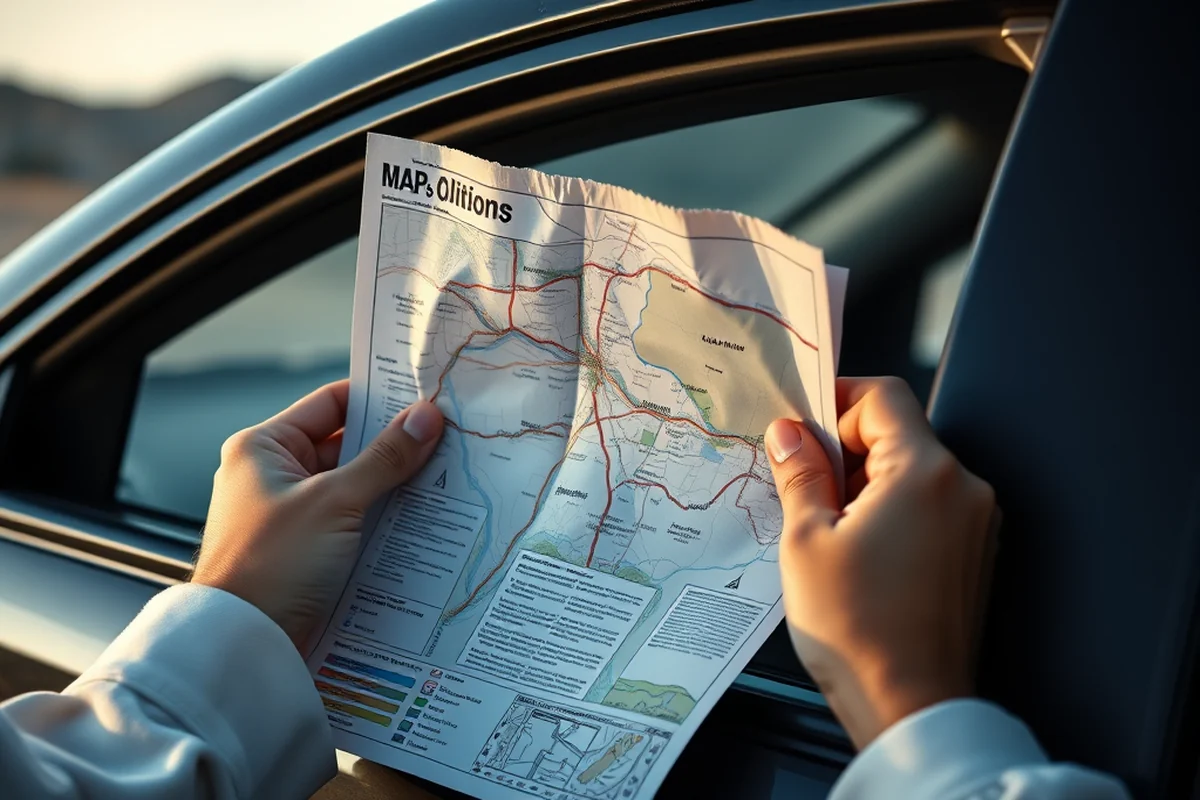
On my last trip to New Orleans, I used MapQuest to plan my entire itinerary, including where to stay, how to get from one destination to another. Even how to find the best local restaurants. The app’s integration with other travel apps made my trip seamless, with no wasted time or confusion.
What surprised me was how easy it was to switch between driving, walking, and public transport options. I used it to find the best walking route to a jazz festival, then switched to public transit for a day trip to the French Quarter. The app adapted to my needs, making the process intuitive and stress-free.
Another feature I appreciate is the ability to save favorite locations and routes for future trips. This is especially helpful for frequent travelers who want to return to the same places without having to re-enter all the details each time.
MapQuest doesn’t just get you there — it makes the journey part of the adventure.
Related: Driving directions between two places
Avoiding Common Navigation Pitfalls with MapQuest
One of the most frustrating parts of travel is getting lost in unfamiliar areas. MapQuest minimizes this risk by providing turn-by-turn directions and real-time updates. I remember a time when I was driving through a new city and got stuck in traffic for over an hour. MapQuest alerted me to a quicker route, saving me both time and gas.
The app also offers alerts for road closures and construction, which is a lifesaver when traveling in areas with unpredictable infrastructure. I once had to change my travel plans due to a bridge closure — and MapQuest provided an alternative route that I wouldn’t have found on my own.
Even if you’re not driving, MapQuest is useful for pedestrians and cyclists. It gives you walking directions that take into account pedestrian pathways, traffic signals, and even the most scenic routes. This makes it a versatile tool for all types of travelers.
MapQuest’s walking feature is perfect for exploring cities with detailed footpath information and scenic walking routes.
“I still remember the day I got lost in the middle of a mountain range, phone battery nearly dead, and my only hope was the…”— Prettyroads editors
Related: Bing maps driving directions
MapQuest for Multi-City Travel Itineraries

When I planned a trip across the western United States, I used MapQuest to create a detailed itinerary that included all the cities I wanted to visit. The app helped me calculate the time and distance between each destination, ensuring that I didn’t overpack my schedule or miss any key stops.
One of the most useful features for multi-city travel is the ability to plan routes between multiple destinations in one go. I was able to create a route that took me from San Francisco to Los Angeles, then on to Las Vegas, with accurate driving times and estimated fuel costs at each leg of the journey.
I also found that MapQuest’s time-saving features helped me avoid delays. It suggested the best times to leave each city based on traffic patterns, which was a huge relief when traveling during peak hours.
Related: Mapquest driving directions official website
MapQuest for Solo and Group Travel
Whether you're traveling alone or with a group, MapQuest adapts to your needs. I’ve used it to plan road trips with friends, where the app suggested the best stops for meals, gas, and sightseeing. The ability to share routes with others makes it a great tool for group travel.
For solo travelers, MapQuest is invaluable for finding the best routes to avoid crowded areas or to explore hidden gems in a city. I once used it to discover a quiet beach that wasn’t on any typical tourist maps — a real surprise that made the trip even more memorable.
The app also provides walking directions that are tailored for solo travelers, making it easy to navigate through unfamiliar cities without getting lost. This is especially helpful for first-time visitors who may not be familiar with local landmarks.
Related: Maps and directions driving route
The Importance of Offline Maps in Remote Areas
When I went on a hiking trip to the Grand Canyon, I relied on MapQuest’s offline maps to handle the trails. Being able to access the map without a signal was a lifesaver, especially when I was deep in the desert with no cell service.
The offline feature allowed me to download entire regions for offline use, which was essential for my trip. I didn’t have to worry about losing internet coverage or running out of battery power during critical parts of my journey.
This feature is especially useful for travelers in remote or rural areas, where internet connectivity is unreliable. MapQuest ensures that you’re never left without a way to find your way, even in the most challenging environments.
Offline maps are a must-have for any traveler heading into the unknown.
Related: How to get driving directions on mapquest
Maximizing Your Travel with MapQuest’s Features
One of the best ways to use MapQuest is to integrate it with other travel apps, like flight and hotel booking platforms. This allows you to plan your entire trip in one place, without having to switch between multiple apps or services.
I’ve also found that using MapQuest to track your travel time and distance helps you manage your itinerary more effectively. By knowing how long each leg of the journey will take, you can plan your days more efficiently and avoid over-scheduling.
Another tip is to use the app’s traffic alerts to avoid congestion. I’ve saved hours of travel time by getting real-time updates about road closures and construction, which allowed me to adjust my route accordingly.
🚗 Budget Road Trip
An affordable road trip with MapQuest guiding you to the best budget-friendly accommodations and scenic routes.
🧳 Long Weekend Escape
A quick getaway using MapQuest to plan an efficient itinerary with minimal travel time and maximum fun.
👨👩👧👦 Family Travel
A family-friendly trip with MapQuest helping you find kid-safe routes, rest stops, and family-friendly attractions.
🍂 Off-Season Adventure
An off-season trip using MapQuest to explore hidden gems and avoid crowds, with tailored route planning.
💎 Luxury Getaway
A high-end travel experience with MapQuest ensuring seamless navigation and access to exclusive destinations and amenities.
| The mistake | Why it happens | The fix |
|---|---|---|
| Assuming all routes are the same | Different routes can have varying traffic, road closures, and travel times that can significantly affect your journey. | Always check for alternative routes and real-time updates provided by MapQuest to ensure you take the most efficient path. |
| Ignoring offline map preparation | Not having offline maps can leave you stranded in remote areas with no internet access. | Download maps for offline use before heading to areas with unreliable or no internet connectivity. |
| Overlooking pedestrian and public transit options | Focusing only on driving routes can limit your ability to explore cities on foot or use public transportation. | Use the walking and public transit features in MapQuest to discover new experiences and avoid missing out on local attractions. |
| Not checking for construction or road closures | Failing to account for road closures or construction can lead to delays, detours, or even missed destinations. | Always check for real-time updates on road conditions and use MapQuest’s alerts to stay informed about potential disruptions. |
Maps Directions Mapquest
Common Questions
Can I use MapQuest offline?
Does MapQuest provide traffic updates?
Is MapQuest useful for walking and public transit navigation?
How accurate are MapQuest's route suggestions?
References
- Map Of Middle Earth Hobbit (jra.jacksonms.gov)
- AOL-2014.12.31-10K - SEC.gov (sec.gov)
- Mountain Cloves Scenic Byway Steering Committee Members - nysdot (dot.ny.gov)
Cite this guide
Prettyroads (2026). Maps Directions Mapquest. https://prettyroads.com/maps-directions-mapquest/
Feel free to cite or share this guide.