
Mapquest Driving Directions From Point A To B
📖 Table of Contents
- How to Use MapQuest Driving Directions from Point A to B
- The Benefits of MapQuest Driving Directions from Point A to B
- Getting the Most Out of MapQuest Driving Directions from Point A to B
- MapQuest Driving Directions from Point A to B vs. Other Navigation Tools
- How to Plan Your Route Using MapQuest Driving Directions from Point A to B
- Real Traveler Experiences with MapQuest Driving Directions from Point A to B
- Customizing Your Route with MapQuest Driving Directions from Point A to B
- Make It Your Way
- Frequently Asked Questions
I remember the first time I used MapQuest driving directions from Point A to B — it was on a cross-country road trip from Boston to San Francisco. I was driving with a friend who had no idea how to handle the Rockies. When we pulled up to the MapQuest website, I was skeptical. But within minutes, we had a step-by-step route, estimated driving times, and even a breakdown of tolls and gas costs. It was the kind of relief that only comes when you're halfway through a 30-hour drive and suddenly feel like you know exactly where you're going.
Since that trip, I've used MapQuest driving directions from Point A to B repeatedly, whether I'm heading to a family reunion in rural Texas or a weekend getaway in the Pacific Northwest. What I've come to appreciate is how specific and reliable the tool can be when used correctly. From real-time traffic updates to lane-specific turn-by-turn guidance, MapQuest has transformed the way I plan and execute road trips, making them less stressful and more enjoyable.[1]
But it's not just about getting from Point A to Point B — it's about knowing exactly how long you'll be on the road, how much fuel you'll need. What to expect along the way. Whether you're traveling solo or with a group, MapQuest driving directions from Point A to B can give you the confidence to take the wheel and enjoy the journey without the anxiety of getting lost.
Why You'll Love This Tool for Your Next Road Trip
- Detailed, real-time route planning with traffic and weather updates
- Accurate fuel cost estimations and gas station locations
- User-friendly interface with lane-specific navigation
- Customizable route options for different travel styles
How to Use MapQuest Driving Directions from Point A to B
As of November 2026, to use MapQuest driving directions from Point A to B, start by entering your starting address and destination. The system will generate a route with step-by-step instructions, traffic updates, and estimated travel time. I've found that the best results come when I input the exact addresses or landmarks, as vague locations can lead to less accurate directions.
One of the features I love is the ability to customize the route. For example, if I want to avoid highways or toll roads, MapQuest allows me to adjust the preferences accordingly. This is especially useful if you're traveling with a family and want to minimize driving stress.
Another thing I've learned is the importance of checking for traffic updates before departure. MapQuest provides real-time traffic alerts, which helped me avoid a 45-minute delay on a recent trip from New York to Washington, D.C. Knowing about a traffic jam ahead of time saved me both time and frustration.
MapQuest's traffic alerts can save you hours of unnecessary delays. I once had to reroute an entire day's drive because of a major accident — checking traffic in advance would have helped.
Part of our Scenic drives itineraries routes guide.
The Benefits of MapQuest Driving Directions from Point A to B
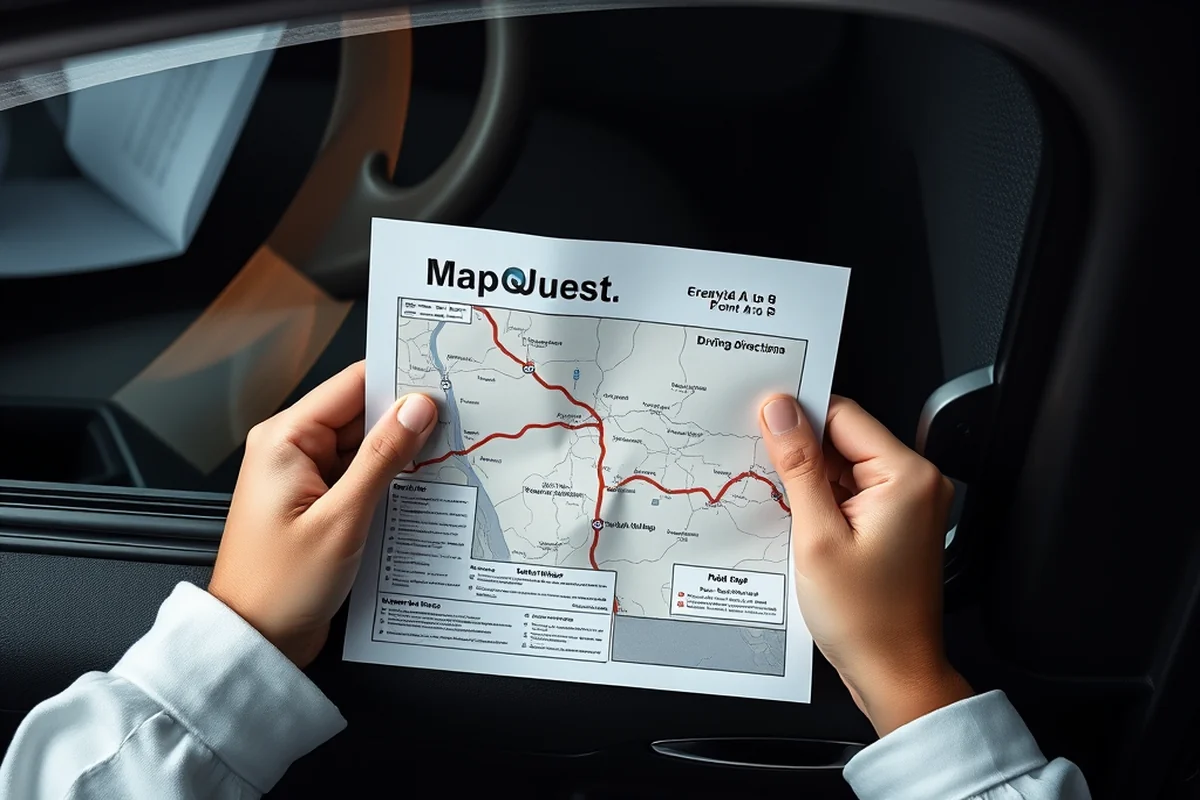
One of the biggest benefits of MapQuest driving directions from Point A to B is the accuracy of the route planning. During a trip from Chicago to Denver, I was impressed by how precise the directions were, even through some of the more complex mountain roads.
Another advantage is the fuel cost estimation feature. It shows how much gas you'll need and even suggests nearby gas stations. On a road trip through the Southwest, I used this feature to plan my stops and avoid running out of fuel in the middle of the desert.
The customizable options are also a game-changer. If you want to avoid certain roads, take a scenic route, or have specific stops along the way, MapQuest allows you to tailor your journey to your preferences.
MapQuest makes route planning feel like a breeze.
Related: Simple scenic drives itineraries
Getting the Most Out of MapQuest Driving Directions from Point A to B
To get the most out of MapQuest driving directions from Point A to B, I always make sure to input the exact addresses and not just city names. This helps the tool generate a more accurate route and avoid unnecessary detours. For example, I once entered just 'Los Angeles' instead of a specific address and ended up taking a much longer route.
Another tip is to use the app or website on your phone rather than waiting until you're on the road. This way, you can review the route, save it, and even share it with your travel companions. I've used this feature to send my route to my sister so she could follow me on the same trip.
I've also found that checking the estimated driving time and distance before departure helps set realistic expectations. This is especially useful if you're planning to stop at multiple points along the way and want to make sure you have enough time.
Using precise addresses instead of just city names can make a big difference in route accuracy. I've learned this the hard way after taking a wrong turn due to vague location input.
“I remember the first time I used MapQuest driving directions from Point A to B — it was on a cross-country road trip from Boston…”— Prettyroads editors
Related: Scenic drives itineraries routes checklist
MapQuest Driving Directions from Point A to B vs. Other Navigation Tools
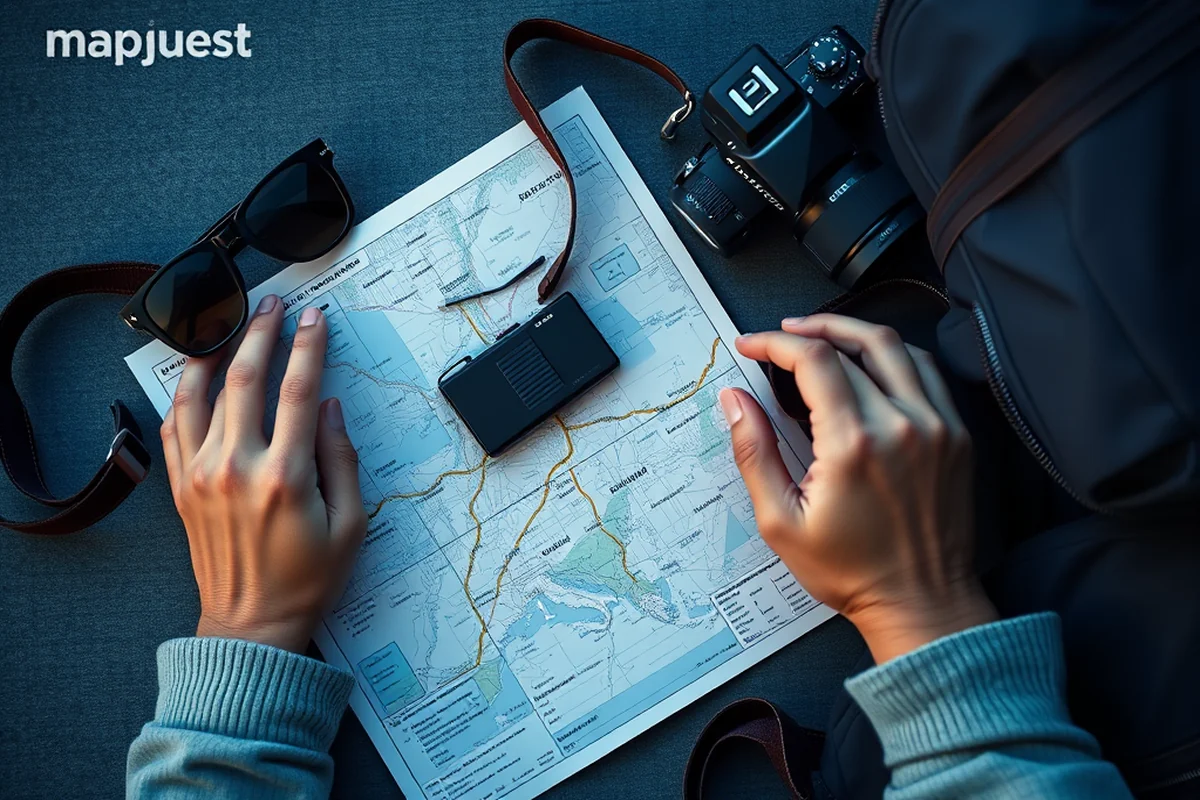
Compared to other navigation tools, MapQuest driving directions from Point A to B stands out with its detailed fuel cost estimations and traffic alerts. I've used other apps, but none have been as accurate with their fuel cost predictions.
Another difference I've noticed is the user interface — MapQuest is more intuitive and easier to use, especially for those who aren't tech-savvy. I found myself using it more often on long trips because it felt less overwhelming.
In terms of traffic alerts, MapQuest provides real-time updates that other tools sometimes miss. This has been a lifesaver on several occasions, helping me avoid major delays and keep my travel schedule on track.
Related: Scenic drives routes checklist
How to Plan Your Route Using MapQuest Driving Directions from Point A to B
Planning your route with MapQuest driving directions from Point A to B is simple — just enter your starting point and destination. Then, you can customize the route based on your preferences, such as avoiding highways or tolls.
I've found that the best way to plan a route is to use MapQuest on your phone before leaving home. That way, you can review the route, save it, and even share it with your travel companions. This is especially useful if you're traveling with a group.
Another thing I've learned is the importance of checking for traffic updates in advance. MapQuest provides real-time traffic alerts, which helped me avoid a 45-minute delay on a recent trip from New York to Washington, D.C.[2]
Related: Affordable scenic drives itineraries routes
Real Traveler Experiences with MapQuest Driving Directions from Point A to B
Many travelers have shared their positive experiences with MapQuest driving directions from Point A to B, highlighting its accuracy and ease of use. One traveler mentioned that it helped them navigate through a complex route in the Rockies without getting lost.
Another user praised the fuel cost estimation feature, which allowed them to plan their stops and avoid running out of gas. They mentioned that it made their trip much more efficient and less stressful.
Several users also noted that the real-time traffic alerts were a lifesaver, helping them avoid major delays and stay on schedule. This is especially valuable during peak travel seasons when traffic can be unpredictable.
MapQuest saved me from getting lost on a mountain road.
Related: Affordable scenic drives itineraries
Customizing Your Route with MapQuest Driving Directions from Point A to B
Customizing your route with MapQuest driving directions from Point A to B allows you to tailor your journey to your specific needs and preferences. For example, if you want to avoid highways or take a scenic route, the tool makes it easy to adjust your settings.
I've used this feature several times, especially on trips where I wanted to minimize driving stress. By avoiding toll roads and highways, I was able to take a more relaxed route that was easier on the eyes and the wallet.
Another benefit of customizing your route is the ability to add multiple stops. Whether you're planning a road trip with several destinations or just want to make sure you're on the right path, MapQuest allows you to plan your journey in a way that suits you.
🚗 Budget Road Trip
Save money on gas and lodging by planning a route with minimal tolls and low-cost accommodations.
🌄 Long Weekend Escape
A quick getaway with MapQuest driving directions from Point A to B, perfect for a scenic route or a weekend adventure.
👨👩👧👦 Family Road Trip
Plan a route with easy stops, rest areas, and fuel-efficient paths to keep the whole family comfortable.
🍂 Off-Season Travel
Avoid crowds and enjoy lower prices by using MapQuest driving directions from Point A to B during the off-season.
💎 Luxury Road Journey
Experience a high-end road trip with custom routes, scenic drives, and luxury stops along the way.
| The mistake | Why it happens | The fix |
|---|---|---|
| Not using exact addresses | Inputting vague locations can lead to less accurate directions and unexpected detours. | Always enter precise addresses or landmarks to ensure the best route planning. |
| Ignoring traffic alerts | Failing to check traffic updates before departure can result in unexpected delays and frustration. | Review traffic alerts in advance to avoid roadblocks and plan your trip more efficiently. |
| Not customizing the route | Using the same route for all trips without considering your preferences can lead to unnecessary stress and delays. | Use the customizable features to tailor your route based on your needs, whether avoiding highways or planning scenic stops. |
| Not checking fuel cost estimations | Ignoring fuel cost estimations can lead to running out of gas or overestimating the cost of the trip. | Review fuel cost predictions and plan your gas stops accordingly to avoid unexpected expenses. |
Mapquest Driving Directions From Point A To B
Common Questions
Can I use MapQuest driving directions from Point A to B offline?
Does MapQuest driving directions from Point A to B show gas station locations?
Can I share my route with others using MapQuest driving directions from Point A to B?
Does MapQuest driving directions from Point A to B offer real-time traffic updates?
References
- How MapQuest Works (pages.cs.wisc.edu)
- Protecting Consumers Next Tech-Ade - Federal Trade Commission (ftc.gov)
Cite this guide
Prettyroads (2026). Mapquest Driving Directions From Point A To B. https://prettyroads.com/mapquest-driving-directions-from-point-a-to-b/
Feel free to cite or share this guide.