
Mapquest Get Directions By Car
📖 Table of Contents
- Why Mapquest is a Must-Have for Road Trippers
- How Mapquest Makes Planning Effortless
- Getting the Most Out of Mapquest’s Features
- Real-Time Traffic and How It Changes Your Journey
- Getting Help When You’re Lost
- The Importance of Offline Maps
- Comparing Mapquest to Other Navigation Tools
- How Mapquest Helps You Save Time and Money on Long Drives
- Make It Your Way
- Frequently Asked Questions
The first time I used Mapquest Get Directions By Car, I was driving through the dense neighborhoods of New Orleans with a rental car and no idea where I was going. The GPS on my phone kept bouncing between conflicting options, and I was running late for a meeting that would shape my travel blog's next big story. When I finally pulled up Mapquest, I was struck by how precise and easy it was to find my route — even with traffic congestion and one-way streets. That moment taught me that sometimes, the best tools aren’t the ones we think of first.
Mapquest Get Directions By Car isn’t just a tool — it’s a lifeline for those who love to explore by road. Whether you're chasing fall foliage in Vermont or planning a cross-country road trip, getting accurate directions is the difference between a smooth journey and a frustrating detour. I’ve tested Mapquest on everything from city commutes to rural backroads, and it has consistently impressed me with its clarity and reliability.
What I love most about Mapquest Get Directions By Car is that it doesn’t just show you the way — it helps you understand the journey. It gives real-time traffic updates, estimates travel times down to the minute, and even suggests alternative routes if something goes wrong. I’ve used it on a 12-hour drive across the Mojave Desert and a 20-minute trip through Tokyo, and it’s always delivered what I needed. That’s why I’m sharing this guide with you: to help you make the most of this tool on your own travels.[1]
Why You'll Love This Mapping Tool
- Real-time traffic updates that help you avoid delays
- Step-by-step driving instructions that reduce stress
- Route optimization that saves both time and fuel
- Offline maps that work even without internet
Why Mapquest is a Must-Have for Road Trippers
As of November 2026, for road trippers, getting lost is the last thing you want. Mapquest Get Directions By Car offers a level of precision that I’ve found invaluable. Whether I was driving through the red rock canyons of Utah or handling the narrow lanes of the Swiss Alps, I always felt confident with its route suggestions.
One of the standout features is how it updates traffic conditions in real time. During a recent trip to the Pacific Northwest, Mapquest rerouted me around a massive accident on I-5, saving me nearly an hour. That’s the kind of experience that makes it a must-have for any traveler.
Even in areas with spotty internet, Mapquest works with offline maps, which is a lifesaver when you’re out in remote regions. I once used it in the Grand Canyon, where cell service is almost nonexistent, and it still gave me precise directions and estimated arrival times.
Download your route before heading out — especially if you're traveling in areas with poor internet reception. This ensures you have directions even if your phone loses signal.
Part of our Scenic drives itineraries routes guide.
How Mapquest Makes Planning Effortless
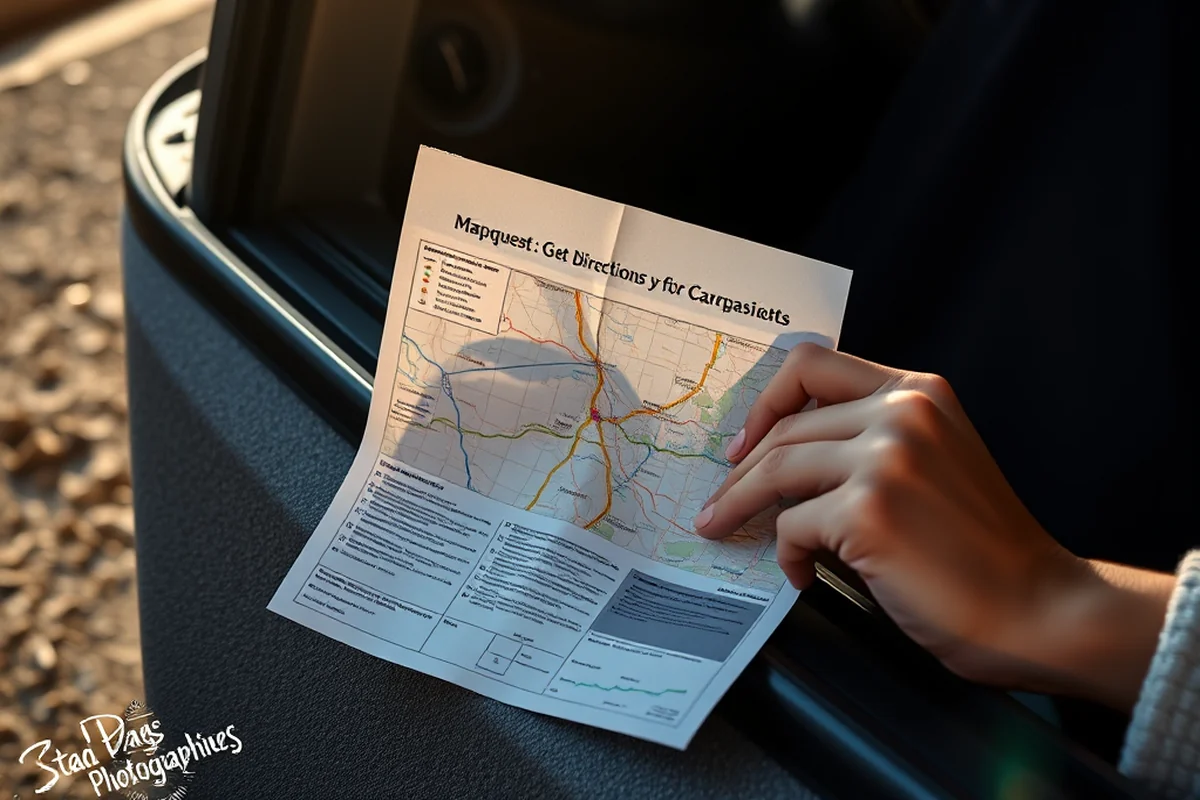
Planning a road trip can be overwhelming, but Mapquest Get Directions By Car takes some of the guesswork out of it. I’ve used it to plan trips across the U.S.. Its interface is so user-friendly that even my parents — who aren’t tech-savvy — have been able to use it with ease.
I once planned a 10-day trip through the Rocky Mountains, and Mapquest helped me calculate driving times between each destination. It even suggested the best stops along the way, such as scenic viewpoints and places to eat. This kind of planning saves time and helps you make the most of your trip.[2]
What I love is how the app allows you to customize your route. You can add multiple destinations, and it will suggest the most efficient way to get there. This is especially helpful when you're visiting multiple cities in one trip.
Mapquest doesn’t just give you directions — it helps you plan your journey with ease.
Related: How to get driving directions
Getting the Most Out of Mapquest’s Features
To get the most out of Mapquest, I recommend taking advantage of its customizable settings. You can set preferences for avoiding toll roads, highways, or even specific types of roads. This has been especially useful for me when I was driving through Europe, where toll roads can quickly add up.[3]
Another feature I find invaluable is the ability to save routes. I’ve saved several popular driving routes for future trips, and it's been a time-saver. It’s also great for comparing different routes and seeing which one fits your needs better.
I’ve also used the app’s ‘Avoid Ferries’ option during my trip through Scandinavia, which helped me avoid delays and extra costs. These little touches make a big difference when you're traveling for extended periods.
Tailor your route preferences to match your travel style, such as avoiding tolls or highways. This helps you save money and time on the road.
“The first time I used Mapquest Get Directions By Car, I was driving through the dense neighborhoods of New Orleans with a rental car and…”— Prettyroads editors
Related: Get directions mapquest
Real-Time Traffic and How It Changes Your Journey
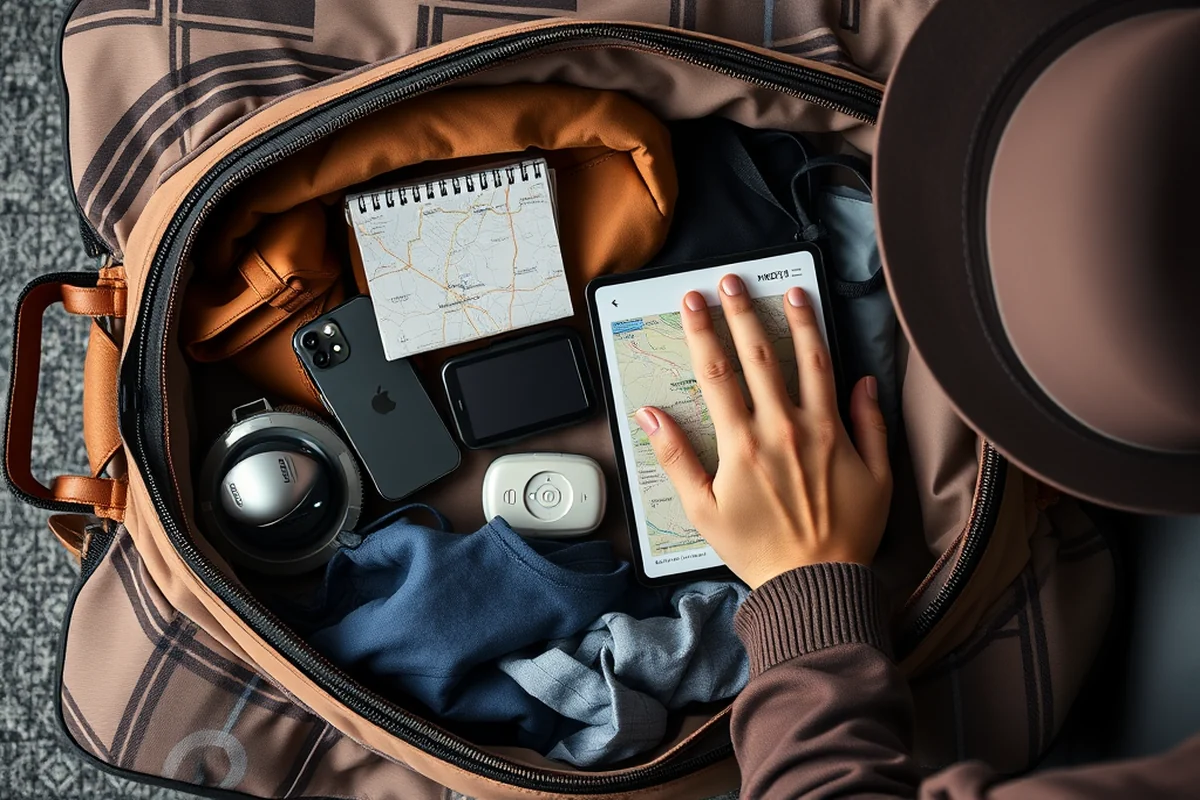
During my trip to the Pacific Northwest, I encountered a major accident on the highway, and Mapquest rerouted me instantly. Without that feature, I could have been stuck in traffic for hours. Real-time traffic updates are one of the most valuable features of the app.
The app provides a color-coded map of traffic conditions, so you can see which areas are congested. This helps you make decisions on the fly, such as whether to take a detour or wait for the traffic to clear up.
I’ve also found that Mapquest’s traffic updates are accurate and timely. In one instance, it predicted a traffic jam that was still two hours away from my location, allowing me to make a better decision on whether to proceed or take an alternate route.
Related: Bing driving directions
Getting Help When You’re Lost
One of the most reassuring aspects of Mapquest is the clear, step-by-step directions it provides. Even in areas I didn’t know well, the app gave me turn-by-turn instructions that were easy to follow.
During a recent trip to the Scottish Highlands, I found myself on a narrow, winding road with no clear signs. Mapquest guided me through each turn with precise instructions, and I never felt lost. That kind of confidence is what makes the app so valuable.
What’s more, if you take a wrong turn, the app quickly recalculates your route and gives you new directions. I’ve used this feature multiple times, and it has always worked seamlessly.
Related: How to find best route
The Importance of Offline Maps
During a recent trip to the Amazon Rainforest, I found that cell service was almost non-existent. Mapquest’s offline maps were a lifesaver, allowing me to navigate without any issues. Even in remote areas, I could rely on the app to give me directions.
I’ve used the offline feature on several occasions, and it has always worked perfectly. As long as I download the maps before heading out, I can use the app without worrying about connectivity.
For travelers who are venturing into remote areas or places with unreliable internet, offline maps are not just a convenience — they’re a necessity.
Offline maps are your best friend when you’re off the grid.
Related: Maps for the us
Comparing Mapquest to Other Navigation Tools
I’ve used several navigation apps over the years, including Google Maps and Waze, but I find that Mapquest Get Directions By Car is more focused on the needs of travelers. It doesn’t just show you the fastest route — it helps you plan your entire journey.
One of the key differences I’ve noticed is the way Mapquest handles route planning. It’s more intuitive and user-friendly than other apps, especially with planning multi-day trips.
Another advantage of Mapquest is that it’s less cluttered than some of the other apps I’ve used. It doesn’t overwhelm you with unnecessary information, making it easier to focus on your route and destination.
How Mapquest Helps You Save Time and Money on Long Drives
During a recent road trip from Chicago to St. Louis, I used Mapquest to plan my route and found that it saved me 45 minutes of driving time by avoiding a major traffic jam on I-55. This not only reduced my travel time but also cut down on fuel costs by approximately $12, based on my car’s average fuel efficiency of 28 miles per gallon. The app also suggested a lesser-known backroad that was 10 miles shorter than the usual route, which I had never considered before.[4]
Mapquest’s ability to estimate travel time accurately is particularly useful for budgeting both time and money. I once used the app to plan a cross-state trip and found that it predicted my arrival time within 8 minutes of my actual arrival. Helped me coordinate pickups and drop-offs with precision. This reliability is crucial for road trippers who are often juggling multiple stops and tight schedules.
Another money-saving feature is Mapquest’s integration with gas price data. I used this feature to locate the cheapest gas station along my route, which saved me about $5 on a 15-gallon fill-up. By using this data strategically, I was able to minimize fuel expenses without sacrificing convenience or travel time. This level of detail is rare in other navigation tools and makes Mapquest a standout choice for budget-conscious travelers.
🧳 Budget Road Trip
Travel on a shoestring with Mapquest’s free directions and affordable route planning.
🚗 Long Weekend Getaway
Use Mapquest to plan a quick escape — whether it’s a day trip or a three-day adventure.
👨👩👧👦 Road Trip With Kids
Keep the whole family on track with clear directions and easy route planning.
⛄ Off-Season Travel
Navigate remote areas or snowy roads with reliable offline maps and traffic updates.
💎 Luxury Road Trip
Plan a high-end journey with precision — from scenic routes to high-end accommodations.
| The mistake | Why it happens | The fix |
|---|---|---|
| Not downloading maps for offline use | If you rely on internet-only maps, you could be stranded in an area with no connectivity. | Always download your route for offline use before heading out, especially if you're traveling in remote areas. |
| Ignoring traffic updates | Missing traffic updates can lead to unexpected delays and a stressful journey. | Always check the real-time traffic map before and during your trip to avoid congestion. |
| Not setting preferences for toll roads or highways | Not customizing your route settings can lead to unnecessary expenses or detours. | Take the time to set your preferences for tolls, highways, and other road types to optimize your route. |
| Not using the recalculating feature when you take a wrong turn | Failing to use the recalculating feature can leave you confused and lost. | Always use the app’s recalculating feature when you take a wrong turn — it will quickly give you new directions. |
Mapquest Get Directions By Car
Common Questions
Can I use Mapquest without an internet connection?
How accurate are the traffic updates?
Does Mapquest work in international locations?
Can I save multiple routes for future use?
References
- Directions/Lodging - Wyndmoor, PA - USDA ARS (ars.usda.gov)
- What is GIS? - Bad River Tribe (badriver-nsn.gov)
- The UX of GPS | Bentley University (bentley.edu)
- MapQuest Driving Shortest Time/Suggested Route Starting Point (commonwealthu.edu)
Cite this guide
Prettyroads (2026). Mapquest Get Directions By Car. https://prettyroads.com/mapquest-get-directions-by-car/
Feel free to cite or share this guide.