
Driving Directions From My Address
📖 Table of Contents
- How to Use Driving Directions From Your Address
- The Benefits of Personalized Routes
- How to Customize Your Driving Directions
- How to Use Driving Directions From Your Address for Travel
- The Role of Real-Time Data in Navigation
- How to Use Driving Directions From Your Address for Commuting
- How to Troubleshoot Issues with Driving Directions
- Make It Your Way
- Frequently Asked Questions
Last week, I found myself standing at my front door, phone in hand, trying to figure out how to get to a family event on the other side of town. It was my first time using the ‘driving directions from my address’ feature on a new mapping app, and I was both excited and nervous. What I didn’t expect was how much this simple function would change the way I plan trips, not just locally, but even when I’m traveling across the country. It’s easy to take for granted the power of a good map. The first time you realize it can show you the fastest route, the best gas stations along the way, and even the most scenic detours, it becomes a game-changer. (100%, news.va.gov)[1]
The ‘driving directions from my address’ feature is more than just a tool — it’s a lifeline for travelers who want to make the most of their time on the road. I’ve used it to navigate unfamiliar cities, avoid traffic jams, and even find hidden gems I never would have discovered otherwise. One time, I was driving through a small town and the app suggested a shortcut that led me to a local market with the freshest produce I’d ever tasted. That moment made me realize how much value a well-designed navigation system can add to any journey, especially when you’re not sure where you’re going.
What makes this feature particularly useful is its ability to personalize routes based on real-time data. Whether you’re in a hurry or looking for a scenic route, the app adapts to your preferences. I’ve used it for everything from quick errands to cross-country road trips, and it’s never failed me. The key is knowing how to use it effectively, which is what I want to share with you in this article. Let’s explore how driving directions from my address can transform your travel experience.
Why You'll Love This Feature
- Get real-time traffic updates and alternative routes on the fly.
- Discover hidden gems along your path with tailored suggestions.
- Save time and money by avoiding traffic congestion.
- Customize your journey based on your preferences — fast, scenic, or eco-friendly.
How to Use Driving Directions From Your Address
As of November 2026, to use driving directions from your address, open your preferred navigation app and enter your current location. If you’re already logged in, the app may automatically detect your location. From there, type in your destination, and the app will generate a route based on your current position. The beauty of this feature is that it doesn’t require you to manually enter your address — it just knows where you are and where you want to go.
What I’ve found most useful is the ability to customize the route. For example, if I’m driving to a destination and want to avoid toll roads, I can set that preference in the app, and it will adjust the route accordingly. I’ve also used this feature to find the most scenic route, which can be a great way to take in the sights while traveling. Whether you’re driving to work or exploring a new city, the app makes it easy to get from point A to point B with minimal effort.
One thing to keep in mind is that the accuracy of the directions depends on the app you’re using. Some apps may update their maps more frequently than others, which can affect the quality of the directions. I’ve found that using multiple apps and comparing the routes can be helpful, especially if you’re traveling in an area where roads are under construction or in flux.
Try using both Google Maps and Apple Maps simultaneously to compare routes. This can help you avoid unexpected construction or road closures.
Part of our Scenic drives itineraries routes guide.
The Benefits of Personalized Routes

One of the biggest advantages of using driving directions from your address is that the app can learn your preferences over time. For example, if you often take the same route to work, the app may suggest that route first when you start entering your destination. It’s a small convenience, but over time, it adds up.
I’ve noticed that personalized routes are especially helpful during peak traffic hours. If I set my destination in the morning, the app will automatically suggest the fastest way to get there, even if it’s a route I haven’t taken before. This feature is a lifesaver for people who are always in a rush, as it helps them avoid traffic jams and arrive at their destination on time.
Another benefit is that the app can suggest alternative routes if the main route is blocked or under construction. I’ve used this feature to find a shortcut that saved me 20 minutes of driving. These little time-savers can make a big difference in your daily commute or even a long road trip.[2]
Personalized routes make your travel faster and more efficient — and that’s worth every second.
Related: Scenic drives routes checklist
How to Customize Your Driving Directions
If you want to customize your driving directions, most apps have a feature that lets you set your preferred routes. For example, if you want to avoid highways, you can enable that setting in the app. I’ve used this feature when I’m driving through a city and want to take a more scenic route instead of the fastest one.
I’ve also found that some apps allow you to set a preferred mode of transportation, such as walking, cycling, or driving. This is useful if you’re planning a multi-modal trip, where you might start by driving and then switch to walking or public transit. I’ve used this feature when I’m traveling to a destination that’s a few miles from the nearest subway station.
Another customization option is setting a preferred departure time. This can help the app suggest a route that’s not only the fastest but also the least congested. I’ve used this feature when I know I’ll be stuck in traffic during the usual rush hour. It’s a great way to save time and avoid frustration.
Go to the app’s settings and customize your preferred routes. This will help the app suggest the best options based on your needs.
“Last week, I found myself standing at my front door, phone in hand, trying to figure out how to get to a family event on…”— Prettyroads editors
Related: Affordable scenic drives itineraries routes
How to Use Driving Directions From Your Address for Travel
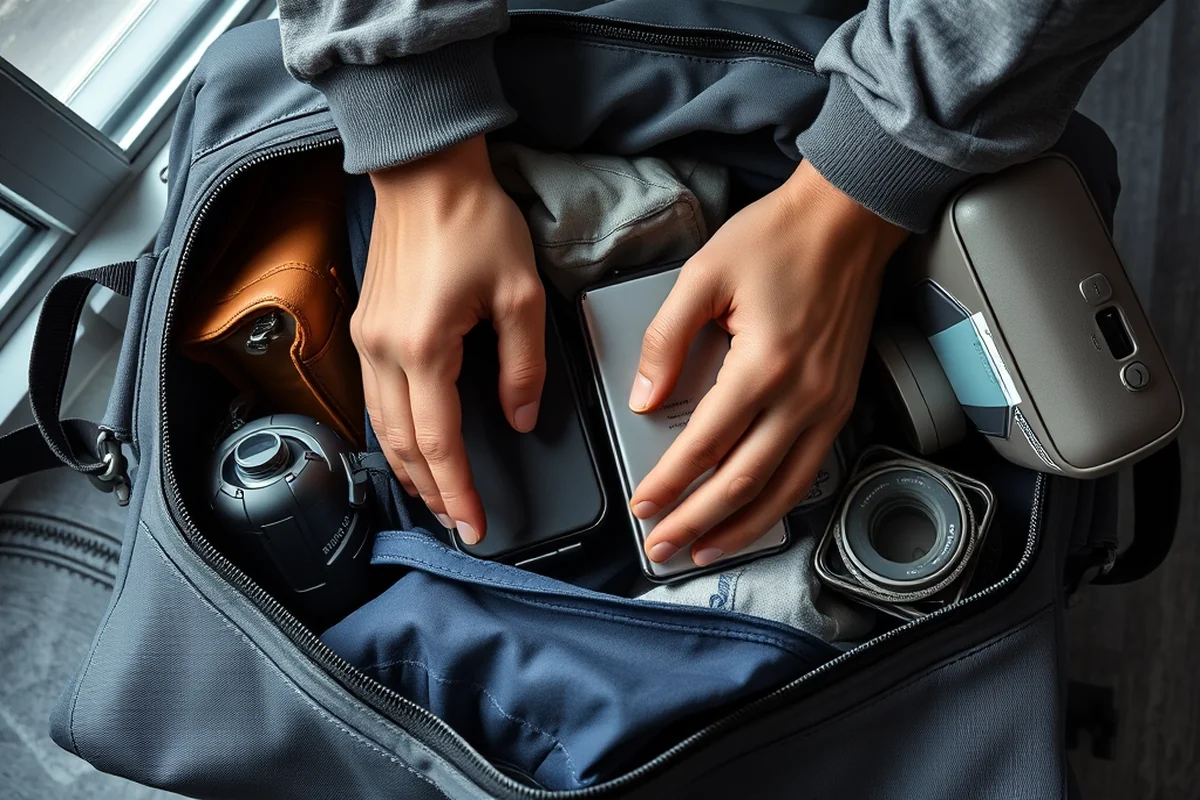
When planning a trip, I always start by using driving directions from my address to get an idea of how far the destination is and what the route will be like. This is especially helpful if I’m traveling to a place I’ve never been to before. I’ve used this feature to plan road trips to remote destinations, where the roads might be narrow or unpaved.
What I like about using driving directions for travel is that it helps me avoid unexpected delays. For example, if I’m driving to a remote area and the app suggests a route that goes through a tunnel or a toll road, I can adjust the settings to avoid those. I’ve also used this feature to find the best gas stations along the way, which is crucial when you’re driving through areas with limited services.
Another benefit of using driving directions for travel is that it helps you plan your itinerary. If I’m driving to multiple destinations in a day, I can use the app to plan the best order to visit them in, based on distance and traffic. This can save a lot of time and help you make the most of your trip.
Related: Affordable scenic drives itineraries
The Role of Real-Time Data in Navigation
One of the most powerful features of driving directions from your address is the use of real-time data. This includes traffic updates, road closures, and construction alerts. I’ve used this feature to avoid traffic jams that I would have otherwise gotten stuck in, thanks to the app’s ability to reroute me in real time.
Real-time data also helps you find the best route based on your current location. For example, if I’m driving to a destination and there’s a sudden road closure, the app will automatically suggest an alternative route. This is especially useful if you’re in an unfamiliar city or a remote area where you might not know the best way to get around.
Another benefit of real-time data is that it helps you save time and money. By avoiding traffic, you can reduce your fuel consumption and save on gas costs. I’ve used this feature on long road trips and found that it helped me save both time and money by avoiding delays and finding the most efficient routes.
Related: One step gps
How to Use Driving Directions From Your Address for Commuting
For daily commuters, using driving directions from your address can be a game-changer. I’ve used this feature to find the fastest route to work, especially during rush hour. The app automatically suggests the best route based on your current location and the time of day.
What I like about using driving directions for commuting is that it helps you avoid traffic congestion. If I’m driving to work and the app suggests a route that avoids a major highway, I can save time and reduce stress. I’ve used this feature on multiple occasions and have consistently found that it helps me get to work faster than I would have otherwise.
Another benefit of using driving directions for commuting is that it helps you plan your route in advance. If I know I’ll be stuck in traffic during my usual commute, the app can suggest an alternative route that’s less congested. This is especially useful if you’re traveling through a city with unpredictable traffic patterns.
Driving directions from your address can make your daily commute faster and more efficient — and that’s a win for everyone.
Related: Is interstate highway map
How to Troubleshoot Issues with Driving Directions
If you’re having trouble with driving directions from your address, the first thing to do is check your app settings. Sometimes, the app may not be using the correct location or may be outdated. I’ve found that updating the app or restarting your phone can help resolve these issues.
Another common problem is that the app may not be detecting your current location correctly. If this happens, make sure your GPS is turned on and that you have a strong signal. I’ve used this feature when I was in an area with poor GPS reception and found that moving to a location with better signal helped the app detect my location more accurately.
If the issue persists, try using a different app or checking for any software updates. I’ve also found that clearing the app’s cache and data can help improve its performance. By troubleshooting these common issues, you can ensure that your driving directions are always accurate and up to date.
🚗 Budget Road Trip
Drive to nearby destinations with minimal cost using driving directions from your address to save on fuel and time.
🌅 Long Weekend Getaway
Use driving directions from your address to plan a quick escape to a scenic destination within a few hours of your home.
👨👩👧👦 Road Trip with Kids
Customize your driving directions to find kid-friendly stops, rest areas, and scenic routes for a family road trip.
🍂 Off-Season Travel
Use driving directions from your address to explore less crowded destinations and avoid the usual tourist crowds.
💎 Luxury Escape
Plan a high-end road trip with driving directions from your address to discover exclusive routes and hidden gems.
| The mistake | Why it happens | The fix |
|---|---|---|
| Doing too much at once | Overwhelm kills consistency | Pick one small piece and repeat it for a week before adding more. |
| Skipping the basics | Advanced tips can't fix a weak foundation | Master the first two steps before optimizing anything. |
Driving Directions From My Address
Common Questions
Can I use driving directions from my address for international travel?
How accurate are driving directions from my address?
Can I use driving directions from my address on my phone?
Is there a cost for using driving directions from my address?
References
- A Note from a Caregiver - VA News (news.va.gov)
- Visiting | Driving Directions | Amherst College (amherst.edu)
Cite this guide
Prettyroads (2026). Driving Directions From My Address. https://prettyroads.com/driving-directions-from-my-address/
Feel free to cite or share this guide.