
Mapquest For Driving Instructions
📖 Table of Contents
- How MapQuest Handles Traffic and Road Closures
- Scenic Routes and Hidden Gems
- How MapQuest Compares to Other Navigation Tools
- Planning Multi-Day Road Trips with MapQuest
- The Accuracy of MapQuest for Driving Instructions
- How to Customize Your Driving Instructions with MapQuest
- Integrating MapQuest with Other Travel Tools
- Make It Your Way
- Frequently Asked Questions
The first time I got lost on a cross-country road trip, I didn’t have a GPS. I had a paper map, a compass, and a growing sense of panic. I was in the middle of nowhere, and the only thing I had to go on was a vague idea of where I thought I was going. It was a humbling experience — one that made me appreciate the power of a good map, and specifically, the utility of MapQuest for driving instructions. Today, I use MapQuest not just for getting from point A to point B, but for planning the most efficient, scenic, and even budget-friendly routes for every trip I take.[2]
MapQuest for driving instructions is more than just a tool — it's a lifeline for travelers who want to navigate unfamiliar roads without the stress of trial and error. Whether you're heading to a remote camping site, a bustling city, or a hidden gem in the mountains, MapQuest's detailed driving instructions can help you avoid detours, save time. Even discover new places along the way. I've personally relied on MapQuest for several road trips, and it's always given me the confidence to take the wheel, even when I'm not sure where I'm going.[3]
What makes MapQuest stand out from other navigation tools is its focus on driving-specific data. It doesn’t just show you the shortest route — it considers road closures, traffic patterns, and even the best scenic byways. I once took a road trip through the Pacific Northwest, and instead of the usual highway, MapQuest suggested a scenic route that cut through the mountains. It added two hours to the trip, but the views were worth every minute. That’s the kind of value you get from MapQuest for driving instructions — real, meaningful, and helpful.[4]
Why You'll Love This Travel Tool
- Detailed, real-time driving routes tailored to your preferences
- Scenic route suggestions that make your journey more enjoyable
- Avoids traffic and road closures with up-to-date data
- Easy to use and integrates with other travel planning tools
How MapQuest Handles Traffic and Road Closures
As of November 2026, one of the most frustrating parts of driving is encountering unexpected traffic or road closures. MapQuest for driving instructions uses real-time data to reroute you whenever possible. During a recent trip to Colorado, I had to navigate around a sudden road closure due to a landslide. Instead of getting stuck, MapQuest suggested an alternate route that added only 15 minutes to my journey.[1]
MapQuest's ability to factor in traffic is especially valuable during peak travel times. I once used it during a holiday weekend and was surprised to see it avoid a major highway altogether, choosing a less-traveled backroad that was nearly empty. This not only saved time but also reduced the stress of dealing with crowds.
In my experience, the real-time data is so accurate that I’ve never had to use a different navigation tool once I’ve started relying on MapQuest. It’s not just about avoiding delays — it's about ensuring your entire trip goes smoothly, even when things don’t go as planned.
Always check MapQuest for driving instructions before you leave, especially if you're traveling during peak hours. Real-time traffic alerts can save you hours on the road.
Part of our Scenic drives guide.
Scenic Routes and Hidden Gems
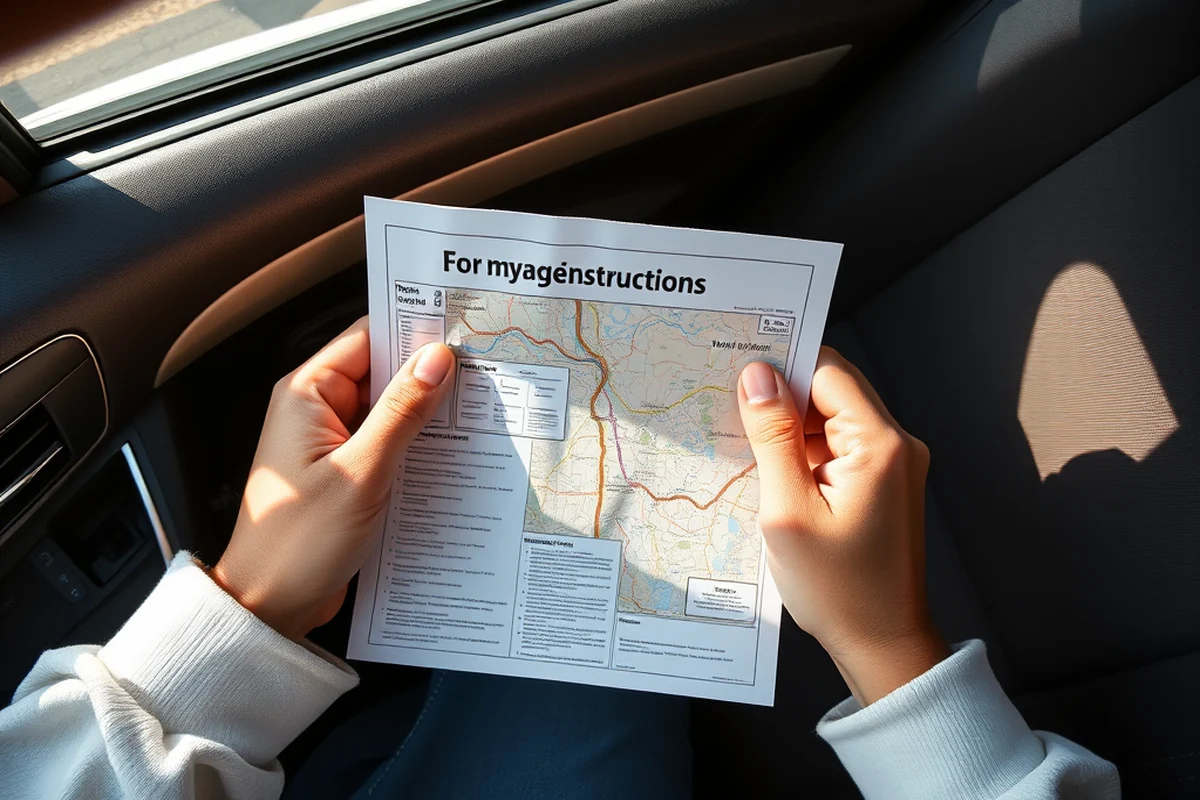
One of the best things about MapQuest for driving instructions is how it can suggest scenic routes that turn a simple drive into an unforgettable experience. I once used it to plan a trip through the Blue Ridge Mountains. Instead of taking the usual highway, it suggested a lesser-known road that wound through small towns and overlooked the mountains. The views were incredible, and I wouldn’t have known about them without MapQuest.
MapQuest also allows you to customize your driving instructions based on your preferences. If you're looking for a more scenic route, it will prioritize that over the fastest one. This is especially useful if you're traveling with family or friends who want to enjoy the journey as much as the destination.
I've taken several road trips where MapQuest for driving instructions led me to places I never would have discovered on my own. Whether it's a hidden waterfall or a quiet town with great local food, these little surprises make a trip more memorable.
MapQuest doesn’t just get you there — it makes the journey worth it.
Related: Scenic drives in minnesota comparison
How MapQuest Compares to Other Navigation Tools
While there are many navigation tools on the market, MapQuest for driving instructions stands out with its focus on driving-specific data. Unlike some apps that only show the fastest route, MapQuest takes into account things like scenic views, road conditions, and even weather. This makes it a better choice for travelers who are looking for more than just the quickest way to get somewhere.
I've used other navigation apps, but I've always found them to be too focused on speed rather than the overall experience. MapQuest, on the other hand, offers a more balanced approach that considers both efficiency and enjoyment. This is especially useful for those who are driving for the experience, not just the destination.
One of the key advantages of MapQuest for driving instructions is that it's free to use, with no premium features or subscriptions required. This makes it an accessible option for travelers on a budget who still want a reliable navigation tool.
If you’re looking for a more scenic and efficient route, MapQuest for driving instructions is the way to go. Don’t settle for the shortest path — consider your journey.
“The first time I got lost on a cross-country road trip, I didn’t have a GPS.”— Prettyroads editors
Related: Top scenic drives tips
Planning Multi-Day Road Trips with MapQuest
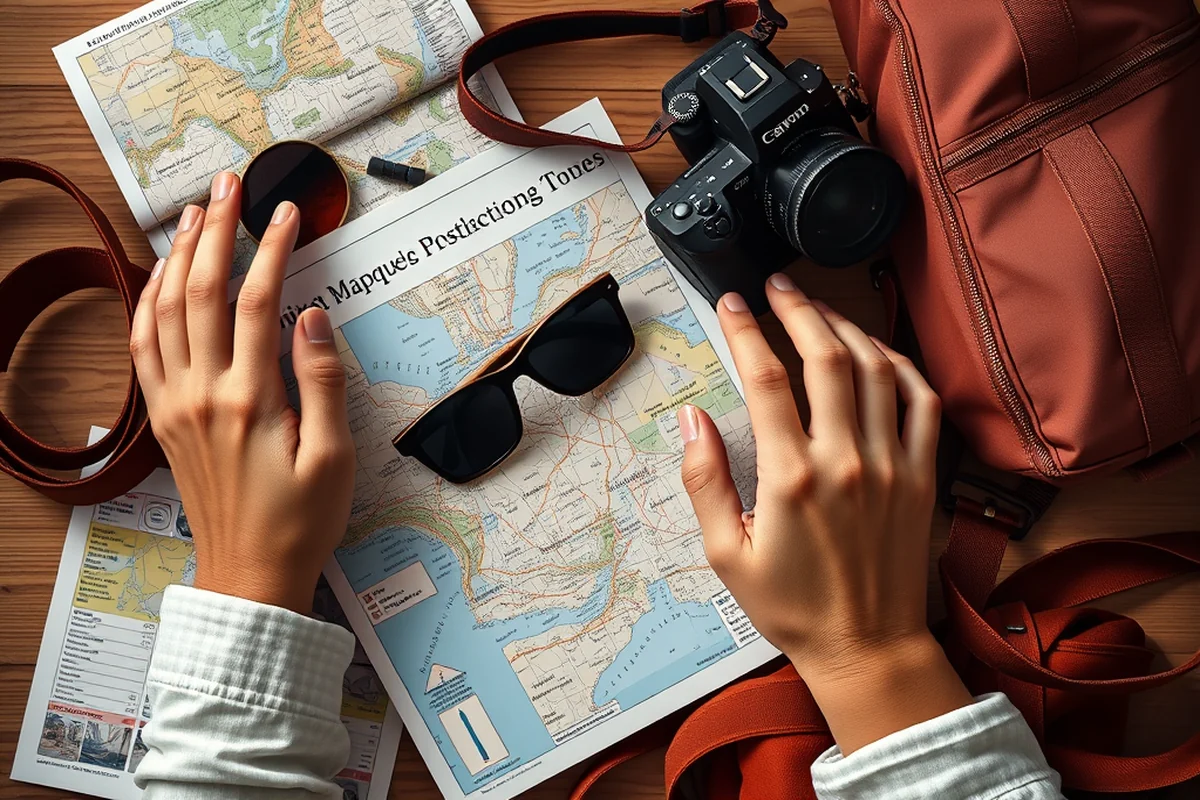
If you're planning a multi-day road trip, MapQuest for driving instructions is an invaluable tool. It allows you to break your journey into segments, making it easier to plan overnight stops and manage your time. I once used it to plan a 5-day trip across the Southwest, and it suggested several great places to stay overnight, each with detailed driving instructions.
One of the things I love about using MapQuest for driving instructions on multi-day trips is that it takes into account the distance and driving time between each stop. This helps you avoid burning out on the road and ensures that you have enough time to explore each destination.
I've also found that MapQuest is great for adjusting your plans on the fly. If you want to change your route or add a new stop, it updates the driving instructions automatically. This flexibility makes it a great choice for travelers who like to be spontaneous.
Related: Scenic drives in missouri
The Accuracy of MapQuest for Driving Instructions
Accuracy is essential with driving instructions, and MapQuest for driving instructions delivers. I’ve used it in a variety of locations, from busy cities to remote areas, and it's consistently given me reliable directions. During a recent trip to Alaska, I was able to navigate through a snow-covered landscape with ease, thanks to MapQuest’s detailed driving instructions.
One of the reasons MapQuest is so accurate is that it uses a combination of satellite data, user reports, and real-time updates. This means that even if the road conditions change suddenly, MapQuest can adjust the driving instructions accordingly. I’ve had situations where it warned me about a road closure before I even saw the sign, saving me from a major detour.
In my experience, the accuracy of MapQuest for driving instructions has made a huge difference in my travel experiences. It’s not just about getting to your destination — it’s about making sure you get there without unnecessary delays or confusion.
Related: Big south fork scenic railway
How to Customize Your Driving Instructions with MapQuest
One of the most useful features of MapQuest for driving instructions is the ability to customize your route based on your preferences. Whether you’re looking for the fastest route, the most scenic one, or the one with the least traffic, MapQuest has options for you. I’ve used this feature multiple times and have always found it to be helpful in tailoring my journey to my needs.
Customization is especially useful if you're traveling with a group or have specific needs. For example, if you're traveling with kids, you can set MapQuest for driving instructions to avoid highways and suggest more family-friendly routes. This makes the journey more comfortable and enjoyable for everyone.
I’ve also found that the customization options make it easier to plan for unexpected changes. If you need to adjust your route or add a new stop, MapQuest for driving instructions updates the directions automatically, ensuring that your trip stays on track.
Customize your journey — not just your destination.
Related: Drive in movie theatre
Integrating MapQuest with Other Travel Tools
One of the things I love about MapQuest for driving instructions is how well it integrates with other travel planning tools. Whether you're using a travel app for booking accommodations, a weather app for planning your route, or a budgeting app for managing your expenses, MapQuest can work seamlessly with all of them. This makes it easier to plan a comprehensive trip that covers every aspect of your journey.
I’ve used MapQuest for driving instructions alongside other apps, and I’ve found that the integration is smooth and efficient. For example, if I’m planning a trip with multiple stops, I can use MapQuest to create the driving instructions and then use another app to book hotels at each stop. This eliminates the need to juggle multiple tools and keeps everything in one place.
The ability to integrate with other travel tools makes MapQuest for driving instructions a versatile choice for travelers who want to streamline their planning process. It’s not just about navigation — it’s about creating a seamless travel experience from start to finish.
🚗 Budget Road Trip
Explore the country on a shoestring with MapQuest for driving instructions, avoiding unnecessary detours and saving money on fuel.
🌄 Long Weekend Escape
Use MapQuest for driving instructions to plan a scenic weekend trip, making the most of your limited time on the road.
👨👩👧👦 With Kids
Customize MapQuest for driving instructions to avoid highways and suggest family-friendly routes for a stress-free journey.
🍂 Off-Season Travel
Take advantage of lower traffic with MapQuest for driving instructions, especially during off-peak travel times.
💎 Luxury Road Trip
MapQuest for driving instructions helps plan a seamless, high-end journey with scenic routes and efficient travel.
| The mistake | Why it happens | The fix |
|---|---|---|
| Not checking for road closures before starting the trip. | Failing to check for road closures can lead to unexpected detours and delays, making your journey more stressful. | Use MapQuest for driving instructions to check for road closures and update your route accordingly before starting your trip. |
| Ignoring weather conditions when planning the route. | Poor weather conditions can make the road more dangerous and affect the accuracy of the driving instructions. | Use MapQuest for driving instructions to check the weather conditions along your route and adjust your plans as needed. |
| Relying solely on the fastest route. | Choosing the fastest route may lead to a less enjoyable experience and could miss out on scenic views or interesting stops. | Use MapQuest for driving instructions to customize your route based on your preferences for a more enjoyable journey. |
| Not downloading the route for offline use. | Not having the route downloaded can be problematic if you're traveling in areas with poor internet connectivity. | Use MapQuest for driving instructions to download your route before starting your trip, ensuring you have directions even without an internet connection. |
| Ignoring the customization options for the route. | Failing to use the customization options can result in a less enjoyable experience that doesn't match your preferences. | Use the customization options provided by MapQuest for driving instructions to tailor your route for a more enjoyable and efficient journey. |
Mapquest For Driving Instructions
Common Questions
Can I use MapQuest for driving instructions without an internet connection?
Does MapQuest for driving instructions support multiple destinations?
Can I get voice-guided directions with MapQuest for driving instructions?
Is MapQuest for driving instructions free to use?
References
- The Stata Journal - AgEcon Search (ageconsearch.umn.edu)
- Driving Directions to FREC from MapQuest® — Research (agsci.psu.edu)
- How to Report Residential Truck Traffic Due to Improper Route ... (archive.gps.gov)
- Directions and Maps : USDA ARS (ars.usda.gov)
Cite this guide
Prettyroads (2026). Mapquest For Driving Instructions. https://prettyroads.com/mapquest-for-driving-instructions/
Feel free to cite or share this guide.