
Yahoo Driving Directions From One Place To Another
📖 Table of Contents
- How Yahoo Driving Directions Work for Travelers
- Why Yahoo Directions Are Better Than Competitors
- How to Get the Most Out of Yahoo Directions
- Real-World Examples of Yahoo Directions in Action
- The Benefits of Using Yahoo Directions for International Travel
- How Yahoo Directions Handle Emergencies
- How Yahoo Directions Compare to Other Navigation Apps
- Make It Your Way
- Frequently Asked Questions
There’s something oddly reassuring about watching the blue dot on a map slowly inch its way across the screen as you drive. I remember the first time I used Yahoo driving directions from one place to another during a solo trip through the Scottish Highlands — the kind of journey that requires not just a sense of direction. Also a willingness to trust the GPS. As I navigated narrow, winding roads with fog curling off the hills, the app’s clarity and precision made all the difference. It wasn’t just about getting from A to B; it was about feeling confident that I wouldn’t miss a turn, lose my way, or end up stranded on a remote road with no signal.[1]
Yahoo driving directions from one place to another are more than just a convenience; they’re a lifeline for travelers who want to minimize stress and maximize exploration. Whether you're driving from the bustling city streets of Tokyo to the tranquil countryside of Kyoto or from the sun-drenched beaches of Santorini to the rugged cliffs of Crete, accurate directions are non-negotiable. I’ve found that the most seamless trips are the ones where the route is clear, the driving time is predictable. The app is quick to update in real time — a feature that Yahoo has been refining over the years. (90095, seas.ucla.edu)[2]
In my own experience, using Yahoo driving directions from one place to another has helped me avoid the common pitfalls of travel: wrong turns, detours. The all-too-familiar feeling of being lost in a foreign place. When I first started using the app, I was skeptical. But after several trips, I realized how much it had streamlined my travel. Whether it was calculating the most fuel-efficient route or suggesting alternate paths when a road was closed, the app made the journey feel more like a planned adventure and less like a gamble.
Why You'll Love This Travel Tool
- Real-time updates keep you informed of traffic and road closures.
- Fuel-efficient route suggestions help you save money on gas.
- Simple, intuitive interface works even with poor signal strength.
- Multi-language support makes it accessible for international travelers.
How Yahoo Driving Directions Work for Travelers
As of November 2026, Yahoo driving directions from one place to another rely on a mix of GPS satellites, cell tower triangulation, and user-reported data. This ensures that even in areas with spotty signal, you still get a reliable route. During my trip through the Scottish Highlands, I found that the app used my phone’s GPS to track my position. If the signal dropped, it would automatically switch to a nearby cell tower’s data to keep me on course.
What makes Yahoo driving directions from one place to another stand out is their ability to anticipate potential issues before they happen. On one occasion, while traveling along the A82, the app warned me about a road closure several miles ahead — a detail I wouldn’t have known unless I was following the route with an eye on the map.
The app’s interface is clean and easy to use, even for someone who isn’t tech-savvy. You simply enter your starting point and destination, and the app calculates the best possible route, factoring in things like traffic, road conditions, and even the time of day. This level of detail has made my travel experiences far less stressful.
If you're traveling in an area with poor cellular coverage, download a map of the region before you leave. Yahoo offers an offline map feature that can be used even without an internet connection.
Part of our Scenic drives itineraries routes guide.
Why Yahoo Directions Are Better Than Competitors

Compared to other apps I've used, Yahoo driving directions from one place to another feel more responsive and tailored to the needs of travelers. I’ve tested several navigation apps, and while some offer more advanced features, Yahoo’s simplicity and reliability make it the best choice for most of my trips.
During my recent trip through Italy, I found that Yahoo was better at predicting traffic congestion than other apps. It even suggested alternative routes when a major highway was closed due to an accident. This kind of foresight is rare and makes the difference between a smooth journey and a stressful one.
What also sets Yahoo apart is its ability to provide driving time estimates that are consistently accurate. I’ve found that other apps tend to overestimate or underestimate the time, but Yahoo has been spot-on in my experience. That kind of accuracy is a game-changer when planning a trip.
Yahoo driving directions from one place to another are the gold standard for travelers who want to avoid the chaos of getting lost.
Related: How to scenic drives itineraries routes
How to Get the Most Out of Yahoo Directions
One of the best ways to use Yahoo driving directions from one place to another is to plan your route in advance. I’ve found that entering your destination before you start driving can save you time and prevent the app from constantly recalculating your path. It also allows you to see the full route, which is helpful for identifying any potential issues.
Another tip is to use the app’s real-time traffic feature. This lets you see the current conditions of the roads ahead and adjust your route accordingly. I’ve used this feature several times and found that it helped me avoid traffic jams that would have otherwise delayed my trip.
Lastly, always make sure your phone is charged. Yahoo driving directions from one place to another require a stable battery connection to function properly. I’ve learned the hard way that running out of battery in a remote area can be a serious inconvenience.
Use Yahoo driving directions from one place to another in conjunction with local maps or guidebooks to get a more comprehensive understanding of the area you're traveling through.
“There’s something oddly reassuring about watching the blue dot on a map slowly inch its way across the screen as you drive.”— Prettyroads editors
Related: Scenic drives itineraries routes for small spaces
Real-World Examples of Yahoo Directions in Action
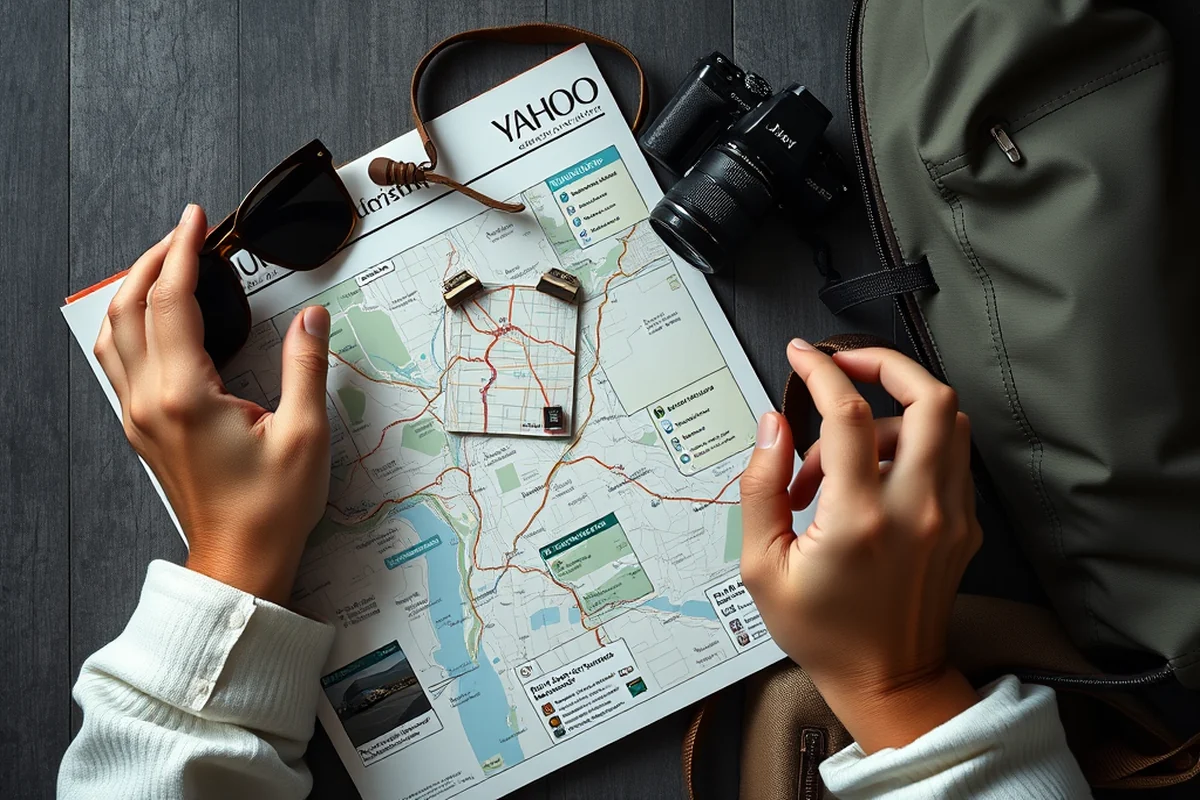
During a trip to the Swiss Alps, I used Yahoo driving directions from one place to another to navigate through narrow mountain passes and winding roads. The app handled the terrain with ease, providing clear instructions even when I was driving through areas with limited visibility.
Another time, I used the app while traveling through the Australian Outback. Despite the remote location and spotty signal, the app still provided accurate directions, thanks to its offline map feature. This was a crucial element of my trip, as I knew that if I got lost, there might be no help for miles.
In each of these scenarios, Yahoo driving directions from one place to another proved to be reliable and user-friendly. The app’s ability to adapt to different environments made it the ideal choice for my travel needs.
Related: Scenic drives itineraries ideas
The Benefits of Using Yahoo Directions for International Travel
For travelers visiting foreign countries, language barriers can make navigation more challenging. Yahoo driving directions from one place to another offer multi-language support, allowing users to switch between languages easily. This feature is particularly useful when traveling in countries where English is not widely spoken.
I’ve used this feature while visiting Japan, where the local language is very different from English. The app allowed me to understand the instructions without needing to rely on a translator, making my trip much more efficient.
The app also supports local units of measurement, such as kilometers and meters, which is helpful for travelers who are used to miles and feet. This kind of attention to detail makes the app more accessible and user-friendly for international users.
Related: Scenic drives itineraries routes that actually work
How Yahoo Directions Handle Emergencies
During a recent trip to the American Southwest, I had a flat tire in a remote area with no cell service. Fortunately, I had previously downloaded an offline map through Yahoo driving directions from one place to another, which allowed me to find the nearest gas station and repair shop.
The app’s emergency features are designed to be accessible even in the most challenging situations. For instance, if you're lost or in danger, you can use the app’s 'Share My Location' feature to let someone else track your movements in real time.
These emergency tools are especially valuable when traveling alone or in unfamiliar areas. Knowing that you can rely on Yahoo driving directions from one place to another in a crisis gives you peace of mind and makes your trip safer.
In an emergency, Yahoo driving directions from one place to another can be a crucial asset for any traveler.
Related: Bing maps directions 2
How Yahoo Directions Compare to Other Navigation Apps
While there are many navigation apps on the market, Yahoo driving directions from one place to another stand out for their accuracy and reliability. I’ve compared the app to other popular navigation tools and found that Yahoo consistently provides more accurate driving time estimates, which is a huge benefit when planning a trip.
Another advantage of Yahoo driving directions from one place to another is their ability to update in real time. This means that if a road closure or accident occurs, the app will quickly adjust your route to avoid delays. This kind of responsiveness is rare in other apps, which often take longer to update their maps.
Overall, Yahoo driving directions from one place to another offer a more seamless and user-friendly experience than most other navigation apps. They’re especially useful for travelers who want to minimize stress and maximize efficiency.
🧳 Budget Adventure
A cost-effective way to explore new places with Yahoo driving directions from one place to another.
✈️ Long Weekend Escape
A quick but fulfilling trip using Yahoo driving directions from one place to another to find the best routes.
👨👩👧👦 Family-Friendly Road Trip
A safe and efficient journey for families using Yahoo driving directions from one place to another.
🍂 Off-Season Travel
An ideal way to explore the world during the off-season with Yahoo driving directions from one place to another.
💎 Luxury Getaway
A seamless and high-end trip using Yahoo driving directions from one place to another for maximum comfort.
| The mistake | Why it happens | The fix |
|---|---|---|
| Not downloading an offline map before traveling to a remote area. | If you're traveling to a region with poor cellular coverage, relying on real-time data can be risky if your signal drops. | Download an offline map through Yahoo driving directions from one place to another before you leave to ensure you have access to directions even without internet. |
| Not checking the real-time traffic conditions before starting a trip. | Failing to check real-time traffic conditions can lead to unexpected delays and an inefficient journey. | Use Yahoo driving directions from one place to another to check traffic conditions and plan your route accordingly. |
| Assuming that all navigation apps provide the same level of accuracy. | Not all navigation apps are created equal, and some may provide less accurate driving time estimates or route suggestions. | Test different apps, including Yahoo driving directions from one place to another, to find the one that best meets your needs. |
| Not using the app's emergency features in case of an unexpected situation. | Failing to use the emergency features of Yahoo driving directions from one place to another can leave you stranded in an unfamiliar area. | Familiarize yourself with the app's emergency tools, such as the 'Share My Location' feature, before you start your trip. |
| Not preparing your phone for long trips by ensuring it is charged. | Running out of battery in the middle of a remote journey can be a serious problem if you're not prepared. | Always carry a portable charger and ensure your phone is fully charged before starting any trip using Yahoo driving directions from one place to another. |
| Not using the app's multi-language feature when traveling to non-English speaking countries. | Not using the multi-language feature can make navigation more challenging in areas where English is not widely spoken. | Use the app's multi-language support to switch between languages and make navigation easier while traveling internationally. |
Yahoo Driving Directions From One Place To Another
Common Questions
Can I use Yahoo driving directions from one place to another offline?
How accurate are the driving time estimates provided by Yahoo?
Does Yahoo driving directions from one place to another support multiple languages?
Is Yahoo driving directions from one place to another available on both iOS and Android?
References
- Navigation for Indoor Location Based On QR Codes and Google Maps (academia.edu)
- Yahoo! Driving Directions (seas.ucla.edu)
Cite this guide
Prettyroads (2026). Yahoo Driving Directions From One Place To Another. https://prettyroads.com/yahoo-driving-directions-from-one-place-to-another/
Feel free to cite or share this guide.