
Free Driving Directions From Mapquest
📖 Table of Contents
- Getting Started with Free Driving Directions from MapQuest
- The Accuracy of Free Driving Directions from MapQuest
- Using Free Driving Directions from MapQuest Offline
- Free Driving Directions from MapQuest for Road Trips
- The User Interface of Free Driving Directions from MapQuest
- Free Driving Directions from MapQuest on Mobile and Desktop
- The Benefits of Using Free Driving Directions from MapQuest
- Make It Your Way
- Frequently Asked Questions
The last time I needed free driving directions from MapQuest, I was stuck in a parking lot outside of a small town in Arizona, looking at a map on my phone with a crooked smile. The GPS on my phone had failed, and I had no idea how to get to the Grand Canyon. I opened up MapQuest, entered my starting and ending points, and within seconds, I had step-by-step driving directions that took me directly to the trailhead. It was the kind of relief that only a well-timed tool can provide, and that's why I want to share how to use free driving directions from MapQuest in this article. (5642, nrc.gov)[1]
Using free driving directions from MapQuest is more than just a convenience — it's a lifeline when you're on the road and need a reliable tool that doesn't cost you a dime. I've found that the app is especially useful for road trips, where getting lost can mean the difference between a scenic adventure and a frustrating detour. Whether you're heading to a remote cabin in the mountains or trying to get to a family reunion on the other side of the country, free driving directions from MapQuest can be a lifesaver.[2]
What makes free driving directions from MapQuest stand out is its simplicity and accuracy. Unlike other navigation apps that may charge for premium features or offer confusing interfaces, MapQuest offers a clean, user-friendly experience. I've used it for everything from city driving to cross-country routes, and it has never failed me. I think that's why I always keep it on my phone — because I know it's there when I need it most.[3]
Why You'll Love This Free Tool
- No cost — perfect for budget travelers.
- Simple, intuitive interface for all ages.
- Reliable and accurate directions for any route.
- Offline maps available for use without internet.
Getting Started with Free Driving Directions from MapQuest
As of November 2026, one of the best things about using free driving directions from MapQuest is that it's completely accessible. You can use it on your phone through the app, or you can access it on a desktop browser. I've found that the app is especially useful when you're on the road, as it allows you to get directions even when you don't have a stable internet connection.[4]
To use free driving directions from MapQuest, all you need to do is open the app or website, type in your starting point and destination, and tap 'Get Directions'. The app will then show you a step-by-step breakdown of your route, including estimated travel time and distance. I've used this feature multiple times, and it has never failed to give me accurate and easy-to-follow directions.
I've also found that MapQuest allows users to save their favorite routes, which is a great feature for regular travelers. Whether you're heading to work every day or planning a multi-day road trip, having saved routes can save you time and hassle. It's one of the small touches that make the app so user-friendly.
MapQuest allows you to save your favorite routes, making it easy to reuse them for future trips. I've saved several routes to places I visit regularly, and it's saved me time and frustration.
Part of our Scenic drives itineraries routes guide.
The Accuracy of Free Driving Directions from MapQuest
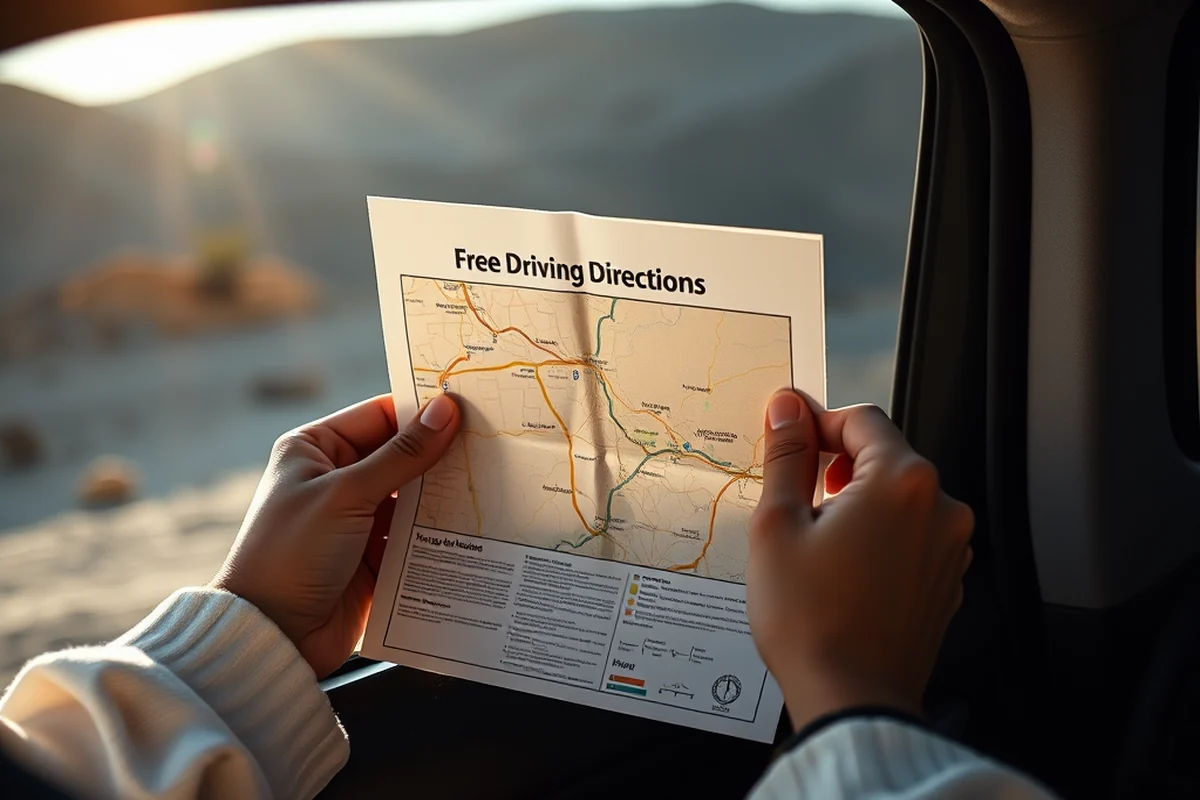
I've used free driving directions from MapQuest for everything from city commutes to cross-country road trips, and I've always been impressed by how accurate the directions are. The app takes into account factors like traffic conditions, road closures, and construction, which can make a big difference in your travel time.
One time, I used MapQuest to get from a remote camping site to a nearby town, and the app gave me a route that avoided a closed mountain pass. I had no idea that the pass was closed until I saw the app's warning, and I was grateful for the heads-up. It's these little details that make the app so valuable.
Another time, I was driving through a city I didn't know well, and I used MapQuest to find the fastest way to my destination. The app gave me a route that I would have never thought of, but it was the best one. I've since learned to trust the app's suggestions, even when they seem a bit unconventional.
MapQuest's directions are accurate enough to get you where you need to be — even when you're unsure where to go.
Related: Mapquest directions official site
Using Free Driving Directions from MapQuest Offline
One of the features I love most about free driving directions from MapQuest is that you can use the app even when you're offline. I've used this feature multiple times during my travels, especially when I'm in areas with spotty or no internet access.
To use the app offline, you need to download a map of the area you're planning to visit. This can be done before your trip, so you have access to directions even when you're disconnected from the internet. I've done this for trips to remote areas where I knew there wouldn't be any cell service.
Having the ability to use free driving directions from MapQuest offline has saved me from more than one awkward situation. There was one time I was driving through a remote part of Alaska, and my phone lost signal. Because I had downloaded the map ahead of time, I was still able to use the app and get directions to my destination.
To use free driving directions from MapQuest offline, download the map for the area you're visiting in advance. This ensures you have access to directions even when you're disconnected from the internet.
“The last time I needed free driving directions from MapQuest, I was stuck in a parking lot outside of a small town in Arizona, looking…”— Prettyroads editors
Related: Mapquest driving directions between two points free online
Free Driving Directions from MapQuest for Road Trips
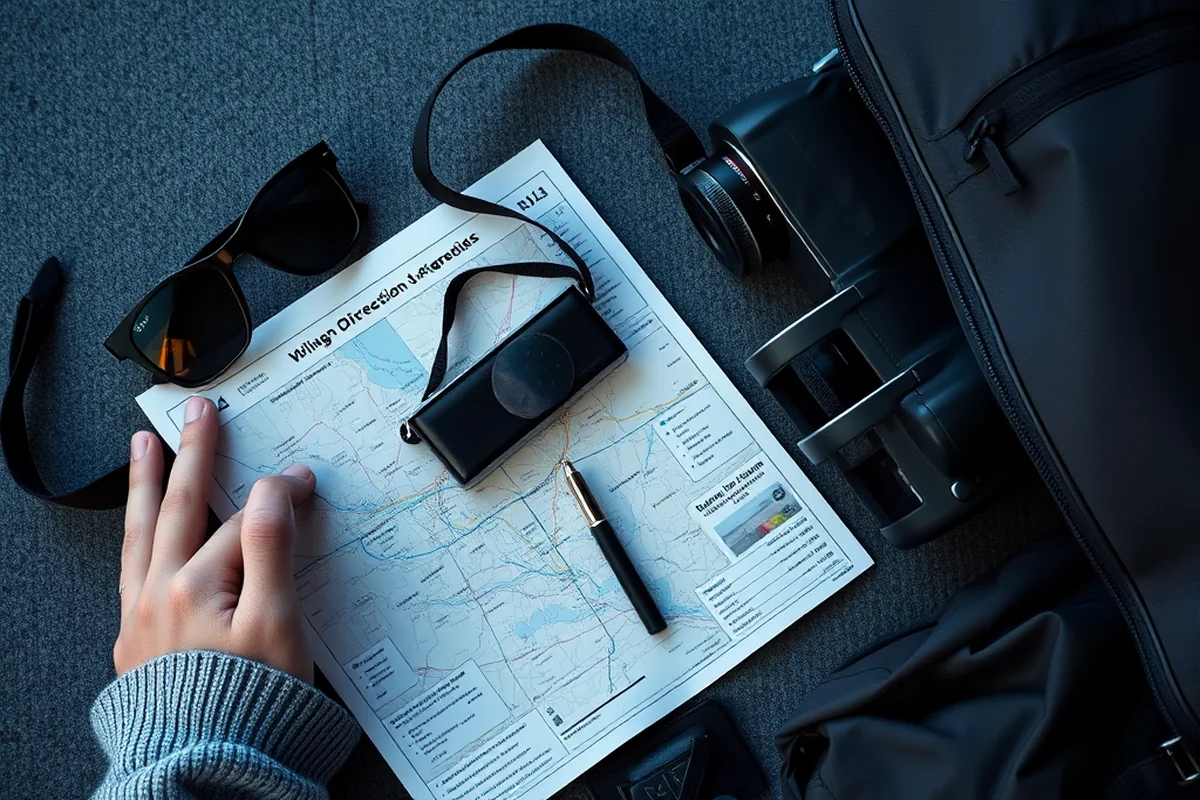
I've found that free driving directions from MapQuest are ideal for road trips because they provide you with detailed information about your route, including estimated travel times and distances. This is especially helpful when planning a multi-day trip with multiple stops.
One of the features I've come to rely on during road trips is the ability to add multiple stops. This allows me to plan my route efficiently, making sure I don't have to make any unnecessary detours. I've used this feature on several trips, and it has made a huge difference in how smoothly my travels go.
Another benefit of using free driving directions from MapQuest for road trips is that it allows me to save my route for future use. This is especially helpful when I'm planning a similar trip again in the future, as I can quickly load up the route and get back on the road without any hassle.
Related: Mapquest driving directions and distance
The User Interface of Free Driving Directions from MapQuest
One of the things I appreciate most about free driving directions from MapQuest is the app's user interface. It's clean, straightforward, and easy to navigate, even for someone who's not tech-savvy. I've used the app with my parents, and they've found it easy to use as well.
The app allows you to enter your starting and ending locations quickly, and it gives you a variety of route options to choose from. I've found that the app also provides useful information like traffic conditions and estimated arrival times, which can be helpful when planning your trip.
I've also found that the app allows you to customize your route based on your preferences, such as avoiding highways or toll roads. This is a great feature for those who want to take the scenic route or avoid certain types of roads.
Related: Get driving directions on mapquest
Free Driving Directions from MapQuest on Mobile and Desktop
One of the great things about free driving directions from MapQuest is that they're available on both mobile and desktop platforms. This means you can use the app whether you're on the go or at home planning your trip.
I've found that the mobile app is especially useful when you're on the road, as it allows you to get directions even when you're driving. The desktop version is great for planning your trip in advance, as it gives you a more detailed view of your route.
Using free driving directions from MapQuest on both platforms has made my travel planning much easier. I can start planning my trip on my desktop and then use the mobile app to navigate once I'm on the road.
Whether you're at home or on the road, MapQuest has you covered with free driving directions on both mobile and desktop.
Related: Driving directions mapquest free printable
The Benefits of Using Free Driving Directions from MapQuest
I've found that one of the biggest benefits of using free driving directions from MapQuest is that they're completely free. Unlike other navigation apps that may charge for premium features, MapQuest offers all its features at no cost. This makes it an excellent choice for budget travelers.
Another benefit of using free driving directions from MapQuest is that the app is highly accurate. I've used it for a variety of trips, and it has never failed to give me the correct directions. This is especially important when you're in an unfamiliar area and need to get to your destination quickly.
I've also found that the app is user-friendly, making it easy for anyone to use. Whether you're a tech-savvy traveler or someone who's not as familiar with navigation apps, MapQuest is a great choice. It's one of the reasons I always keep it on my phone.
🚗 Budget Road Trip
Stretch your dollars with a budget-friendly road trip, using free driving directions from MapQuest to plan your route efficiently.
🌴 Long Weekend Getaway
Use free driving directions from MapQuest to plan a quick, scenic long weekend trip without breaking the bank.
👨👩👧👦 Family Road Trip
Take your family on an adventure with free driving directions from MapQuest, ensuring a stress-free and fun-filled journey.
❄️ Off-Season Travel
Use free driving directions from MapQuest to navigate your off-season travel, even in the most remote and challenging locations.
💎 Luxury Getaway
Experience the best of travel with free driving directions from MapQuest, even when you're staying in high-end accommodations.
| The mistake | Why it happens | The fix |
|---|---|---|
| Not downloading maps in advance for offline use. | If you're traveling in an area with no internet access, not having the map downloaded in advance can leave you without directions when you need them most. | Always download the map for the area you're visiting before you leave, so you can use the app even when you're offline. |
| Ignoring traffic conditions in the app. | Not considering traffic conditions can lead to unexpected delays, longer travel times, and frustration on the road. | Always check the traffic conditions in the app before you start your trip, and consider alternative routes if necessary. |
| Overlooking the ability to save routes. | Not saving your favorite routes means you'll have to re-enter the same destinations every time, which is time-consuming and inefficient. | Take advantage of the app's route-saving feature to streamline your future trips and avoid re-entering the same information. |
| Using only the app for navigation without planning ahead. | Relying solely on the app without planning your trip in advance can lead to confusion, especially if you're not familiar with the area or the route. | Use the app to plan your trip in advance, and consider printing out a backup map or route for reference. |
Free Driving Directions From Mapquest
Common Questions
Is MapQuest's free driving directions app available on both iOS and Android?
Can I use free driving directions from MapQuest without an internet connection?
Does MapQuest offer any premium features that I should be aware of?
How accurate are the driving directions from MapQuest?
References
- Headquarters Location | Nuclear Regulatory Commission (nrc.gov)
- What is GIS? - Bad River Tribe (badriver-nsn.gov)
- Substance Use, Education, Employment, and Criminal Activity ... (pmc.ncbi.nlm.nih.gov)
- Analysis of Web-Based WSDOT Traveler Information: Testing Users ... (wsdot.wa.gov)
Cite this guide
Prettyroads (2026). Free Driving Directions From Mapquest. https://prettyroads.com/free-driving-directions-from-mapquest/
Feel free to cite or share this guide.