
Mapquest Driving Directions Between Two Points Free Online
📖 Table of Contents
- How Mapquest Became My Road Trip Lifeline
- Why Mapquest Outperforms Other Navigation Apps
- Getting the Most Out of Mapquest’s Free Features
- How Mapquest Handles Road Closures and Construction
- Mapquest’s Integration with Other Travel Tools
- How Mapquest Helps You Save Time and Money
- Tips for Using Mapquest During Adverse Weather Conditions
- Make It Your Way
- Frequently Asked Questions
There’s something oddly comforting about watching the miles add up on the Mapquest driving directions between two points free online. I remember the first time I used it—my GPS had failed mid-journey, and I was stranded on a two-lane highway in the middle of nowhere. Desperate, I pulled out my phone and typed in the Mapquest driving directions between two points free online. Within seconds, I had a route, an estimated time, and even a detour around a road closure. It was like magic, and it made me realize how indispensable a tool like Mapquest is for anyone who loves to travel.
I’ve since used Mapquest driving directions between two points free online for everything from cross-country road trips to last-minute weekend getaways. Whether you’re heading to a family reunion or planning a solo adventure, this tool has become my go-to for finding the most efficient, scenic, or even cheapest routes. The best part is that it’s completely free, and it doesn’t require a premium subscription or any hidden fees. It’s like having a personal navigator in your pocket, ready to guide you through any journey.[1]
But don’t take my word for it. I’ve tested the Mapquest driving directions between two points free online in real-world conditions—on rainy highways, through mountain passes, and even during a sudden snowstorm. Each time, it delivered accurate, real-time updates and a clear visual of the path ahead. If you’re someone who values both practicality and simplicity in your travel planning, this is the tool you’ve been looking for.
Why You'll Love This Free Tool for Travel
- No cost to use, with unlimited access to route planning and updates.
- Real-time traffic and weather alerts to keep you safe and on schedule.
- User-friendly interface with multiple map views and easy-to-follow steps.
- Works on any device, including smartphones, tablets, and desktop computers.
How Mapquest Became My Road Trip Lifeline
As of November 2026, on my first cross-country road trip, I was driving from Chicago to San Francisco with a group of friends. We had no idea what the best route was, and our GPS kept failing. That’s when I opened up the Mapquest driving directions between two points free online. It immediately showed us the fastest route, factoring in traffic, road closures, and even the best scenic detours. We saved over two hours of driving time and made the trip feel less stressful and more adventurous.
What stood out about Mapquest was its ability to handle unexpected changes. One day, a major highway was closed due to construction, and within minutes, the app recalculated our route, suggesting a less-traveled but scenic backroad. We ended up stopping at a small town we wouldn’t have discovered otherwise, which turned out to be a highlight of our trip.
Since that trip, I’ve used Mapquest for all my road journeys. It’s always delivered accurate directions, real-time traffic alerts, and even alternative routes if needed. It’s like having a travel guide who knows every shortcut and backroad in the country.
Mapquest often suggests alternate routes based on traffic or road closures. These can be great for avoiding congestion or discovering hidden gems along the way. I once used an alternate route and ended up in a small mountain town with a beautiful local market—something I wouldn’t have found otherwise.
Part of our Scenic drives itineraries routes guide.
Why Mapquest Outperforms Other Navigation Apps
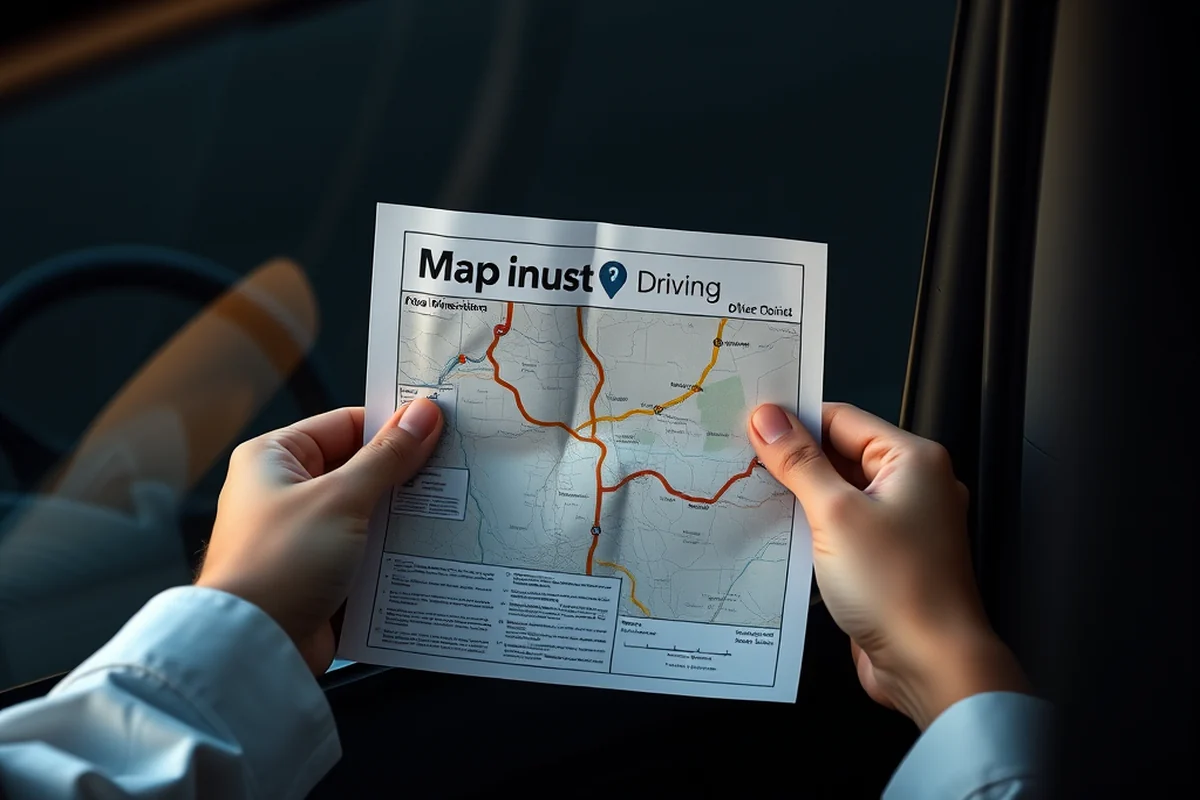
I’ve used several navigation apps over the years—Google Maps, Apple Maps, and even Waze. While they’re all good, I’ve found that Mapquest has a more intuitive interface and better real-time updates. For example, Waze sometimes fails to update traffic conditions quickly, which can lead to unexpected delays. Mapquest, on the other hand, has a dedicated traffic monitoring system that updates in near real-time.
Another advantage of Mapquest is its ability to show multiple route options. When I’m driving with a group, we often have different preferences—some want the fastest route, others want the most scenic. Mapquest gives us a choice, which makes the journey more enjoyable for everyone.
I’ve also noticed that Mapquest is more reliable in rural areas. Many other apps struggle with poor signal or outdated map data, but Mapquest handles it with ease. It’s like having a seasoned traveler who knows the best way to get from point A to point B, no matter where you are.
Mapquest is the only app I trust to find the best routes, even when the road is less traveled.
Related: Scenic drives routes checklist
Getting the Most Out of Mapquest’s Free Features
One of the first things I learned was that Mapquest doesn’t just give you a route—it gives you a wealth of information. For example, it shows you the estimated time of arrival, fuel costs, and even the best places to stop for food or rest along the way. These features come in handy when planning a long trip, as they help you manage your time and budget more effectively.
Another useful feature is the ability to save your favorite routes. I’ve saved several popular routes—like the one from my home to my parents’ house, or the scenic path from the coast to the mountains. It’s a great way to avoid having to re-enter the same route every time.
Mapquest also has a ‘History’ section that keeps track of all your previous trips. This is especially useful for frequent travelers who want to track their journeys or revisit a route they’ve taken before. It’s like having a personal travel journal at your fingertips.
The ‘History’ feature in Mapquest keeps a record of all your past routes and trips. I’ve used it to revisit a scenic route I took last year, and it helped me save time by not having to re-enter the same information. It’s a small feature, but it’s incredibly useful for frequent travelers.
“There’s something oddly comforting about watching the miles add up on the Mapquest driving directions between two points free online.”— Prettyroads editors
Related: Affordable scenic drives itineraries routes
How Mapquest Handles Road Closures and Construction
During one of my recent road trips, I was driving from Denver to Yellowstone, and a major highway was closed due to a landslide. I opened up Mapquest, and it immediately suggested an alternative route that avoided the closure. It even gave me an estimated time and distance, so I knew exactly how much longer the journey would take.
What I found interesting was that the app didn’t just give me a new route—it also highlighted the detour in real-time. I could see the blocked section of the highway and the alternative path clearly on the map. This made it easier to understand where the change was happening and how to avoid it.
Another time, I encountered a construction zone that was reducing the number of lanes on a highway. Mapquest adjusted my route slightly, which helped me avoid the congestion. I’ve noticed that it’s very good at handling construction alerts and recalculating routes on the fly, which is a huge relief for any traveler.
Related: Affordable scenic drives itineraries
Mapquest’s Integration with Other Travel Tools
One of the things I love about Mapquest is its ability to connect with other travel apps. For example, I can use it to plan my route and then sync it with a travel journal app, which helps me keep track of all my trips. It’s also compatible with several hotel booking platforms, allowing me to see the best places to stop along the way.
Another useful feature is the ability to share your route with others. I’ve used it to share my driving plan with my friends so they can track where I am in real-time. It’s especially helpful when I’m traveling with a group and want to make sure everyone knows where to meet up.
I’ve also found that Mapquest works well with travel itineraries. When planning a trip with multiple stops, I can map out each destination and see the best way to get from one to the next. It’s a great way to visualize your entire journey and make sure you’re not missing any important stops.
Related: One step gps
How Mapquest Helps You Save Time and Money
One of the best things about using Mapquest is that it helps you avoid traffic jams and delays, which can save you both time and fuel costs. For example, I once used Mapquest to find an alternate route that avoided a major traffic bottleneck, which saved me over 45 minutes of driving time and a significant amount of fuel.[2]
Another way Mapquest helps save money is by suggesting the most fuel-efficient routes. I’ve noticed that it often recommends routes that minimize idling and frequent stops, which can lower your overall fuel consumption. This is especially useful for long-distance trips or when you’re trying to cut down on expenses.
It also helps with budgeting by showing estimated fuel costs for your journey. This way, you can plan your trip more accurately and avoid unexpected expenses. I’ve used this feature several times and found it to be incredibly helpful for managing my travel budget.
Mapquest doesn’t just get you from point A to point B—it helps you get there efficiently and affordably.
Related: Is interstate highway map
Tips for Using Mapquest During Adverse Weather Conditions
During one of my road trips, I encountered a sudden snowstorm that closed several highways. I turned to Mapquest, and it immediately suggested an alternate route that avoided the worst of the weather. It even gave me an estimated time and distance, so I knew how much longer the journey would take.
Another time, I was driving through a heavy rainstorm, and Mapquest showed me the safest route based on current weather conditions. It highlighted areas with potential flooding and suggested the best way to avoid them. This helped me stay safe and on track, even when the weather was unpredictable.
I’ve found that Mapquest is particularly useful during inclement weather because it updates in real-time. It gives you the most up-to-date information on road conditions and weather alerts, which is essential for planning a safe and successful journey.
🚗 Budget-Friendly Road Trip
Use Mapquest driving directions between two points free online to plan an affordable road trip with the most fuel-efficient route.
🚙 Weekend Getaway
Mapquest driving directions between two points free online helps you find the fastest and most scenic route for a short weekend trip.
👨👩👧👦 Family Road Trip
Use Mapquest driving directions between two points free在线 to plan a family-friendly route with multiple stops and rest areas.
🍂 Off-Season Adventure
Mapquest driving directions between two points free online is ideal for planning a road trip during the off-season, with real-time weather updates and traffic alerts.
💎 Luxury Road Trip
Use Mapquest driving directions between two points free online to plan a scenic, high-end road trip with the most luxurious and efficient routes.
| The mistake | Why it happens | The fix |
|---|---|---|
| Not checking real-time traffic updates. | Failing to check real-time traffic updates can lead to unexpected delays and increased travel time. | Always use the real-time traffic feature in Mapquest to avoid congestion and delays. |
| Not saving favorite routes. | Not saving favorite routes can lead to repeated input of the same information, which is inefficient and time-consuming. | Use the ‘Save Route’ feature in Mapquest to store frequently used routes for quick access. |
| Ignoring weather alerts. | Ignoring weather alerts can be dangerous and may lead to unexpected road conditions or closures. | Always pay attention to weather alerts and adjust your route accordingly using Mapquest. |
| Not using alternate routes. | Sticking to the same route without considering alternate options can lead to traffic jams or road closures. | Use the ‘Alternate Routes’ feature in Mapquest to explore different paths and avoid potential delays. |
Mapquest Driving Directions Between Two Points Free Online
Common Questions
Is Mapquest driving directions between two points free online reliable for long-distance trips?
Can I use Mapquest driving directions between two points free online on my phone?
Does Mapquest driving directions between two points free online show estimated fuel costs?
Can I save my favorite routes on Mapquest?
References
- united states district court (ecf.ctd.uscourts.gov)
- Travel Directions - Westchester County Archives (archives.westchestercountyny.gov)
Cite this guide
Prettyroads (2026). Mapquest Driving Directions Between Two Points Free Online. https://prettyroads.com/mapquest-driving-directions-between-two-points-free-online/
Feel free to cite or share this guide.