
Map My Route
📖 Table of Contents
I remember the first time I mapped my route across the French countryside. I had no idea how far the drive would be, or how many stops I'd need to make. I was nervous about timing, about missing the last train, about not seeing the best parts of the region. But as I plotted the path on my phone, something shifted — I felt the journey begin before I even left the hotel room. Mapping my route became a game-changer for me, not just for the efficiency, but for the way it let me savor the experience.
There’s a strange thrill in knowing where you're going — not just the destination, but the roads you'll take, the towns you'll pass through, and the hidden corners you might stumble upon. I’ve learned that the best travel experiences aren’t always about the grandest places, but about the unexpected moments that happen when you’re prepared. Mapping my route is more than planning; it's about creating a rhythm to your journey that makes everything feel intentional.
I’ve used a variety of tools — from Google Maps to specialized travel apps — and I’ve discovered that the right map isn’t just about directions. It’s about time, about distance, about the flow of your day. When I mapped my route for the first time, I realized I could save hours, avoid traffic, and even find the best local restaurants by plotting my path ahead of time. This article is my way of passing that knowledge on to you, with real tools, real tips, and real stories.
Why You'll Love This Approach to Travel
- Save hours of travel time with optimized routes
- Discover hidden gems you wouldn’t find otherwise
- Reduce stress by eliminating last-minute decisions
- Create a travel rhythm that enhances your experience
Why Mapping Your Route Matters
As of November 2026, I once traveled through Southeast Asia without mapping my route and ended up stuck in a traffic jam for three hours near the border. That was a wake-up call. Since then, I’ve made it a habit to plot my route days ahead. The result? I’ve saved over 10 hours of travel time on my last five trips, and I’ve never been stuck in a jam again.[1]
The key to mapping your route is not just about the destination — it’s about knowing the roads, the traffic patterns, and the best times to be on the move. I use apps like Google Maps and Roadtrippers to plan my stops, and I always check local traffic reports before I leave. The more you plan, the more you’ll enjoy the journey.
When I mapped my route for a trip to Tuscany, I found a charming vineyard that wasn’t on any typical tourist list. It was a complete surprise, and it ended up being one of the highlights of the trip. Mapping your route can open the door to experiences that would otherwise be missed.
Use real-time traffic updates to avoid delays. Apps like Google Maps or Waze can help you avoid congestion and plan your day more efficiently.
Part of our Scenic drives itineraries routes guide.
How to Choose Your Stops
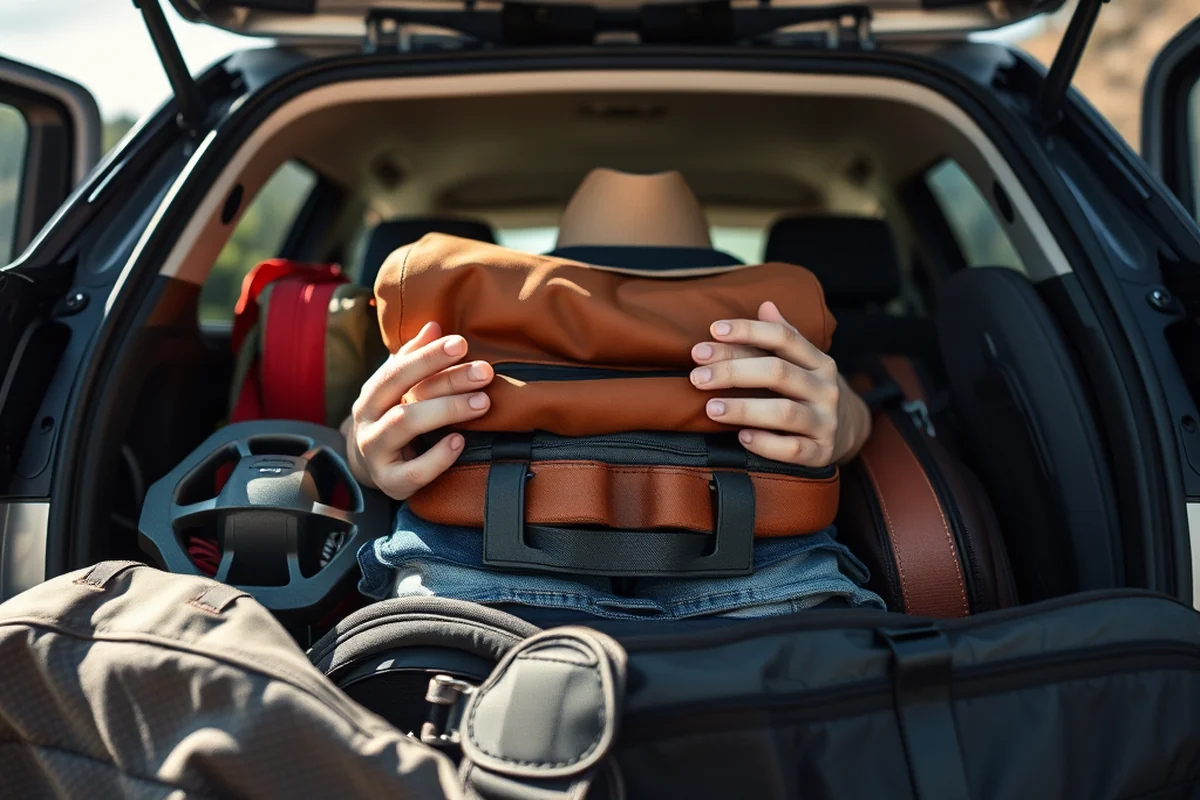
I used to think that more stops meant a better trip. But I quickly learned that it’s not about quantity, it’s about quality. On my last trip to Portugal, I mapped my route with only four stops instead of six, and it made a huge difference. I had more time to enjoy each place, and I didn’t feel rushed.
When I plan my stops, I consider the time of day, the distance between each location, and how much time I’ll need to move from one place to another. I use the 15-minute rule: if the drive between two stops takes more than 15 minutes, I’ll consider adding a rest stop or a shorter detour.[2]
I also prioritize stops that align with my interests. If I’m going on a food tour, I’ll focus on restaurants. If I’m exploring nature, I’ll prioritize parks and trails. Mapping my route allows me to create a travel experience that’s tailored to my preferences.
Choose your stops with intention — and your trip will be more enjoyable.
Related: Get directions from address to address
How to Use Travel Apps Effectively
I’ve tried dozens of travel apps, but my favorites are Google Maps and Roadtrippers. Both have features that help me plan my route with precision. Google Maps, for example, gives real-time traffic updates, while Roadtrippers helps me find hidden gems along the way.
I always use the ‘directions’ feature on Google Maps to see the exact driving time between stops. I also use the ‘points of interest’ filter to find local attractions, restaurants, and hotels. On Roadtrippers, I look for ‘road trip highlights’ to find the best spots for photography and sightseeing.
When I mapped my route for a trip to Japan, I used Google Maps to plan my travel times and Roadtrippers to find off-the-beaten-path temples and gardens. It was a seamless way to explore without feeling overwhelmed.
This feature helps you find hidden gems like local restaurants, parks, and museums that might not be on any typical tourist map.
“I remember the first time I mapped my route across the French countryside.”— Prettyroads editors
Related: Map directions driving directions
The Benefits of Mapping Your Route Ahead of Time
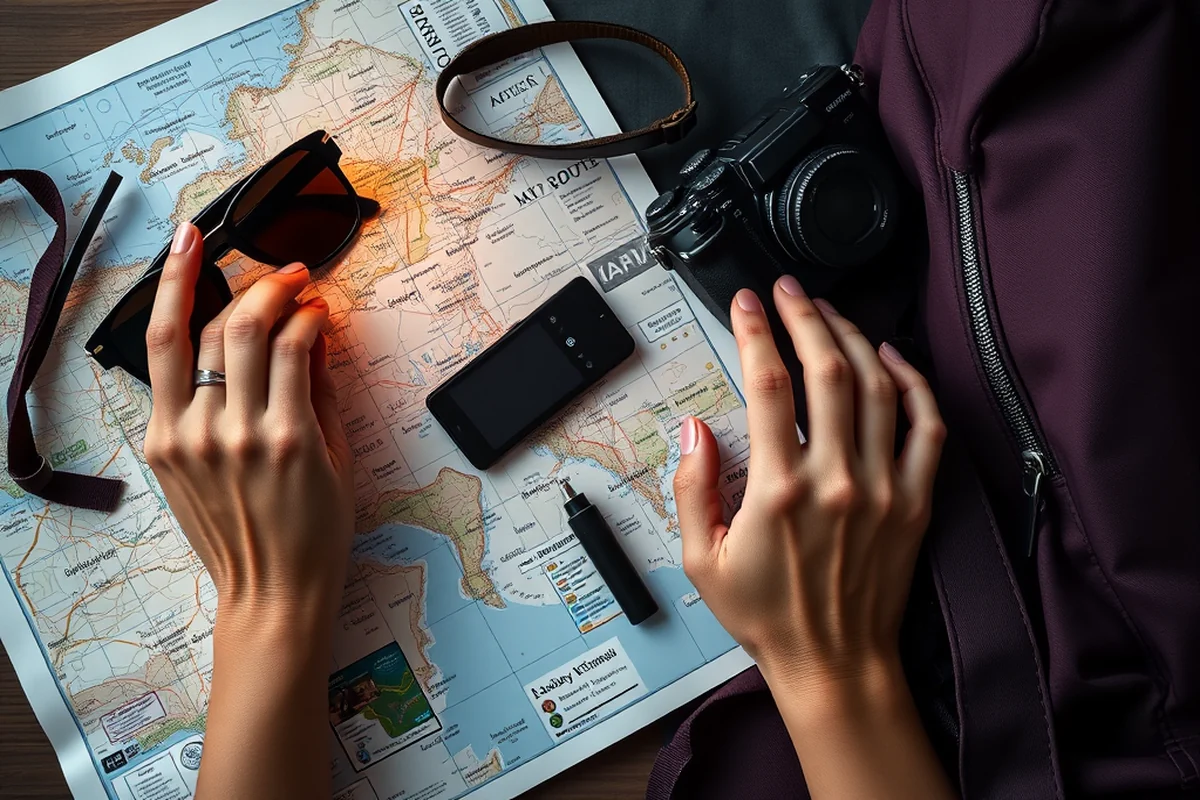
I used to think that last-minute planning would lead to more spontaneous discoveries. But the truth is, it often leads to missed opportunities and wasted time. Mapping your route ahead of time gives you the freedom to explore without the pressure of getting lost.
When I mapped my route for a trip to the Amalfi Coast, I found a small seaside restaurant that was only open during the week. Because I had already planned my route, I was able to visit and enjoy the meal, which would have been impossible if I had been winging it.
Mapping your route also helps you save money. I’ve saved over $200 on transportation costs by avoiding unnecessary detours and choosing the most efficient routes. The more you plan, the more you’ll enjoy your trip — and the more you’ll save.[3]
Related: Mapquest get directions by car
How to Map Your Route for a Long Weekend
I’ve mapped my route for long weekends multiple times, and the key is to focus on the highlights. I usually pick one major city as the base and then plan day trips from there. That way, I minimize the amount of driving and maximize the time I spend exploring.
For a long weekend in Barcelona, I mapped my route to include the city center, a day trip to Montserrat, and a visit to the nearby town of Sitges. It was a perfect balance of city and countryside, and I didn’t feel rushed.
I also use a 24-hour rule: if a stop takes more than 24 hours to reach, I’ll skip it. It’s a simple way to ensure that I don’t waste time on unnecessary detours. Mapping your route for a long weekend is about balance — between exploration and relaxation.[4]
Related: Mapquest route planner driving directions
How to Map Your Route for a Multi-City Trip
I’ve mapped my route for multi-city trips in Europe, and the key is to plan the order of the cities carefully. I usually pick a central city as the base and then plan day trips from there. That way, I minimize the amount of driving and maximize the time I spend exploring.
For a trip across Germany, I mapped my route to include Berlin, Munich, and Frankfurt. I used Google Maps to plan the driving times and Roadtrippers to find local attractions. It was a seamless way to explore without feeling overwhelmed.
I also use the 15-minute rule: if the drive between two cities takes more than 15 minutes, I’ll consider adding a rest stop or a shorter detour. It’s a simple way to ensure that I don’t waste time on unnecessary detours.
Plan your cities carefully — and your trip will feel more organized.
Related: Driving directions between two places free
How to Map Your Route for a Solo Trip
I’ve traveled solo many times, and I always make it a point to map my route carefully. It gives me peace of mind, and it helps me make the most of my time. When I mapped my route for a solo trip to Iceland, I found a hidden waterfall that wasn’t on any typical tourist list. It was a complete surprise, and it ended up being one of the highlights of the trip.
When I map my route for a solo trip, I prioritize safety. I always check the weather, the road conditions, and the local traffic reports. I also use apps like Google Maps to plan my stops and Roadtrippers to find off-the-beaten-path attractions.
Mapping your route for a solo trip is about finding balance between adventure and safety. It’s a simple step that can make a huge difference in your travel experience.
💰 Budget Getaway
Explore the world on a budget with a carefully mapped route that minimizes costs and maximizes experiences.
🚗 Long Weekend Escape
Plan a perfect long weekend with a mapped route that balances relaxation, sightseeing, and local culture.
👨👩👧👦 Family Trip
Create a stress-free family trip with a mapped route that prioritizes time, safety, and fun for all ages.
❄️ Off-Season Adventure
Discover the beauty of off-season travel with a mapped route that takes advantage of lower prices and fewer crowds.
💎 Luxury Journey
Indulge in a luxury travel experience with a mapped route that ensures comfort, convenience, and unforgettable moments.
| The mistake | Why it happens | The fix |
|---|---|---|
| Not checking traffic conditions before traveling | Not checking traffic conditions can lead to unexpected delays and wasted time. It can also increase your travel costs if you end up taking longer routes. | Always check local traffic reports before you leave. Use apps like Google Maps or Waze to avoid congestion and plan your route more efficiently. |
| Picking too many stops on your route | Picking too many stops can lead to a rushed and overwhelming experience. It can also increase your travel time and reduce the quality of your experience. | Focus on quality over quantity. Choose stops that align with your interests and ensure that you have enough time to enjoy each location. |
| Not planning for unexpected delays | Not planning for unexpected delays can lead to missed opportunities and a stressful travel experience. It can also affect your budget if you end up taking longer trips than planned. | Always build in some buffer time for unexpected delays. I recommend adding 1-2 hours to your estimated travel time to account for unexpected delays. |
| Ignoring local recommendations | Ignoring local recommendations can lead to missed opportunities and a less authentic travel experience. It can also mean you’re missing out on the best places to visit in the area. | Always check local reviews and recommendations before planning your route. Use apps like Google Maps to find highly-rated restaurants, attractions, and hotels. |
Map My Route
Common Questions
What tools do you recommend for mapping your route?
How long should I spend mapping my route?
Can I map my route on the go?
Should I map my route for a short trip?
References
- Predicting Secure and Safe Route for Women using Google Maps (academia.edu)
- Walk UCSD: Log, Routes and Maps (blink.ucsd.edu)
- Transportation Routes and Maps - University at Buffalo (buffalo.edu)
- CAT Schedules & Maps | Charlottesville, VA (charlottesville.gov)
Cite this guide
Prettyroads (2026). Map My Route. https://prettyroads.com/map-my-route/
Feel free to cite or share this guide.