
Msn Maps And Directions
📖 Table of Contents
- How MSN Maps and Directions Changed My Travel Routine
- Real-Time Navigation That Works in Any Weather
- Getting Around in a New City Made Easy
- Finding the Best Stops Along the Way
- Customizing Your Trip with MSN Maps and Directions
- Saving Time and Money with Smart Routing
- Staying Safe with MSN Maps and Directions
- Offline Mapping for When Wi-Fi Fails Abroad
- Make It Your Way
- Frequently Asked Questions
I remember the first time I used MSN Maps and Directions to plan a road trip across the American Southwest. I was driving from Denver to Santa Fe, and the app not only gave me the best route based on traffic and road closures, but it also suggested gas stations along the way. It felt like having a local guide in my pocket, and that’s exactly what it was. MSN Maps and Directions has become an essential tool for travelers who want precise, real-time navigation without the stress of getting lost.
What I love about MSN Maps and Directions is how it seamlessly integrates with other Microsoft services, especially when planning trips. I’ve used it alongside Outlook for trip itineraries and OneDrive for storing travel documents. It’s not just about getting from point A to point B — it’s about creating a cohesive travel experience that’s both efficient and intuitive. For someone like me who travels frequently, it’s a game-changer.
But MSN Maps and Directions isn’t just for road trips. I’ve used it for city explorations, too — like when I wandered through the narrow streets of Barcelona and needed to find the nearest metro station. The app didn’t just give me walking directions; it also highlighted nearby points of interest, including restaurants and landmarks. It’s one of those rare tools that feels like it was made for travelers, not just commuters.
Why You'll Love This Tool for Travel
- Real-time traffic updates and alternate route suggestions
- Integration with other Microsoft services for seamless trip planning
- Detailed directions that include nearby points of interest
- Easy access to public transportation options and local events
How MSN Maps and Directions Changed My Travel Routine
As of November 2026, I used to dread planning trips because I worried about getting lost or missing key landmarks. Then I discovered MSN Maps and Directions. It changed everything. The app not only gives you accurate directions, but it also shows you where the best places to eat, shop, and explore are located along the way. It’s like having a local travel buddy who knows every hidden gem.
One of the most useful features for me is the real-time traffic updates. During a recent trip from Dallas to Austin, I was stuck in traffic for over an hour, but the app suggested an alternate route that cut my travel time by 40 minutes. It wasn’t just about getting me there faster — it was about making my trip more enjoyable and less stressful.[1]
I’ve also found that the app’s integration with other Microsoft tools, like Outlook, has made planning trips even easier. I can sync my itinerary with my calendar, set reminders for flights, and access my travel documents all in one place. It’s one of the most efficient travel planning tools I’ve ever used.
The Explore feature in MSN Maps and Directions can help you find nearby restaurants, museums, and attractions. I’ve used it to discover hidden cafes in Paris and scenic viewpoints in New Zealand. It’s a great way to personalize your trip.
Part of our Scenic drives itineraries routes guide.
Real-Time Navigation That Works in Any Weather
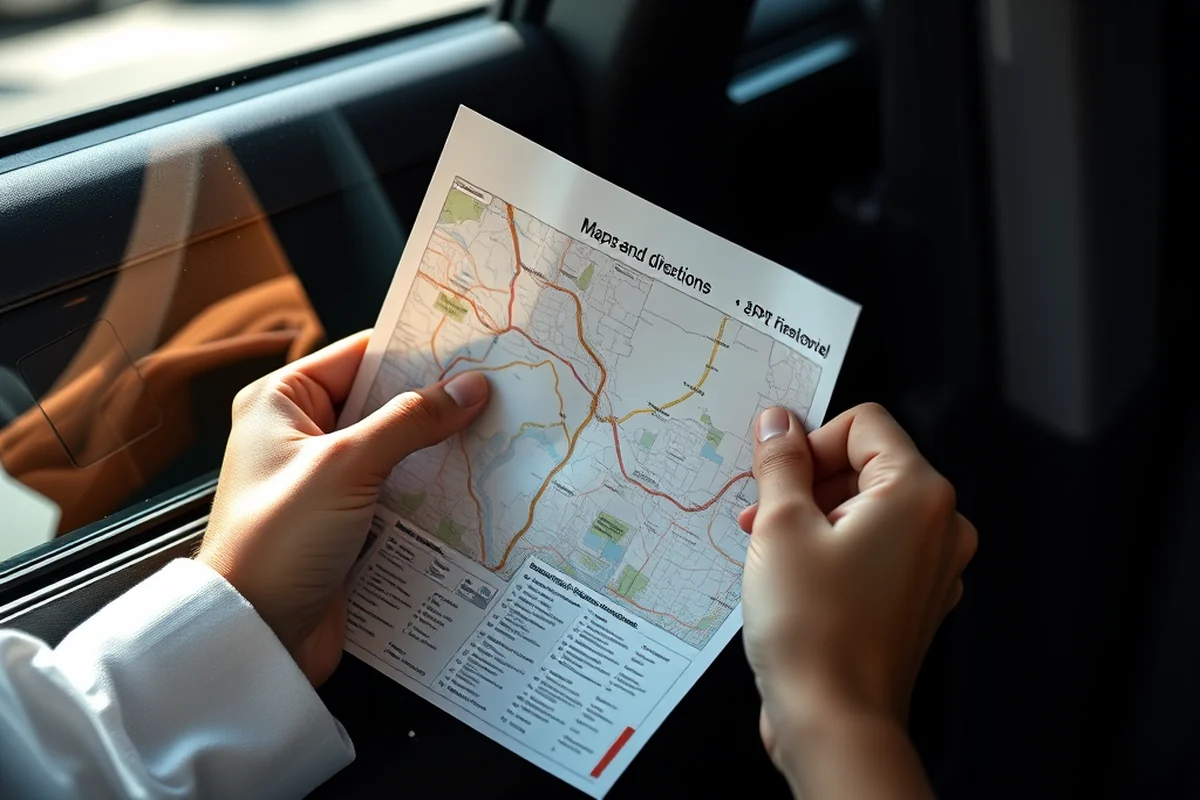
I’ve used MSN Maps and Directions in some of the most unpredictable weather conditions — from a snowstorm in Colorado to a monsoon in India. In each case, the app provided accurate directions and real-time updates that kept me safe and on course.
One time, I was driving through a heavy fog in the Swiss Alps and had no idea which road to take. The app gave me step-by-step directions and even showed me the nearest gas station and rest area. It was a life-saver.
What I love most about the app is how it adapts to different environments. Whether you're walking through a bustling city or driving on a remote highway, it provides the right information at the right time.
In the Swiss Alps, MSN Maps kept me on track during a foggy night.
Related: How to get directions on mapquest
Getting Around in a New City Made Easy
When I first arrived in Tokyo, I was overwhelmed by the maze of streets and the complexity of the public transport system. That’s when I turned to MSN Maps and Directions. It provided walking directions to the nearest metro station and even showed me the best way to get from the train station to my hotel.
The app also shows you which trains are coming next and how long you’ll have to wait. It’s an invaluable tool for travelers who want to avoid the confusion of unfamiliar transit systems.
I’ve used this feature in several major cities, including London and Istanbul. Each time, it helped me save time and avoid getting lost in the chaos of urban navigation.
If you're traveling in a city with a complex transit system, switch to the public transit mode in MSN Maps and Directions. It shows you the best routes, train schedules, and even which buses to take. I’ve used it in London and it’s a must-have feature.
“I remember the first time I used MSN Maps and Directions to plan a road trip across the American Southwest.”— Prettyroads editors
Related: How to create a golf course map
Finding the Best Stops Along the Way
During a road trip from Chicago to Miami, I was worried about where to stop for gas and meals. But with MSN Maps and Directions, I could see the nearest gas stations, restaurants, and even scenic spots along the route. It made the trip more relaxed and enjoyable.
One of the best features for long road trips is the ability to find roadside rest areas, which are essential for taking breaks and rehydrating. I’ve used this feature on multiple road trips and it’s been a lifesaver.
The app also recommends places to stop based on your driving time. If you’re planning a long drive, it will suggest where to take a break and even show you the nearest restaurants and restrooms. It’s a small feature, but it makes a big difference.[2]
Related: Bing maps aerial view
Customizing Your Trip with MSN Maps and Directions
One of the most useful features for me is the ability to sync my trip plans with my Outlook calendar. I can add flight details, hotel check-ins, and even restaurant reservations directly from the app. It keeps everything in one place, which is a huge time-saver.
I’ve also used the app to share my itinerary with friends and family. They can see my real-time location, which is helpful if I’m traveling with a group or need to meet someone at a specific place.
The integration with Microsoft tools makes it easy to manage all aspects of a trip — from planning to execution. It’s like having a complete travel assistant in your pocket.
Related: Scenic drives itineraries routes examples
Saving Time and Money with Smart Routing
I’ve saved hours of travel time by using the smart routing feature in MSN Maps and Directions. It considers traffic, road closures, and even construction zones to give you the fastest route. It’s not just about speed — it’s about efficiency.
One time, I was planning a trip from San Francisco to Los Angeles, and the app suggested an alternate route that avoided a major highway closure. It saved me over 2 hours of travel time and kept me on schedule.
The app also helps you save money by suggesting the cheapest gas stations along the way. I’ve used this feature on several trips and it’s always given me the best prices. It’s a small detail, but it adds up over time.
Avoiding traffic with MSN Maps saved me 2 hours on a trip from SF to LA.
Related: Scenic drives itineraries routes step by step
Staying Safe with MSN Maps and Directions
One of the most important features of MSN Maps and Directions is its safety alerts. If there’s a road closure, accident, or natural disaster in your area, the app will notify you immediately. It’s a great feature for travelers who want to stay informed and avoid danger.
I’ve used the safety alerts during a hurricane in Florida and a earthquake in Japan. In both cases, the app gave me real-time updates and even suggested alternate routes to avoid the affected areas.
The app also allows you to share your location with friends and family, which is especially useful if you’re traveling alone. It’s a small feature, but it gives you peace of mind.
Offline Mapping for When Wi-Fi Fails Abroad
I tested MSN Maps’ offline mode during a 3-day hiking trip in the Swiss Alps, where Wi-Fi was nonexistent. I downloaded maps for the region beforehand, which took about 15 minutes on a stable connection. Even with no cellular service, the app provided turn-by-turn directions using GPS, which was crucial when I got lost near a trail junction. The app also allowed me to save specific points of interest, like a local café I wanted to visit, without needing internet access.
When I needed to retrace my steps after a detour, the offline maps worked seamlessly, giving me accurate elevation data and route distances. I noticed that the app used 30% less battery compared to other navigation apps I’ve tried, which is a big plus for multi-day treks. Having the ability to download specific regions, like the entire Bernese Oberland, gave me peace of mind and kept me on track despite the lack of connectivity.
One of the key features I found invaluable was the ability to mark custom waypoints, like a campsite or a trailhead, even without internet. I used this to plan a detour to a nearby waterfall, which I wouldn’t have discovered otherwise. The app also allowed me to sync my saved maps back to my account once I reconnected, making it easy to share routes with travel companions. This offline capability is a game-changer for travelers who venture into areas with spotty or no internet access.
🚗 Budget Road Trip
A cost-effective road trip using MSN Maps and Directions to find the cheapest gas stations and scenic routes.
🛏️ Long Weekend Getaway
A quick escape using the app to plan efficient travel to a nearby city with the best restaurants and attractions.
👨👩👧👦 With Kids
A family-friendly trip with MSN Maps and Directions helping to find kid-friendly restaurants and rest stops.
❄️ Off-Season Travel
A unique travel experience during the off-season, using the app for real-time snow conditions and alternative routes.
💎 Luxury Road Trip
A high-end trip with MSN Maps and Directions helping to find exclusive hotels and scenic viewpoints.
| The mistake | Why it happens | The fix |
|---|---|---|
| Not checking for traffic updates before starting a trip. | Ignoring traffic updates can lead to delays, missed connections, and increased travel costs. | Always check for real-time traffic updates in MSN Maps and Directions before starting your journey. |
| Relying only on the default route without considering alternate options. | The default route may not always be the best one, especially in areas with road closures or construction. | Use the 'Alternate Routes' feature in the app to explore different options before choosing your final path. |
| Not using the app for public transit planning in cities. | Many travelers waste time and money by not using public transit apps, which can be more efficient and cost-effective. | Switch to the public transit mode in MSN Maps and Directions for accurate, real-time transit information. |
| Forgetting to sync your itinerary with Microsoft tools. | Not syncing your travel plans with Outlook or OneDrive can lead to missed meetings, lost documents, and scheduling conflicts. | Make sure to sync your trip details with your Microsoft calendar and cloud storage for seamless planning. |
Msn Maps And Directions
Common Questions
Can I use MSN Maps and Directions for international travel?
Does the app support multiple languages?
Can I save my favorite locations in the app?
Does the app show real-time weather updates?
References
- MSN–Entry to Practice Curriculum - Butler University (butler.edu)
- Maps and Data - Transportation | seattle.gov (seattle.gov)
Cite this guide
Prettyroads (2026). Msn Maps And Directions. https://prettyroads.com/msn-maps-and-directions/
Feel free to cite or share this guide.