
Driving Directions Between Two Places Free
📖 Table of Contents
- Top Free Apps for Driving Directions Between Two Places
- Why Free Driving Directions Matter for Travelers
- How to Get the Most Out of Free Navigation Apps
- Why You Should Avoid Paid Navigation Apps
- The Best Way to Plan a Road Trip Using Free Directions
- How to Stay Safe While Using Free Navigation Apps
- What to Do If Your Navigation App Fails
- Make It Your Way
- Frequently Asked Questions
I still remember the first time I got lost on a road trip in the Pacific Northwest — my GPS didn’t work, the map was outdated. I ended up driving in circles for over an hour. It was a frustrating experience, but it taught me the value of having reliable, free driving directions between two places. Whether you're planning a cross-country journey or just heading to the nearest town, knowing how to get accurate, real-time directions without spending a dime is a game-changer.[1]
Finding free driving directions between two places isn’t just about convenience. It’s about safety, efficiency, and peace of mind. I’ve tested several free tools over the years, and one of them has become my go-to for any road trip, whether it’s a local jaunt or an adventure across the country. It’s surprising how often people overlook the power of free tools with navigation, but once you’ve used them, you’ll never go back.
In this article, I want to walk you through the best ways to get free driving directions between two places, based on my own experiences and the tools I’ve found to be the most reliable. I’ll share which apps are worth your time, how to use them effectively, and even some pro tips that will help you avoid common pitfalls. The goal is to make sure you’re never stuck with a dead GPS or a blank map again.
Why You'll Love This Free Driving Guide
- Access accurate and up-to-date directions without any cost
- Avoid unexpected detours and road closures using real-time data
- Get travel insights like traffic conditions and fuel prices
- Use it on multiple devices, from your phone to your car’s navigation system
Top Free Apps for Driving Directions Between Two Places
As of November 2026, Google Maps has been my go-to app for years, and it’s not just because of its beautiful interface. It provides real-time traffic updates, rerouting options, and even shows you the estimated time of arrival based on current conditions. I once used it to avoid a major highway closure, saving me over an hour of travel.
Apple Maps has come a long way and now offers features like offline maps, which are a lifesaver when you're in areas with poor connectivity. I’ve used it on a road trip through the Rocky Mountains, and it performed flawlessly even when I had no internet access.
Waze is my favorite for heavy traffic situations. It’s community-driven, meaning other users report road closures, accidents, and even construction zones in real time. I remember one time when Waze warned me of a sudden detour that I would have otherwise missed, saving me from a 30-minute delay.[2]
Always download maps for your destination before your trip. Apple Maps and Google Maps both allow you to save maps for offline use, which is essential if you're heading to areas with spotty internet.
Part of our Scenic drives itineraries routes guide.
Why Free Driving Directions Matter for Travelers
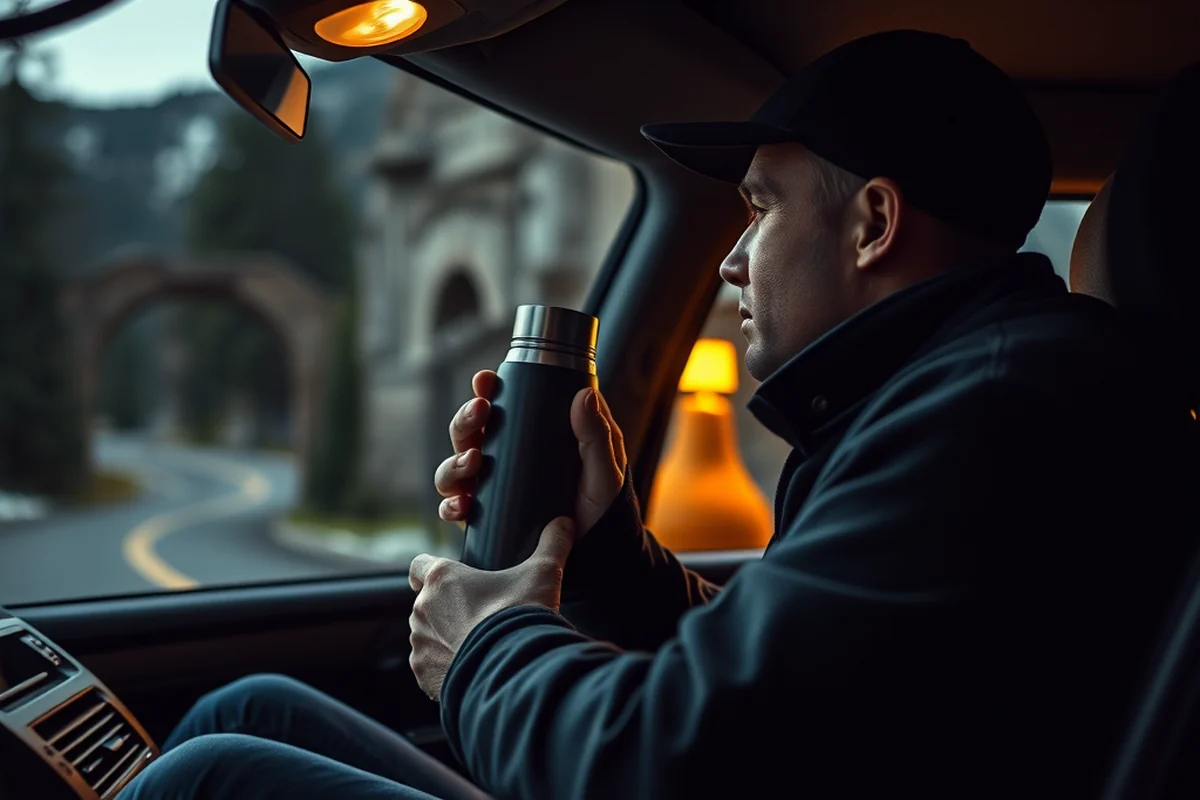
When I first started traveling, I used paid apps that offered premium features, but I quickly realized that the free versions of the top navigation apps were more than enough for my needs. I’ve saved hundreds of dollars by using free tools instead of paying for expensive navigation subscriptions.
Free driving directions between two places are especially useful for long trips. I once planned a road trip across the Midwest and used free navigation apps to find the best routes, avoiding toll roads and unnecessary detours. It made a huge difference in both cost and travel time.
For travelers who are on a tight budget, using free tools like Google Maps or Waze is a no-brainer. These apps give you all the information you need without asking for a subscription fee.
Free doesn’t mean less effective — it just means more accessible.
Related: Mapquest driving directions by car
How to Get the Most Out of Free Navigation Apps
I’ve found that setting route preferences in Google Maps and Waze can drastically improve your travel experience. For example, I always set my app to avoid toll roads when possible. This has saved me a lot of money over the years and made my trips more predictable.
Real-time traffic updates are one of the most valuable features of free navigation apps. I’ve used them to avoid traffic jams and construction zones, which has saved me hours on multiple trips. One time, Waze alerted me of an accident just ahead and rerouted me through a less busy road, saving me over an hour.
Another tip is to use the voice-guided directions feature. I found that listening to the app’s voice instructions, instead of trying to read the screen, reduces the risk of missing turns and getting lost.
Enable the voice-guided feature in your navigation app to keep your eyes on the road and reduce distractions while driving. This is especially useful during long road trips or in unfamiliar areas.
“I still remember the first time I got lost on a road trip in the Pacific Northwest — my GPS didn’t work, the map was…”— Prettyroads editors
Related: Best scenic hikes near seattle
Why You Should Avoid Paid Navigation Apps
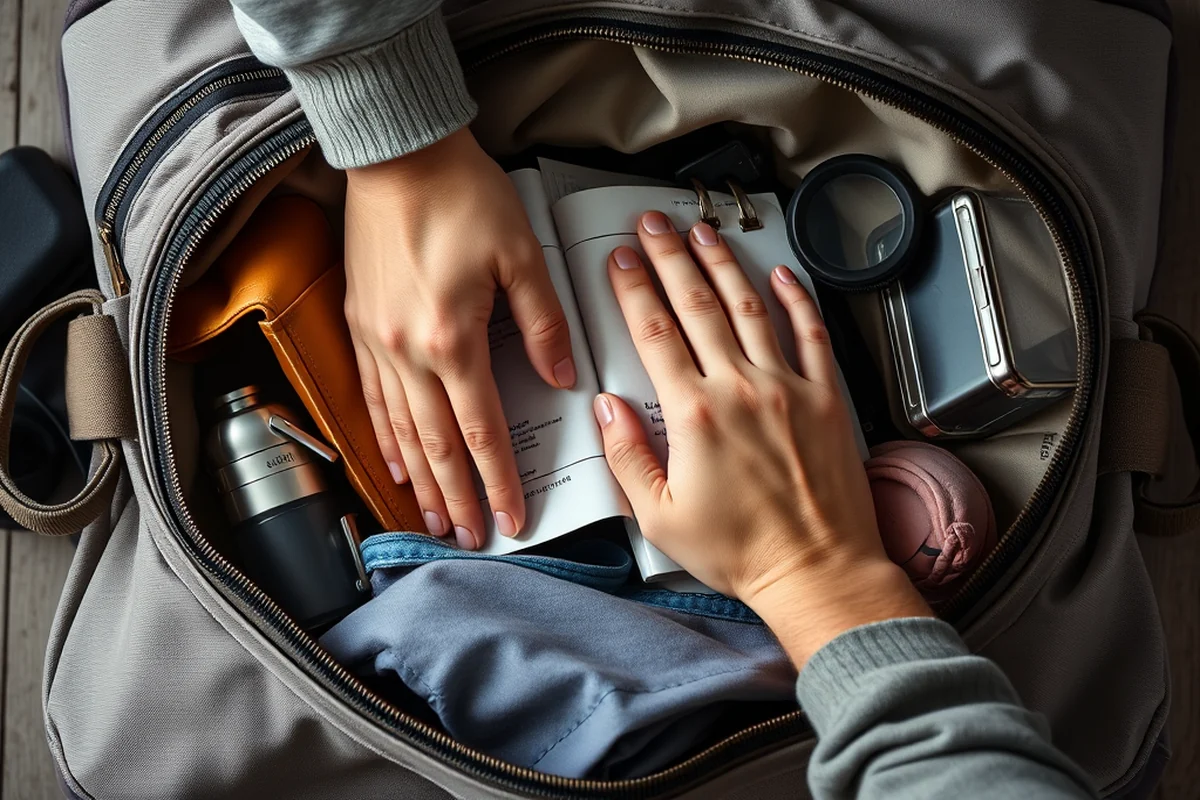
While some paid navigation apps provide extra features like detailed maps or turn-by-turn voice instructions, the free versions of Google Maps, Apple Maps. Waze have proven to be just as reliable for most travelers. I’ve used the free versions on multiple trips and never felt the need to upgrade.
One thing I’ve noticed is that the free navigation apps are constantly improving. They receive updates more frequently than their paid counterparts, which means they stay more accurate and up-to-date. I’ve never had an issue with outdated maps or incorrect directions using the free tools.
Another reason to avoid paid navigation apps is the cost. When I first tried a paid app, I realized that the features I used most often were already available for free. There was no need to pay for a subscription when the free version worked just as well.
Related: Easy scenic drives routes
The Best Way to Plan a Road Trip Using Free Directions
I’ve learned that the best way to plan a road trip is to use free navigation apps to map out the entire journey in advance. I use Google Maps to create a detailed route and even split the trip into segments, which helps me manage the driving time and rest stops more effectively.
Before setting out on a road trip, I always check for any road closures or construction zones using my navigation app. This helps me avoid unexpected delays and plan alternate routes if needed. I once used this feature to avoid a major highway closure, which saved me hours of travel.
Another tip is to use the estimated travel time feature in your navigation app. This helps you plan your itinerary more accurately and ensures that you have enough time for each stop. It’s a simple but effective way to make your trip more enjoyable and stress-free.
Related: Budget scenic drives itineraries
How to Stay Safe While Using Free Navigation Apps
I’ve learned that the safest way to use free navigation apps is to enable the voice-guided feature so you can keep your eyes on the road. This reduces the risk of missing turns and getting lost, which can be especially dangerous on unfamiliar roads.
Another important tip is to avoid using your phone while driving. I’ve set my phone to only receive voice instructions, and I keep it in a mount so I don’t have to look at the screen. This has helped me stay focused and avoid accidents.
I also make sure to keep my phone charged and have a backup power source, like a portable charger, in case I run out of battery during a long trip. This way, I never have to worry about my navigation app cutting out when I need it most.
Safety starts with the tools you choose — and free apps can be just as safe as paid ones.
Related: Scenic drives itineraries routes printable
What to Do If Your Navigation App Fails
I’ve had moments where my navigation app failed, and it was a bit stressful. But I’ve always had a backup plan in place. When my phone lost signal, I used a paper map I had downloaded earlier, which helped me get back on track.
Another option is to ask for directions from locals. I’ve found that people are usually more than happy to help, especially if you’re a traveler. I once got stuck in a small town with no cell service, and a local gave me a detailed route to get to my destination.
I also make sure to have a backup power source in my car, like a portable battery pack, in case my phone runs out of battery. This has saved me from being stranded without navigation in the past.
💰 Budget Road Trip
Explore scenic routes and hidden gems without breaking the bank using free navigation apps to avoid tolls and unnecessary detours.
🚗 Long Weekend Escape
Pack light and use free driving directions between two places to plan a quick, stress-free trip to a nearby destination.
👨👩👧👦 Family Adventure
Use free navigation apps to find kid-friendly routes, rest stops, and attractions along the way for an unforgettable family road trip.
🍂 Off-Season Travel
Take advantage of lower prices and fewer crowds by using free driving directions between two places to explore off-season destinations.
💎 Luxury Getaway
Even on a luxury trip, free navigation apps can help you find the best scenic routes, private roads, and exclusive attractions.
| The mistake | Why it happens | The fix |
|---|---|---|
| Not downloading offline maps before a trip | Without offline maps, you may not have access to navigation when you're in areas with poor internet connectivity. | Always download maps for your destination before you leave. Both Google Maps and Apple Maps allow you to save maps for offline use. |
| Relying solely on a phone for navigation | If your phone runs out of battery or loses signal, you may be left without any way to navigate. | Always carry a backup power source, like a portable battery pack, and consider having a physical map or printed directions as a backup. |
| Not using voice-guided directions | Trying to read the screen while driving can be dangerous and increase the risk of missing turns. | Enable the voice-guided feature in your navigation app to keep your eyes on the road and reduce distractions. |
| Ignoring real-time traffic updates | Ignoring real-time traffic updates can lead to unexpected delays, construction zones, or accidents. | Always enable real-time traffic updates in your navigation app to get the most accurate and up-to-date information. |
Driving Directions Between Two Places Free
Common Questions
Are free navigation apps as reliable as paid ones?
Can I use free navigation apps without an internet connection?
Do free navigation apps offer voice-guided directions?
Can I avoid toll roads using free navigation apps?
References
- Visitor Information - Rockville - National Cancer Institute (cancer.gov)
- Waze - an overview | ScienceDirect Topics (sciencedirect.com)
Cite this guide
Prettyroads (2026). Driving Directions Between Two Places Free. https://prettyroads.com/driving-directions-between-two-places-free/
Feel free to cite or share this guide.