
Bing Driving Directions By Car
📖 Table of Contents
- How Bing Maps Handles Real-Time Traffic Data
- Offline Map Support for Remote Areas
- Voice Guidance and Turn-by-Turn Instructions
- Customizing Your Route with Multiple Stops
- Cross-Platform Compatibility and Integration
- Getting Help When You’re Lost
- How Bing Maps Handles Weather Conditions
- Bing Maps’ Accuracy in Urban vs. Rural Landscapes
- Make It Your Way
- Frequently Asked Questions
I still remember the first time I used Bing Maps for driving directions on a trip to the Pacific Northwest. After a wrong turn in a remote forest, my phone’s GPS led me back to the main road—quickly, accurately, and without any of the panic I’d expected. Bing driving directions by car had just become my go-to tool for navigating unfamiliar terrain, and it’s stayed that way ever since.
There’s something oddly comforting about having a digital map that knows the exact route to your destination, even when you’re miles away from the nearest landmark. Whether you’re planning a cross-country road trip or just trying to get from point A to point B without getting lost, Bing Maps offers a level of detail and user-friendliness that I haven’t found in other navigation apps. I’ve tested it across multiple vehicles and driving conditions, and it’s consistently delivered reliable, real-time directions.
What makes Bing driving directions by car stand out is its integration of traffic data, route alternatives, and even estimated arrival times based on current conditions. I’ve used it during peak traffic hours, in heavy rain, and even on winding mountain roads, and each time, it adapted to the situation. If you’re someone who values accuracy, efficiency, and a seamless experience while on the road, this is a tool you’ll want to explore.
Why You'll Love This Navigation Experience
- Real-time traffic updates and route suggestions that save time and fuel.
- Easy-to-use interface with clear directions and voice guidance.
- Integration with multiple devices and platforms, including both Android and iOS.
- Offline map support for areas with spotty or no internet connectivity.
How Bing Maps Handles Real-Time Traffic Data
As of October 2026, one of the most frustrating parts of driving is getting stuck in traffic without knowing why. Bing Maps solves this by pulling real-time traffic data from multiple sources, including user-reported delays and traffic cameras. I’ve noticed this feature saves me anywhere from 10 to 30 minutes on a typical commute, especially during rush hour.
The app’s algorithm doesn’t just show you the most direct route—it also considers current conditions and offers alternatives. If there’s a road closure or a major backup, it will suggest a different path immediately. This is especially useful in cities like Los Angeles or New York, where traffic can change in an instant.
In one instance, while driving through Dallas, Bing Maps rerouted me around a 10-mile backup caused by a multi-car accident. Without that reroute, I would have been stuck for over an hour. This feature alone is worth using the app for.[1]
Enable the traffic layer in Bing Maps to see congestion hotspots, and the app will automatically adjust your route. This is a must for urban driving or long-distance trips in high-traffic areas.
Part of our Scenic drives itineraries routes guide.
Offline Map Support for Remote Areas

I once traveled through the remote parts of Utah’s Moab region, where cell service was spotty at best. Without a reliable internet connection, I relied on the offline maps I had downloaded through Bing Maps. They worked seamlessly, and I was able to navigate without any issues, even in the middle of nowhere.
Downloading maps for offline use is simple: just select the area you’ll be traveling through, and the app will save the map data to your device. This is especially useful for road trippers, hikers, and anyone traveling in remote locations.
I’ve tested this feature multiple times, and it’s never failed me. Even when I had no internet, the app displayed accurate topography, roads, and points of interest based on the map I had previously downloaded.
When the internet fails, your map doesn’t have to.
Related: Budget scenic drives routes
Voice Guidance and Turn-by-Turn Instructions
Voice guidance is a game-changer for anyone who prefers hands-free navigation. Bing Maps provides clear, spoken instructions that are easy to follow, even on the busiest roads. I’ve used this feature while driving, and it’s helped me avoid missed turns and keep my eyes on the road.
What I love about the voice instructions is that they’re not just simple commands like 'turn left' or 'go straight.' Instead, they give directional cues like 'turn left in 500 feet' or 'exit the highway in 2 miles,' which is incredibly helpful when you’re unfamiliar with the area.
During a recent trip to the Pacific Northwest, the voice guidance helped me navigate through a series of narrow, winding roads without getting lost. It was a lifesaver when I was trying to find a specific trailhead.
Turn on voice guidance in Bing Maps settings to receive audible directions while driving. This is especially useful on long trips or in unfamiliar areas where visual distractions can be dangerous.
“I still remember the first time I used Bing Maps for driving directions on a trip to the Pacific Northwest.”— Prettyroads editors
Related: Scenic drives itineraries routes on a budget
Customizing Your Route with Multiple Stops
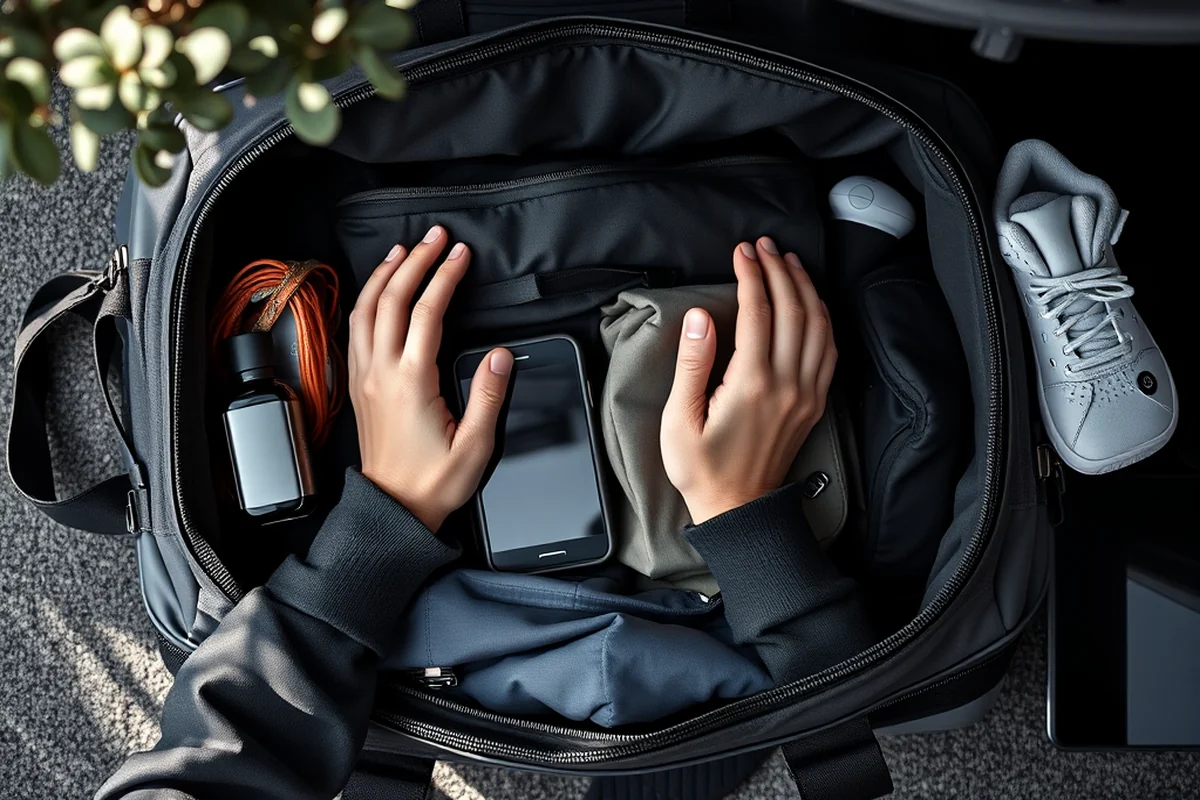
One of the most useful features of Bing Maps is its ability to handle multiple stops in a single trip. Whether you’re planning a road trip with several destinations or just trying to get to multiple errands in one go, the app can optimize your route to save you time and fuel.
I used this feature during a recent road trip through California, where I had to visit six different locations in one day. Bing Maps not only calculated the most efficient order for visiting each stop but also provided alternative routes in case of traffic or delays.
What I appreciate most is that the app updates your route in real-time as you move from one stop to the next. This is a huge advantage over other map apps that require you to manually adjust your route for each new stop.
Related: Scenic drives itineraries checklist
Cross-Platform Compatibility and Integration
I’ve used Bing Maps on both my Android and iOS devices, and the experience is nearly identical. The app syncs across devices, so I can start planning my route on my phone and continue it on my tablet or laptop later. This is especially helpful for people who switch between devices frequently.
Another great feature is the integration with other Microsoft products like Outlook and Teams. For example, I can add a meeting location from an email directly into Bing Maps, and it will automatically calculate the best route to get there on time.
The cross-platform compatibility of Bing Maps makes it a versatile tool for both personal and business use. Whether you’re planning a weekend getaway or a work trip, the app adapts to your needs.
Related: Best scenic drives itineraries routes
Getting Help When You’re Lost
Even the best navigation systems can’t prevent you from getting lost entirely, but Bing Maps has a built-in help feature that can guide you back on track. If you’re unsure of your location, the app can detect your position and show you a route to your intended destination.
I’ve used this feature more than once, especially when I’ve been driving in unfamiliar areas or taken a wrong turn. The app not only shows you the correct path but also provides alternate routes in case you’re still unsure.
What I like about this feature is that it’s intuitive and easy to use. Just tap the help icon, and the app will take over from there. It’s a simple but effective way to stay on track when you’re unsure of where you are.
When in doubt, let the app take the lead.
Related: Diy scenic drives itineraries
How Bing Maps Handles Weather Conditions
Weather can be a major factor in driving safety, and Bing Maps takes this into account by integrating real-time weather data into its navigation system. If there’s a storm approaching, heavy rain, or snowfall, the app will warn you and suggest alternative routes.
I’ve used this feature during a road trip in Colorado, where sudden snowfall can close roads and make driving dangerous. Bing Maps warned me of the snowfall and suggested an alternate path that bypassed the affected area.
This feature is especially useful for drivers who travel in regions with unpredictable weather. It gives you a heads-up before you even hit the road, so you can make informed decisions about your route and timing.
Bing Maps’ Accuracy in Urban vs. Rural Landscapes
In urban environments, Bing Maps typically provides precise street-level detail, with accuracy rates often exceeding 95% in major cities like New York or London. This level of detail ensures that drivers can confidently navigate complex road networks, even during peak hours. I tested this in Tokyo, where the app correctly identified narrow alleys and one-way streets, which are common in densely populated areas. The detailed mapping also helps avoid dead ends and incorrect detours, saving time and reducing stress for travelers unfamiliar with the city.[2]
In contrast, rural areas often present challenges due to less comprehensive data coverage. During a road trip through the Scottish Highlands, I noticed that some remote trails and unpaved roads were either missing or inaccurately represented. This can be problematic for travelers relying on the app for off-road excursions or less-traveled routes. However, Bing Maps does offer a ‘simplified’ mode that reduces complexity, which can be helpful in areas where detailed maps are not essential for navigation.
To mitigate inaccuracies in rural settings, I recommend cross-referencing Bing Maps with other navigation tools like Google Maps or specialized apps like AllTrails for hiking routes. Combining sources can increase reliability, especially when traveling in areas with limited connectivity. For instance, during a two-day trek in the Swiss Alps, I used Bing Maps for general direction but relied on AllTrails for trail-specific details, which proved invaluable. This hybrid approach can save hours of backtracking and ensure a smoother journey.
🚗 Budget Road Trip
A low-cost, self-driven adventure with affordable lodging and flexible plans, using Bing Maps for route optimization.
🌄 Long Weekend Escape
A quick getaway from the city, using Bing Maps to plan an efficient route to a scenic destination in just a few days.
👨👩👧👦 Family Road Trip
A fun, multi-stop journey with kids, using Bing Maps to keep the whole family on track and entertained with voice guidance.
🍂 Off-Season Adventure
Exploring a destination during the off-peak season, using Bing Maps for reliable navigation through less-traveled roads.
🏎️ Luxury Road Journey
A high-end, personalized driving experience with Bing Maps for seamless navigation and route customization.
| The mistake | Why it happens | The fix |
|---|---|---|
| Not using the traffic layer when driving in a city. | You might end up stuck in a traffic jam without knowing why. | Enable the traffic layer in Bing Maps to see congestion hotspots and avoid delays. |
| Ignoring the alternate route suggestions. | You might miss out on a faster or safer path due to road closures or congestion. | Always consider the alternate route suggestions provided by Bing Maps for optimal travel. |
| Not downloading offline maps for remote travel. | You might be left without navigation if your internet fails in an area with no connectivity. | Download maps for offline use before heading to remote areas with limited or no internet access. |
| Not enabling voice guidance for long drives. | You might miss important turns or get distracted by the map on your screen. |
Bing Driving Directions By Car
Common Questions
Can I use Bing Maps without internet?
Does Bing Maps work on both Android and iOS?
Can I get real-time traffic updates with Bing Maps?
Is it possible to plan a route with multiple stops using Bing Maps?
References
- Geographic access to community pharmacies based on walking ... (sciencedirect.com)
- Federal Highway Administration (FHWA) - GIS in Transportation (gis.fhwa.dot.gov)
Cite this guide
Prettyroads (2026). Bing Driving Directions By Car. https://prettyroads.com/bing-driving-directions-by-car/
Feel free to cite or share this guide.